Book Cover Design: Principles and Examples
Book cover design has one job: convince the right reader to pick the book up. It works at three sizes at once — a phone-screen thumbnail, a hand-held object, and a shelf spine — and it has to telegraph genre, tone, and title in under a second. Get the hierarchy and typography right and the cover sells; get them wrong and the best manuscript stays unopened.
This guide covers the principles that hold across every genre, with concrete type and layout advice you can apply today. It is part of our broader editorial design guide, the pillar for the whole publication-design cluster.
The Three Jobs a Cover Must Do
Before any visual decision, a cover has to answer three reader questions instantly:
- What kind of book is this? — genre and tone, signaled by color, imagery, and type style.
- What is it called and who wrote it? — title and author, in a clear hierarchy.
- Why should I care? — a hook, whether through a striking image, a quote, or a confident concept.
Everything below serves these three jobs. Decoration that does not answer one of them is noise.
Title Hierarchy and Typography
The title is almost always the most important element, and the most common mistake is making it too timid. On a debut or a concept-driven cover, the title can dominate the entire jacket. The author name takes second rank — unless the author is the selling point, in which case the relationship flips.
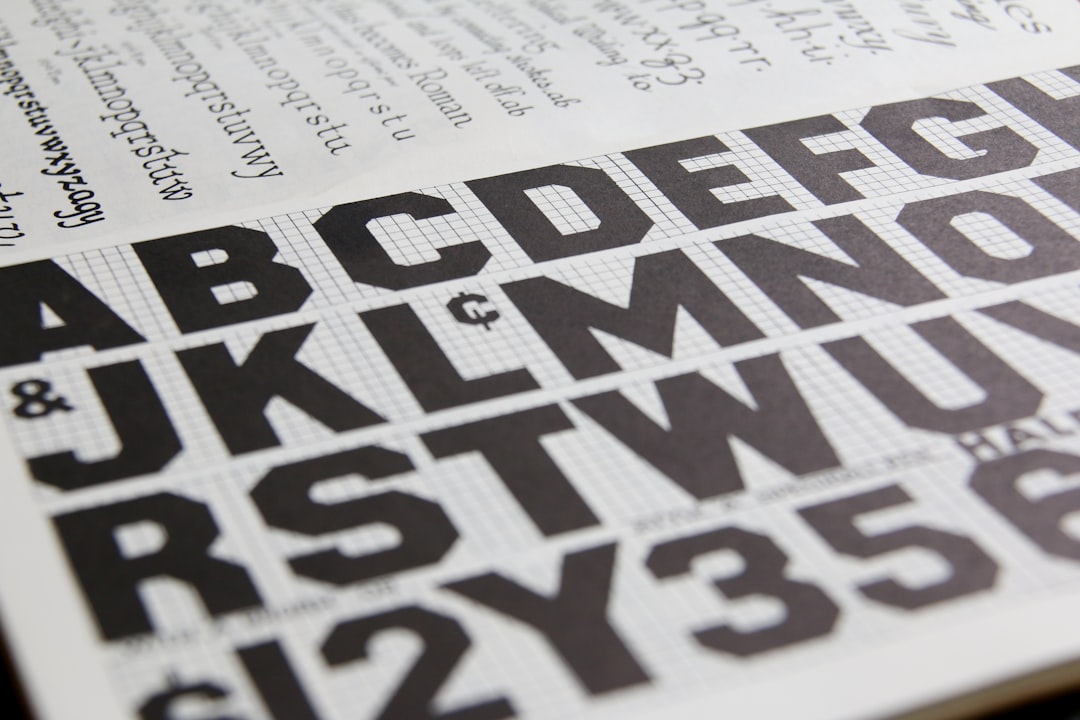
Typeface choice carries enormous genre weight. A few dependable directions:
- Literary fiction — restrained serifs or a clean grotesque; Caslon or a quiet sans like Founders Grotesk read as considered and adult.
- Thrillers — heavy, condensed sans-serifs in high contrast; weight and tension do the work.
- Romance — script or humanist serifs with warmth; often paired with hand-lettered title treatments.
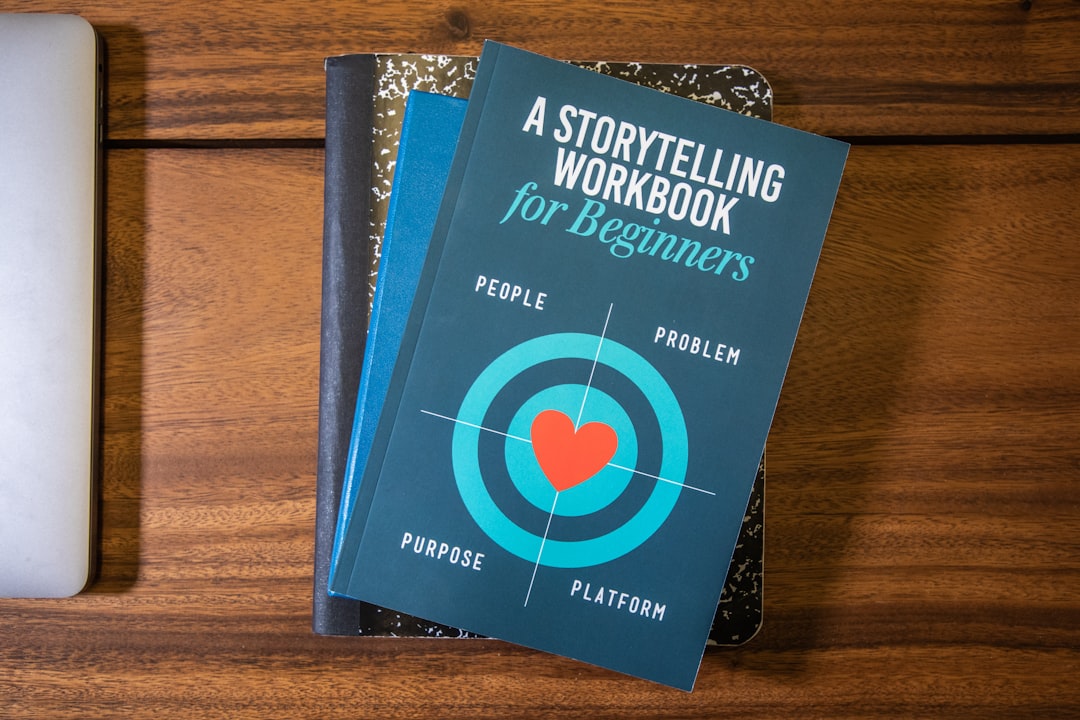
- Non-fiction and business — a strong sans like Gotham or a sturdy slab signals authority and clarity.
Whatever the genre, limit yourself to one or two type families and let scale, weight, and spacing create the variety. For the full reasoning behind serif body and display choices, see our guide to book typography.
The Thumbnail Test
More books are now first seen as a small image in an online store than on a physical shelf. That makes the thumbnail test non-negotiable: scale your cover down to roughly 100 pixels wide and ask whether the title is still legible and the genre still reads. If the title vanishes or the image turns to mud, the design fails where most discovery happens.
The thumbnail favors bold contrast, large title type, and a single clear focal point. Intricate illustration and fine type that look gorgeous at full size frequently collapse at thumbnail scale — design for the small view first, then enrich for print.
Spine and Back Cover
On a shelf, the spine is often all a browser sees. It needs the title, author, and publisher’s logo set legibly within a narrow band, with type that reads from a normal browsing distance. Align the title consistently — most English-language publishers run spine text top-to-bottom — and keep the spine’s color and type consistent with the front so the book reads as one object.
The back cover does the closing argument: a blurb, review quotes, a short synopsis, the barcode, and price. Keep its hierarchy as disciplined as the front — blurb first, supporting quotes second, metadata last.
Genre Conventions: Honor Them, Then Bend Them
Readers shop by visual shorthand. A cozy mystery looks nothing like a hard sci-fi novel, and breaking those codes confuses buyers about what they are getting. Study the current bestsellers in your category and note the shared cues — palette, type weight, imagery, finish.
Then differentiate within the lane. The strongest covers feel unmistakably of their genre yet distinct from the shelf around them. Obey the convention enough to be findable; break it enough to be noticed.
A Step-by-Step Cover Workflow
- Read the brief and the book — capture genre, tone, audience, and any non-negotiable elements.
- Research the shelf — collect 15–20 competing covers and map the conventions.
- Sketch concepts small — thumbnail-sized, focused on hierarchy and silhouette.
- Develop two or three directions — vary the concept, not just the color.
- Test at thumbnail and spine scale before refining detail.
- Finalize with bleed and spine math — confirm spine width against the printer’s page count and paper.
Set up the file in Adobe InDesign or Affinity Publisher with proper bleed (commonly 3mm), and get the exact spine width from your printer before locking the layout. A spine calculated against the wrong page count is the most common print-ready error on covers.
Common Mistakes to Avoid
- A title that is too small — when in doubt, make it bigger.
- Too many fonts — three or more families almost always looks amateur.
- Ignoring the thumbnail — designing only for the full-size view.
- Low-resolution imagery — print needs 300dpi; web upscales betray you instantly.
- Genre mismatch — a literary treatment on a thriller sends the wrong buyer signal.
For more on building cover concepts on a structured page, our breakdown of grid systems in graphic design shows how alignment keeps even a bold cover feeling intentional.
Frequently Asked Questions
What makes a good book cover design?
A good book cover instantly communicates genre and tone, presents a clear title hierarchy, and works at thumbnail, hand, and spine scale. It uses one or two typefaces, a single strong focal point, and color and imagery that match reader expectations for the category while still standing out on the shelf.
What font should I use for a book cover?
Match the font to the genre: restrained serifs or clean grotesques for literary fiction, heavy condensed sans for thrillers, scripts for romance, and authoritative sans like Gotham for non-fiction. Limit yourself to one or two families and create contrast through scale and weight rather than mixing many fonts.
What size should a book cover be?
The cover dimensions match your trim size plus bleed, commonly 3mm on each edge. For a full wraparound, you also need the back cover and a spine width calculated from your page count and paper thickness — always get the exact spine measurement from your printer before finalizing.
Why does the thumbnail matter for book covers?
Most readers first see a cover as a small thumbnail in an online store, often around 100 pixels wide. If the title is illegible or the genre is unclear at that size, the cover fails where most discovery happens. Design for the thumbnail first, then add detail for print.
Should I follow genre conventions on a book cover?
Yes, mostly. Readers shop by visual shorthand, so honoring genre cues for color, type, and imagery makes your book findable by the right audience. The best approach is to obey conventions enough to fit the category, then differentiate within that lane so the cover still stands out.