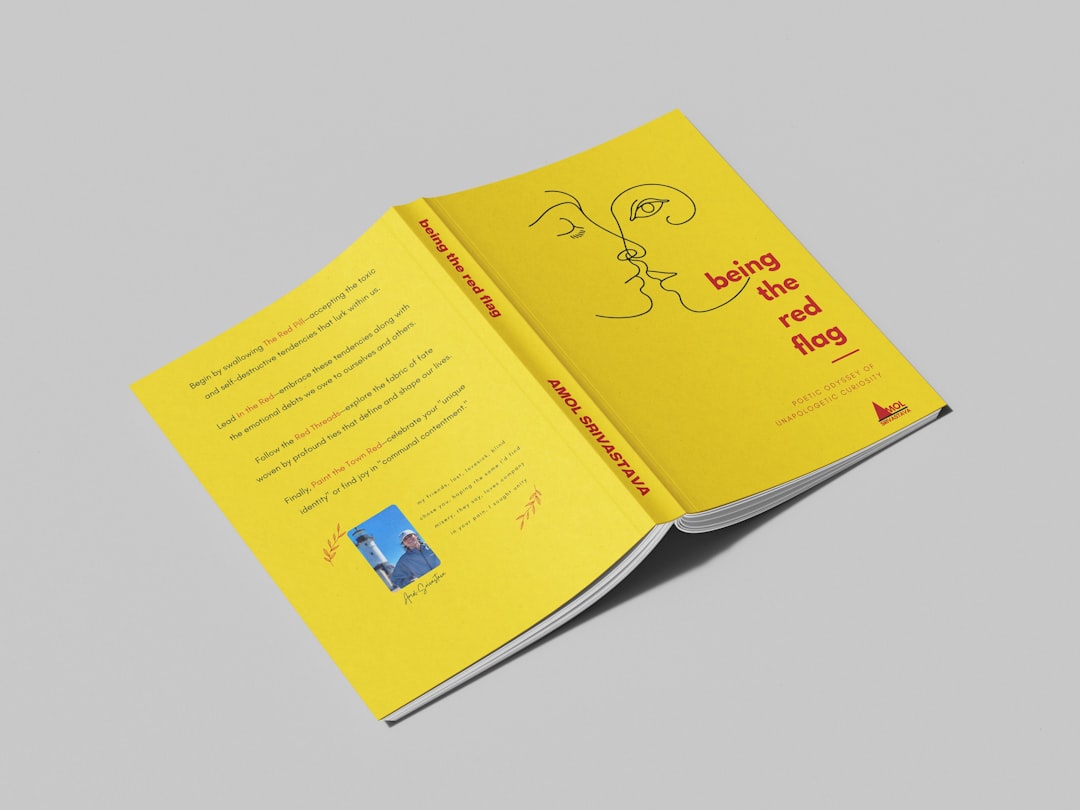
Children’s Book Layout and Typesetting
Good children’s book layout is invisible — the reader never notices it because the words and pictures simply work together. Bad layout is impossible to ignore: text vanishing into the spine, type too small for a five-year-old, or a face cut in half by the binding. This guide covers the layout and typesetting decisions that make a children’s book print clean and read effortlessly.
Layout is the production half of illustration. If you want the full picture of styles and art production first, start with our pillar guide to children’s book illustration, then come back here to assemble the pages.
Set Your Trim Size First
Every layout decision flows from the trim size — the final cut dimensions of the book. Lock it before you place anything, because it defines your page geometry, your margins, and how a spread reads. The popular self-publishing sizes for children’s books are square 8.5 × 8.5 in and 8 × 8 in, portrait 8 × 10 in, and landscape 10 × 8 in.
| Trim size | Shape | Layout strength |
|---|---|---|
| 8.5 × 8.5 in | Square | Most flexible; the default for KDP picture books |
| 8 × 10 in | Portrait | Tall art and stacked text blocks |
| 10 × 8 in | Landscape | Wide spreads and panoramic scenes |
A picture book is conventionally 32 pages, bound in signatures of eight. After front matter, you typically lay out about 28 story pages, which means roughly 12 to 14 spreads to plan.
The Gutter: The Rule You Cannot Break
The gutter is the center channel where two facing pages meet and disappear into the binding. It is the single biggest cause of ruined layouts. The fix is simple but absolute: keep important content out of the gutter.
- Never run a character’s face, eyes, or key action across the gutter.
- Never let a line of text cross the center seam, or words break apart at the spine.
- Add extra inner margin (a wider gutter margin than your outer margin) so text near the spine stays readable when the book is held open.
Treat the gutter as dead space for anything that matters. Backgrounds and skies can cross it; faces and sentences cannot.
Full Bleed and Safe Margins
If your art runs to the edge of the page, you need full bleed — artwork extended past the trim line by about 0.125 in on every outer edge, so the printer’s cut never exposes a white sliver. KDP gives you two choices:
- No-bleed: white margins frame every page. Simpler, slightly cheaper, fine for text-forward early readers.
- Bleed: art reaches all edges for immersive, full-page illustration. Required for most picture books.
Pair bleed with a safe margin — keep all critical text and key art at least a quarter inch inside the trim line, so nothing important sits in the cut tolerance. Set your document up at trim size plus bleed at 300 DPI, in CMYK for print, from the very beginning.
Typesetting: Choosing Kid-Friendly Type
Children decoding their first words need type that is large, open, and unambiguous. The two letterforms that trip up early readers are the single-story a and the double-story g, because they do not match how children are taught to handwrite them. Some typefaces offer “infant” or schoolbook variants with simplified shapes for exactly this reason.
Strong, readable choices for children’s interiors:
- Andika — a free, open-source font from SIL designed specifically for early literacy, with clear single-story letterforms. Genuinely built for new readers.
- Sassoon Primary — a paid typeface created for children’s reading, based on letterforms kids find comfortable; widely used in education.
- Century Gothic / Futura-style geometrics — clean, round, and open; pleasant for short picture-book text, though best at generous sizes.
- Friendly humanist serifs for older early readers, where a serif aids word recognition in longer text.
Avoid tight, condensed, or decorative display fonts for body text — save those for titles only. For the broader principles behind type choices in books, see our book typography guide.
Type Size, Spacing, and Placement
Younger readers need bigger type and more breathing room than adult books. Use these as starting points and adjust for your age band:
- Size: 14–24 pt for picture books and early readers — err larger for the youngest. Chapter books can drop toward 12–14 pt.
- Line spacing: generous leading (around 1.4–1.6× the type size) so lines do not crowd.
- Line length: keep lines short; a few words to one short sentence per line aids decoding.
- Alignment: left-aligned is easiest to read; avoid full justification, which creates uneven word spacing.
- Contrast: dark text on light, calm areas of the illustration — never busy, low-contrast backgrounds.
Place text where the art leaves quiet space, and keep it in a consistent zone across spreads when you can, so the reader’s eye knows where to look.
Tools and Export
Assemble the book in a real layout program rather than a word processor. Adobe InDesign is the professional standard, with master pages, precise margin and bleed control, and clean PDF export. Affinity Publisher is a strong one-time-purchase alternative with the same core capabilities.
Place finished 300 DPI illustrations, typeset the text over them, and export the interior as a print-ready, CMYK PDF with fonts embedded and images flattened. Export the cover as a separate wraparound file. Always order a physical proof before publishing — color and trim look different on paper than on screen.
Related Guides
- Picture book design: spreads and pacing — designing the rhythm across your 32 pages.
- Storybook cover design: tips and ideas — sizing and building the wraparound cover.
Frequently Asked Questions
What font size should a children’s book use?
For picture books and early readers, set body text between 14 and 24 pt, leaning larger for the youngest children, with generous line spacing around 1.4 to 1.6 times the type size. Chapter books for older readers can drop toward 12 to 14 pt as reading fluency improves.
What is the gutter in a children’s book layout?
The gutter is the center channel where two facing pages meet and curve into the binding. Anything placed there gets partly swallowed by the spine, so never run faces, key action, or text across the gutter, and add extra inner margin to keep nearby content readable.
Which fonts are best for early readers?
Choose fonts with clear, single-story letterforms that match how children learn to write. Andika is a free, literacy-focused option from SIL, and Sassoon Primary is a paid typeface built for children’s reading. Avoid condensed or decorative fonts for body text, reserving those for titles.
Should I use full bleed for a children’s book?
Use full bleed when illustrations run to the page edges, which is typical for picture books. Extend art about 0.125 inch past the trim line on outer edges and keep critical content inside a quarter-inch safe margin. Choose no-bleed only for text-forward books with framed white margins.
What software should I use to lay out a children’s book?
Use a dedicated layout program rather than a word processor. Adobe InDesign is the professional standard, with master pages and precise bleed control; Affinity Publisher is a capable one-time-purchase alternative. Both export the print-ready, CMYK, fonts-embedded PDF that KDP and IngramSpark require.


