What Font Does LinkedIn Use?
The honest linkedin font answer: the brand identity uses a custom humanist sans-serif, while the app and website lean on system fonts for body text. The “Linked” wordmark plus the boxed “in” has long read as a Myriad-style humanist sans. Below we separate logo, UI, and licensing, and point you to the best free substitutes. For more brands like this, see our guide to famous brand fonts.
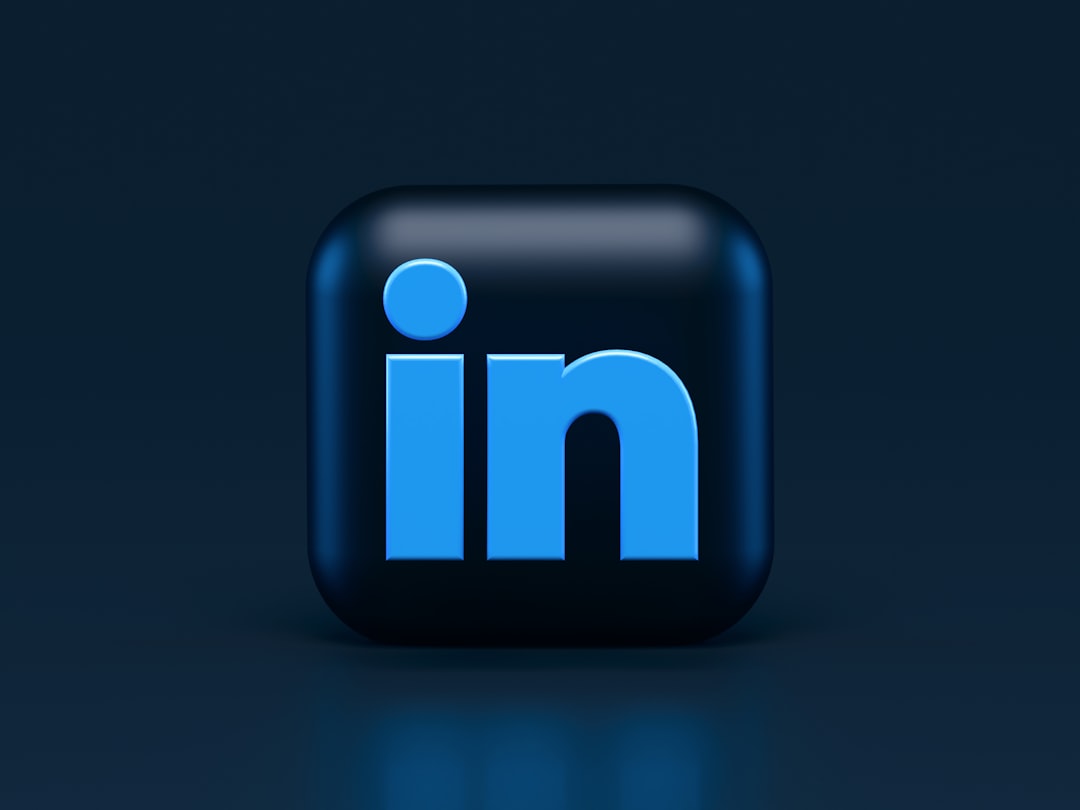
What font is the LinkedIn logo?
The LinkedIn wordmark — “Linked” next to the rounded blue box holding “in” — uses a custom humanist sans-serif that closely resembles Myriad (the Adobe humanist sans), refined for the brand. It’s not published as a downloadable font, and the lettering has been tuned specifically for the logo. As with most flagship brands, treat it as proprietary, trademarked art rather than a typeface you can grab off the shelf.
Is the LinkedIn font really based on Myriad?
Visually, yes — the logo’s humanist proportions, open apertures, and slightly soft terminals read very close to Myriad, the Adobe humanist sans best known as Apple’s former corporate typeface. We hedge here deliberately: LinkedIn has never published its exact brand font as a downloadable file, so the precise wordmark is best described as a custom humanist sans in the Myriad family of forms rather than literal off-the-shelf Myriad. If matching that look is your goal, the freely licensed Source Sans 3 — itself an Adobe humanist sans drawn in a similar spirit — is the closest no-cost stand-in available. Pair it at a comfortable reading size with generous line spacing and you’ll capture the approachable, professional feel the LinkedIn wordmark projects, without touching any protected brand asset.
What font does LinkedIn use for its UI and website?
Inside the product, LinkedIn favors system fonts and clean humanist sans-serifs for performance and cross-platform consistency — San Francisco on iOS, Roboto on Android, and a system stack (Segoe UI, Helvetica/Arial fallbacks) on the web. Across redesigns LinkedIn has used Source Sans-style and Inter-like faces for interface text, prioritizing legibility for dense feeds, profiles, and long job descriptions. The brand layer (marketing, ads, decks) carries the custom identity typeface.
| Use case | Font | Free alternative |
|---|---|---|
| Logo wordmark | Custom humanist sans (Myriad-like) | Source Sans 3, Open Sans |
| Web UI body | System stack (Segoe/Helvetica) | Inter, Source Sans 3 |
| iOS app | San Francisco (system) | Inter |
| Android app | Roboto (system) | Roboto (free), Inter |
Why does LinkedIn lean on humanist sans-serifs?
LinkedIn’s content is unusually text-heavy — profiles, feeds, articles, job descriptions, and long messages. That makes legibility the top priority, and humanist sans-serifs like the Myriad-style brand face, Source Sans, and Inter are purpose-built for exactly this: generous x-heights, open apertures, and unfussy letterforms that stay comfortable across paragraphs. A more decorative or geometric face would tire readers quickly in a feed people scroll for hours. The professional, trustworthy tone of the platform also benefits from neutral, mature type rather than anything trendy or playful.
Like Facebook, LinkedIn defaults to native system fonts inside the product for speed and cross-platform consistency, reserving its custom humanist brand face for the logo and marketing. This split keeps page loads fast while still giving the brand a distinct, ownable identity where it counts — in the wordmark and the boxed “in” mark.
Can I use the LinkedIn font?
No — at least not the brand face. LinkedIn’s logo typeface is custom and trademarked, so it isn’t available to download or license for your own use, and copying the wordmark raises trademark concerns beyond fonts. The system fonts the app uses follow their own licenses (Roboto is open-source; San Francisco is Apple-only). When a brand font is proprietary like this, the correct path is a licensed or open-source substitute — our font licensing guide spells out what you can and can’t reuse.
What are free alternatives to the LinkedIn font?
LinkedIn’s look lives in the humanist/neo-grotesque sans space, so these free faces match it well:
- Inter — a clean, screen-optimized sans that mirrors LinkedIn’s UI tone; the best all-round substitute. See our Inter font guide.
- Source Sans 3 — Adobe’s free humanist sans, close to the Myriad-style brand feel.
- Open Sans — neutral and legible for body and headings. See our Open Sans guide.
Comparing other platforms? See what font Facebook uses and what font Twitter (X) uses.
To build a LinkedIn-style professional look legally, set body and UI text in Inter or Source Sans 3, use Source Sans 3 SemiBold for headings, and reserve a confident humanist sans for any logotype. Stick to a restrained navy-and-gray palette and ample white space — the typographic calm is as much about spacing and color as the font itself.
How has the LinkedIn logo evolved?
LinkedIn’s identity has been notably stable since the company’s 2003 launch. The core elements — the “Linked” wordmark beside a rounded blue box containing a lowercase “in” — have stayed consistent, with refreshes mostly tweaking the blue tone, the corner radius of the box, and the weight of the humanist sans lettering. A 2019 brand refresh modernized the color and spacing without abandoning the recognizable structure. That continuity is itself a strategy: for a professional network built on trust and familiarity, an identity that barely changes signals stability, which is exactly the impression LinkedIn wants to project.
Frequently Asked Questions
What font does LinkedIn use in its logo?
LinkedIn’s logo uses a custom humanist sans-serif that closely resembles Adobe’s Myriad, refined specifically for the wordmark and the boxed “in” mark. It is proprietary brand art and isn’t published as a downloadable font.
Can I download the LinkedIn font for free?
No. LinkedIn’s brand typeface is custom and not distributed publicly, so it can’t be legally downloaded or embedded. For a free, similar look, use Source Sans 3, Inter, or Open Sans.
What font does the LinkedIn app use?
The LinkedIn app uses native system fonts — San Francisco on iOS and Roboto on Android — with clean humanist sans-serifs on the web. This keeps text fast, legible, and consistent with each device’s operating system.
Is the LinkedIn font the same as Myriad?
Not exactly. The logo strongly resembles Myriad, a humanist sans from Adobe, but LinkedIn’s wordmark is a custom, refined version rather than off-the-shelf Myriad. If you want a free near-match, Source Sans 3 is a close, freely licensed humanist sans.