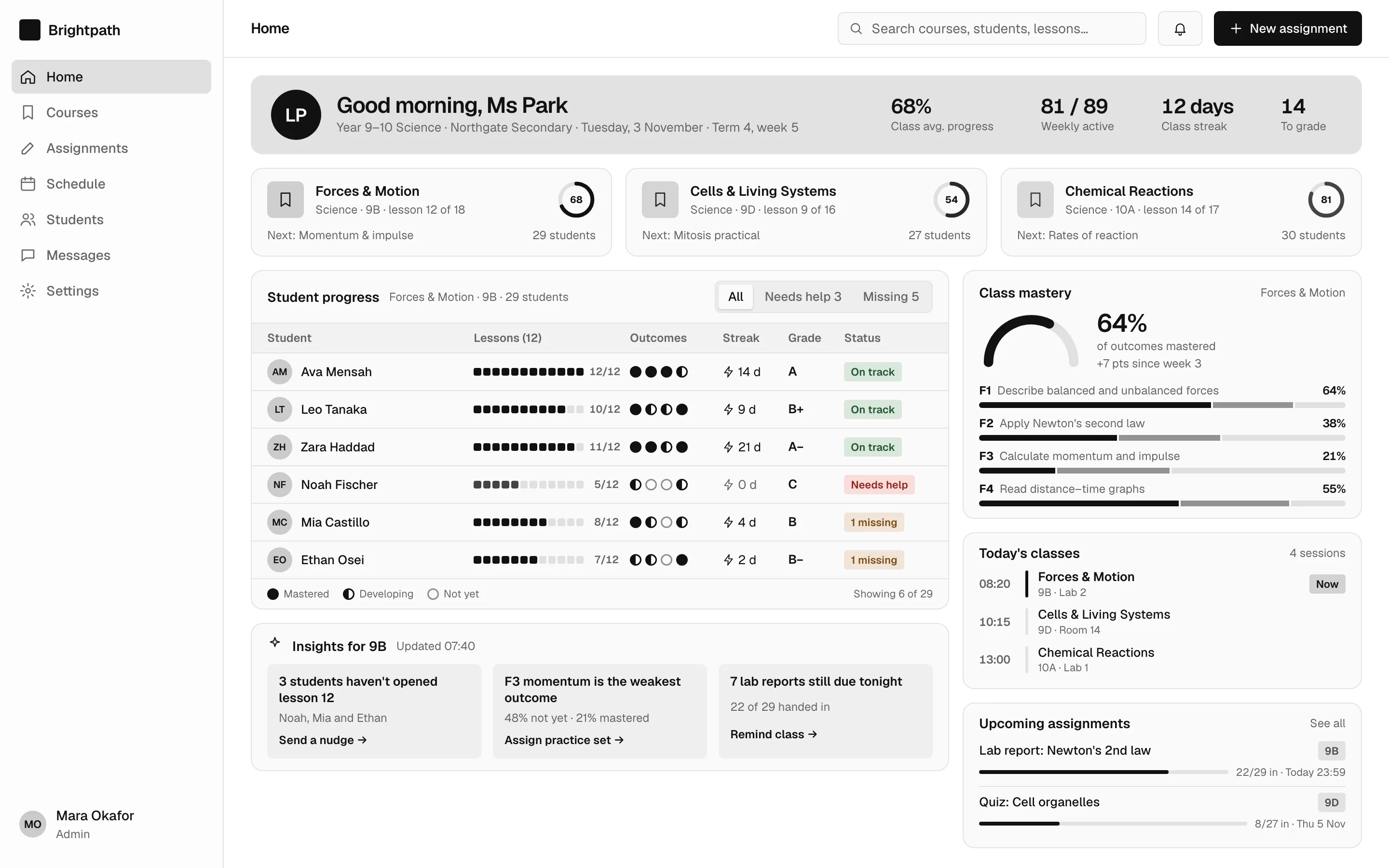
Course dashboard screen — web, monochrome style
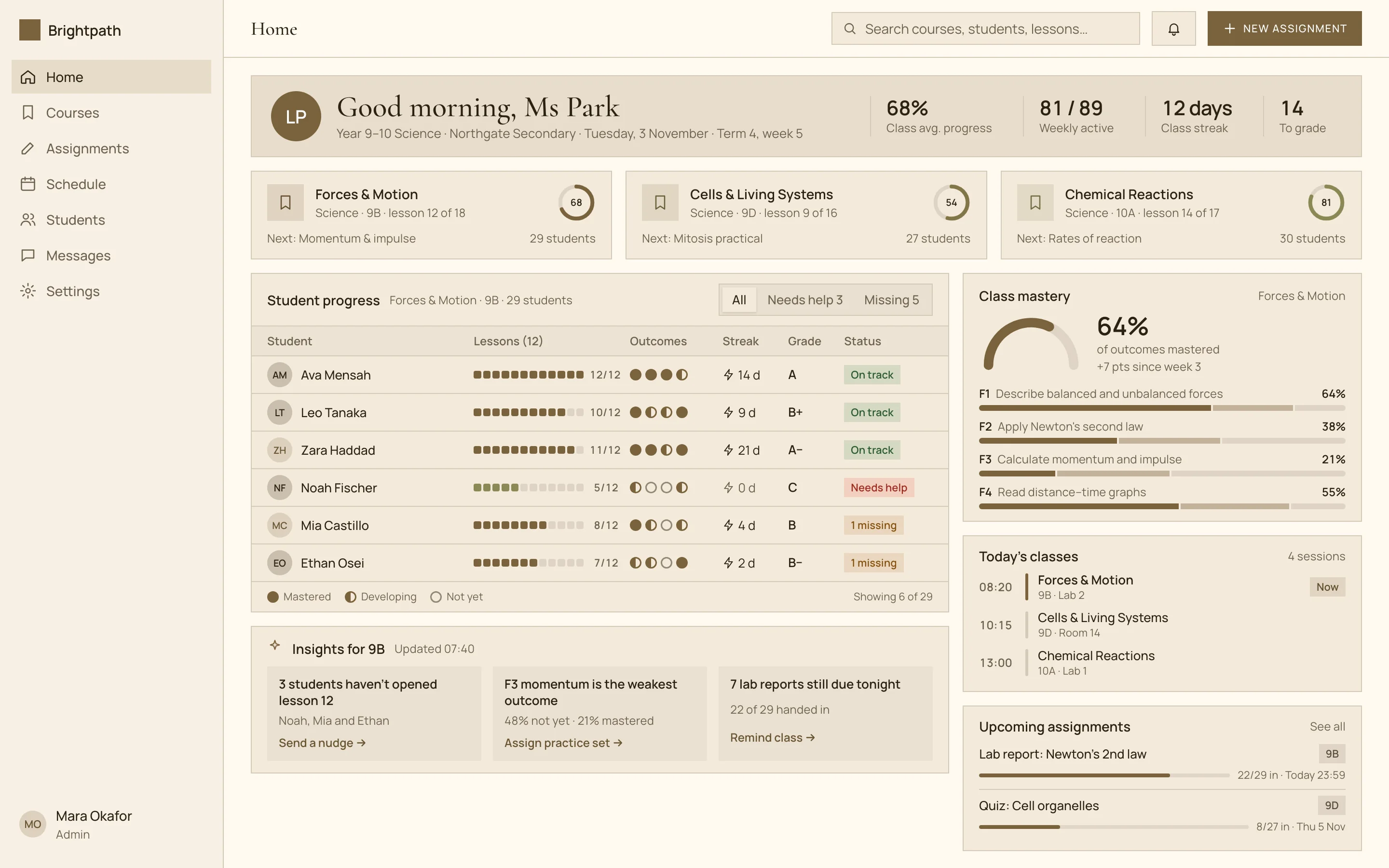
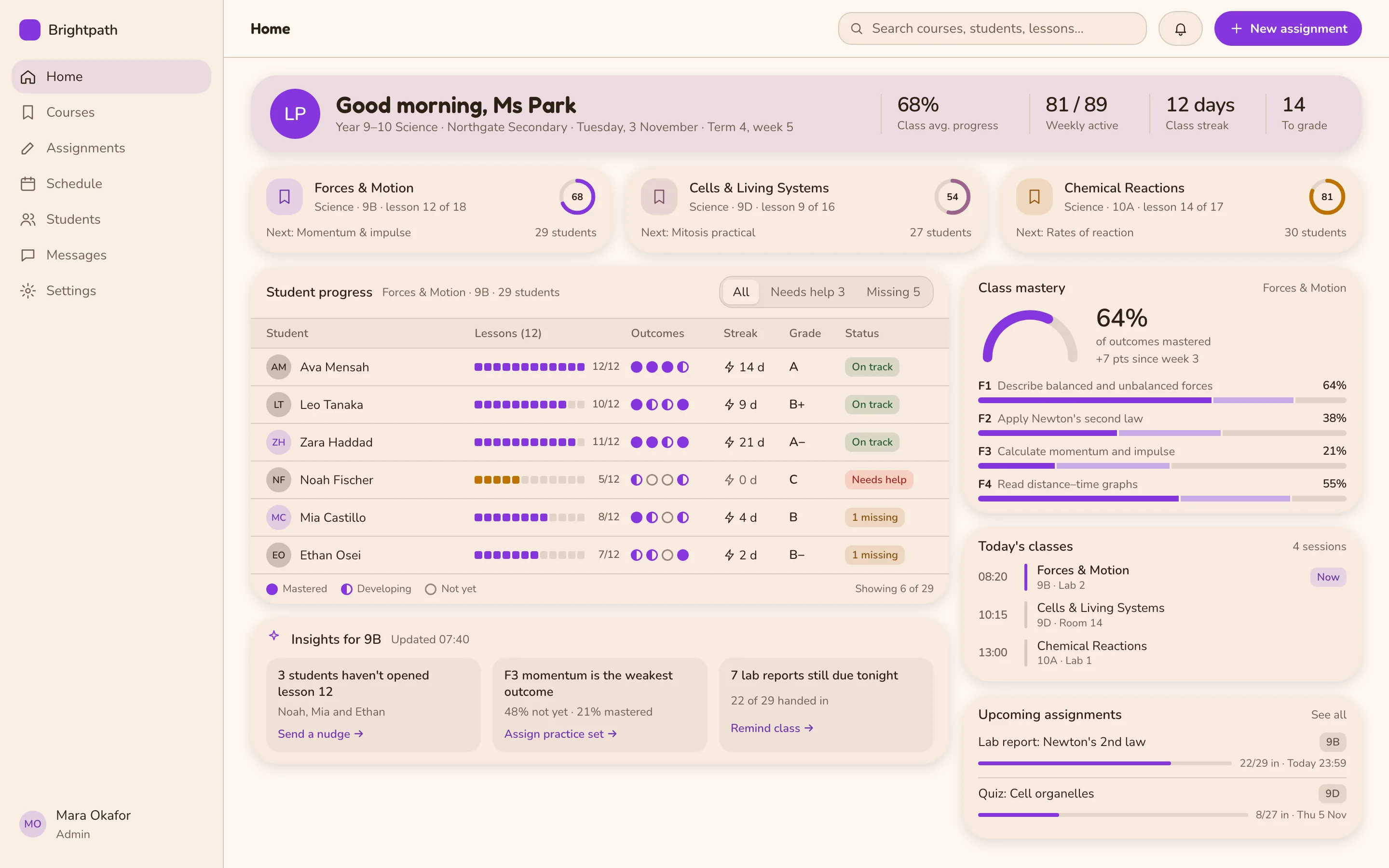
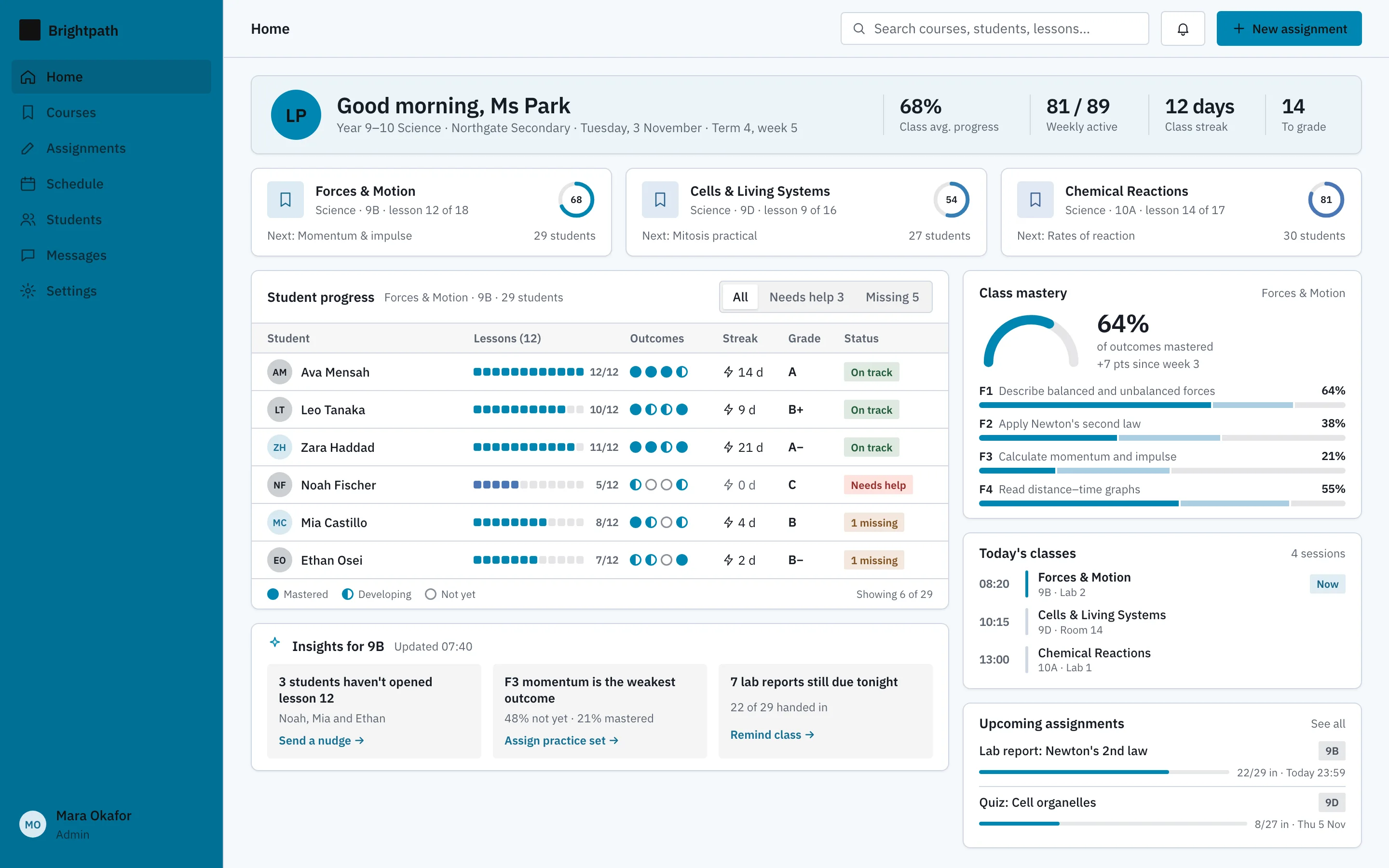
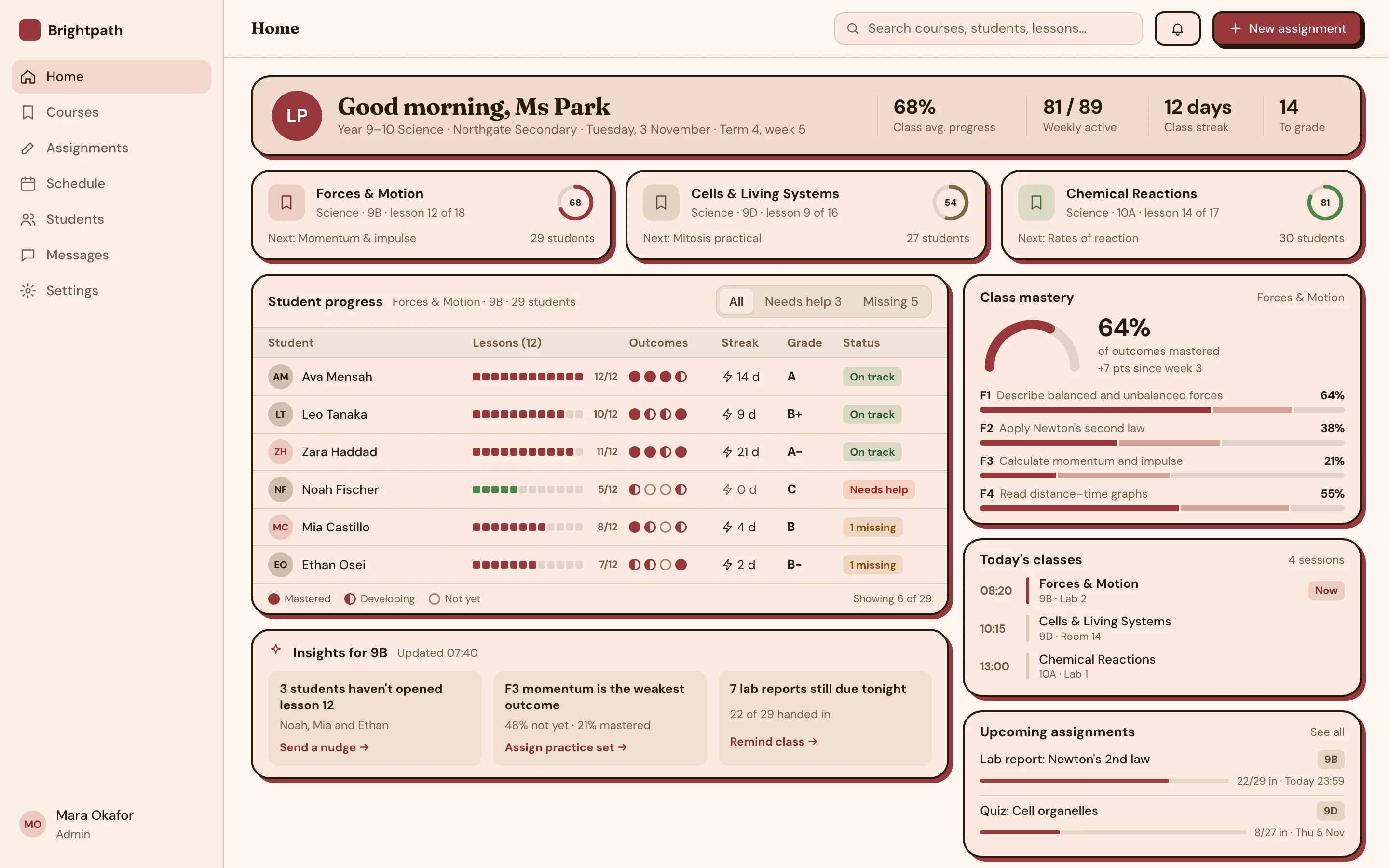
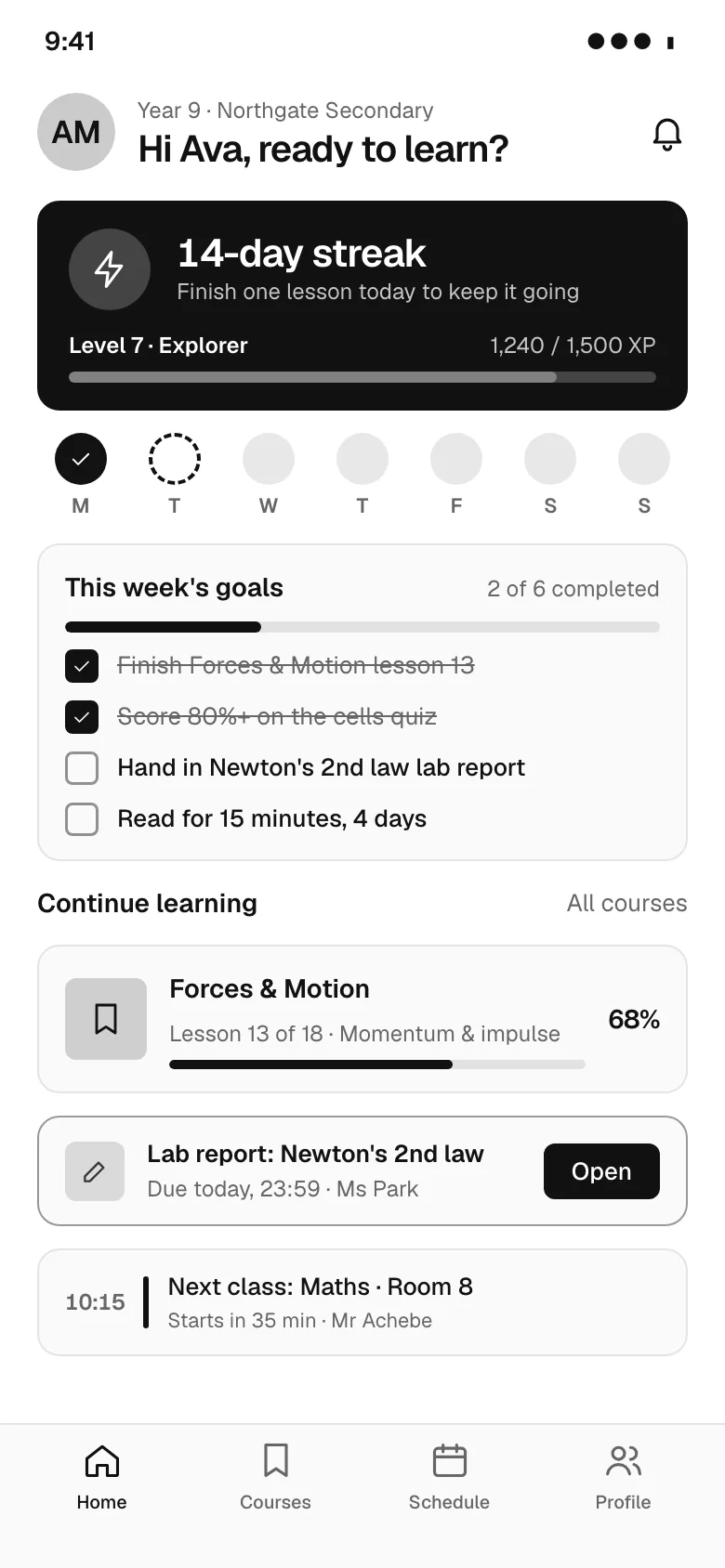
Learning dashboard (LMS) screen for a web app, designed for Brightpath, a fictional education product. Shows a teacher profile header with stats, course progress cards, a student progress table, today's class schedule and upcoming assignments; on mobile a student view with a streak, learning stats and continue-learning cards. Monochrome style: pure greyscale, Geist, black primary actions and flat surfaces. Comes with the full HTML and a DESIGN.md with light and dark colour tokens.
- Pattern
- Course dashboard
- Device
- Web
- Style
- Monochrome
- Product (fictional)
- Brightpath
- Category
- Education
Spec
- Colours (light)
- background
#ffffff· surface#fafafa· text#111111· muted#666666· primary#111111· accent#444444 - Colours (dark)
- background
#0a0a0a· surface#161616· text#f2f2f2· muted#a0a0a0· primary#f2f2f2· accent#c8c8c8 - Fonts
- Geist (headings and body), JetBrains Mono (code) · Google Fonts, under their own licences
- Light and dark
- Both included; follows the system setting
Build this with your AI
Add the Made Good Designs library to your assistant once. Then ask for UI references, brand palettes, font pairings and design tokens in any chat.
https://madegooddesigns.com/inspiration/mcp?ref=ui-learning-dashboardSettings → Connectors → Add custom connector → paste the URL.
Settings → Apps & Connectors → Advanced → Developer mode → Create → paste the URL.
One click, then confirm in Cursor.
One click, then confirm in VS Code (Copilot agent mode).
claude mcp add --transport http made-good-designs https://madegooddesigns.com/inspiration/mcp?ref=ui-learning-dashboard
gemini mcp add --transport http made-good-designs https://madegooddesigns.com/inspiration/mcp?ref=ui-learning-dashboard
Add this to the app's MCP config (Windsurf: mcp_config.json).
Fonts: Geist (Google Fonts)
Prompt copied: paste it into the chat that just opened.
Writing about this screen?
More course dashboard screens
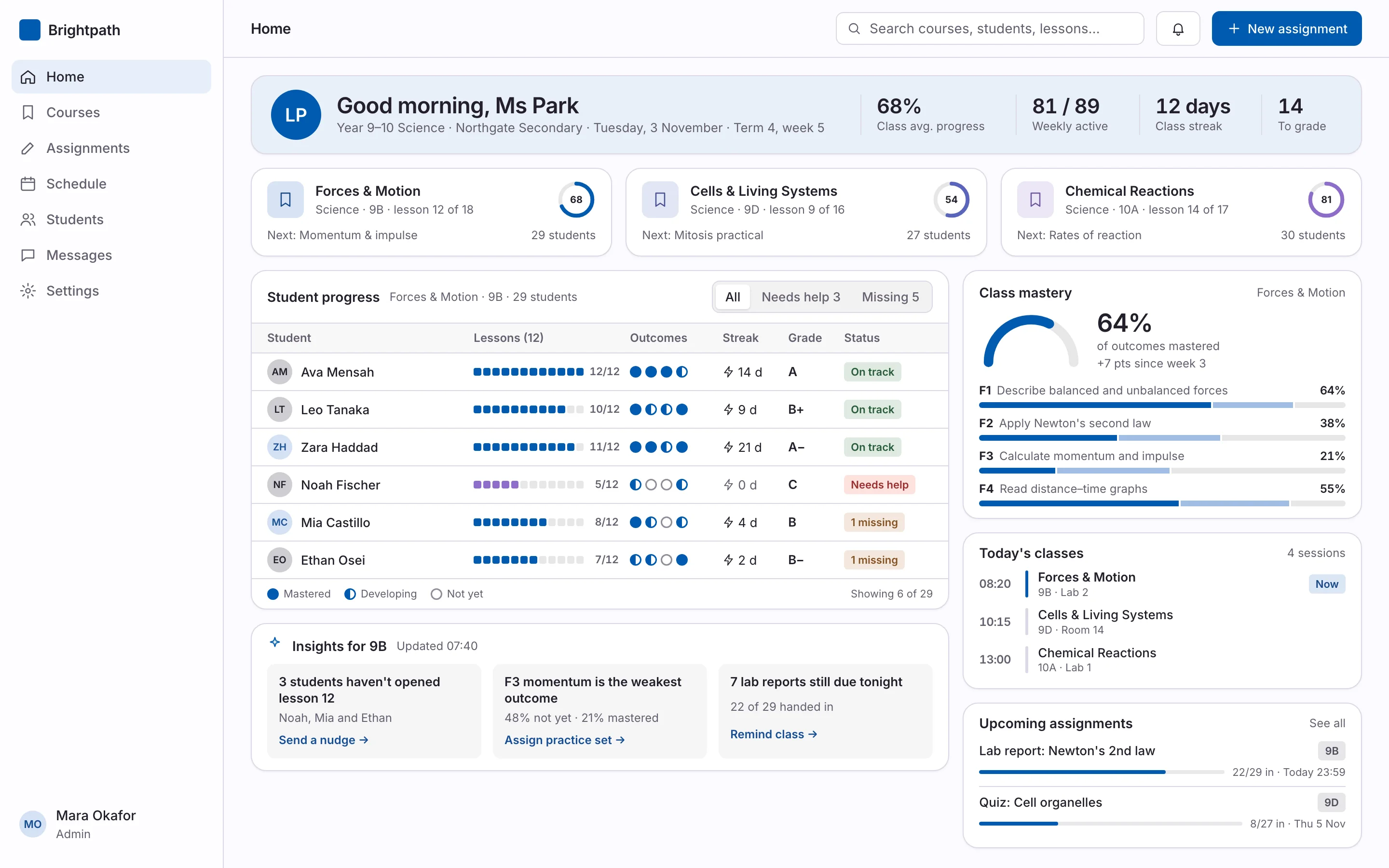
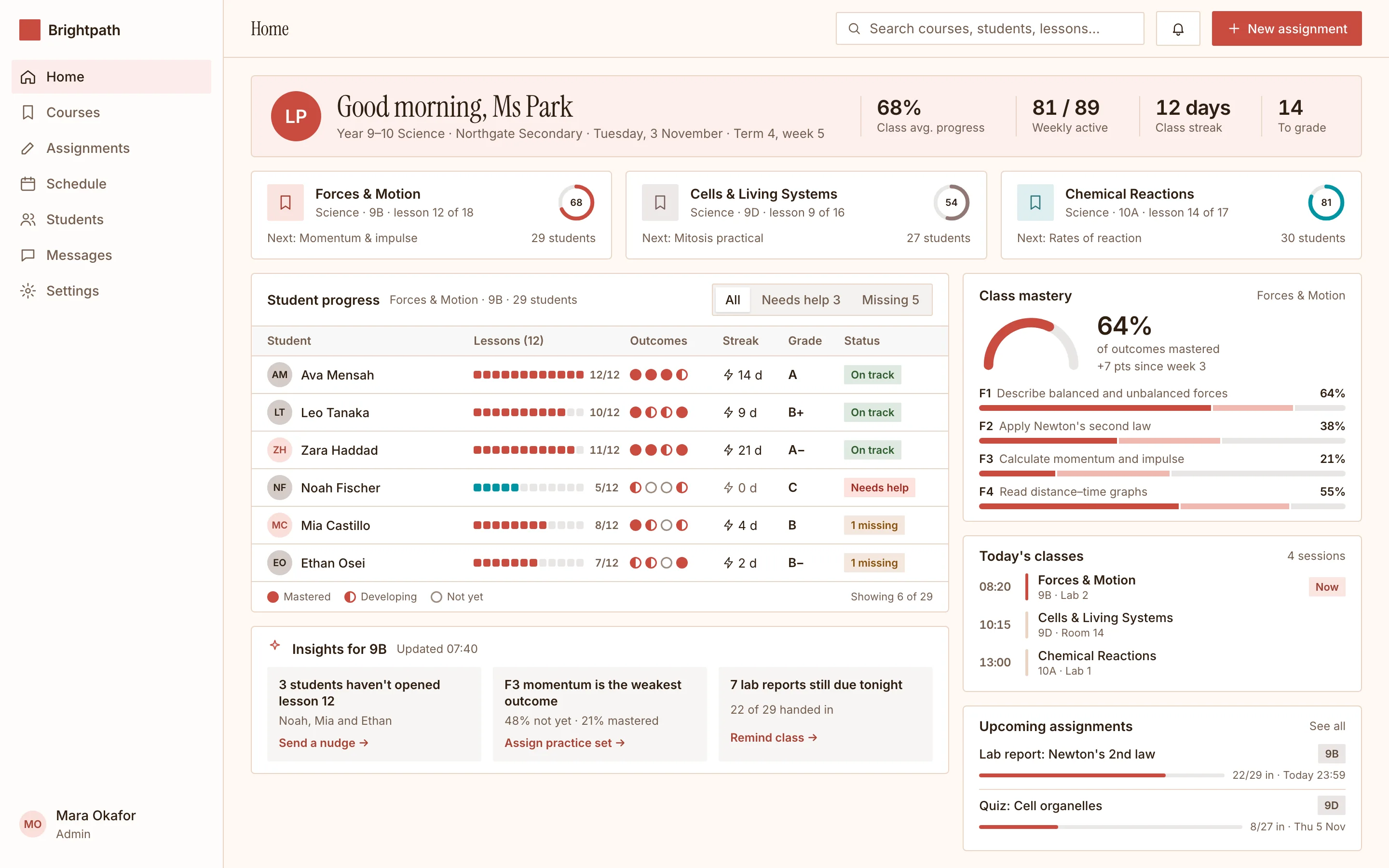
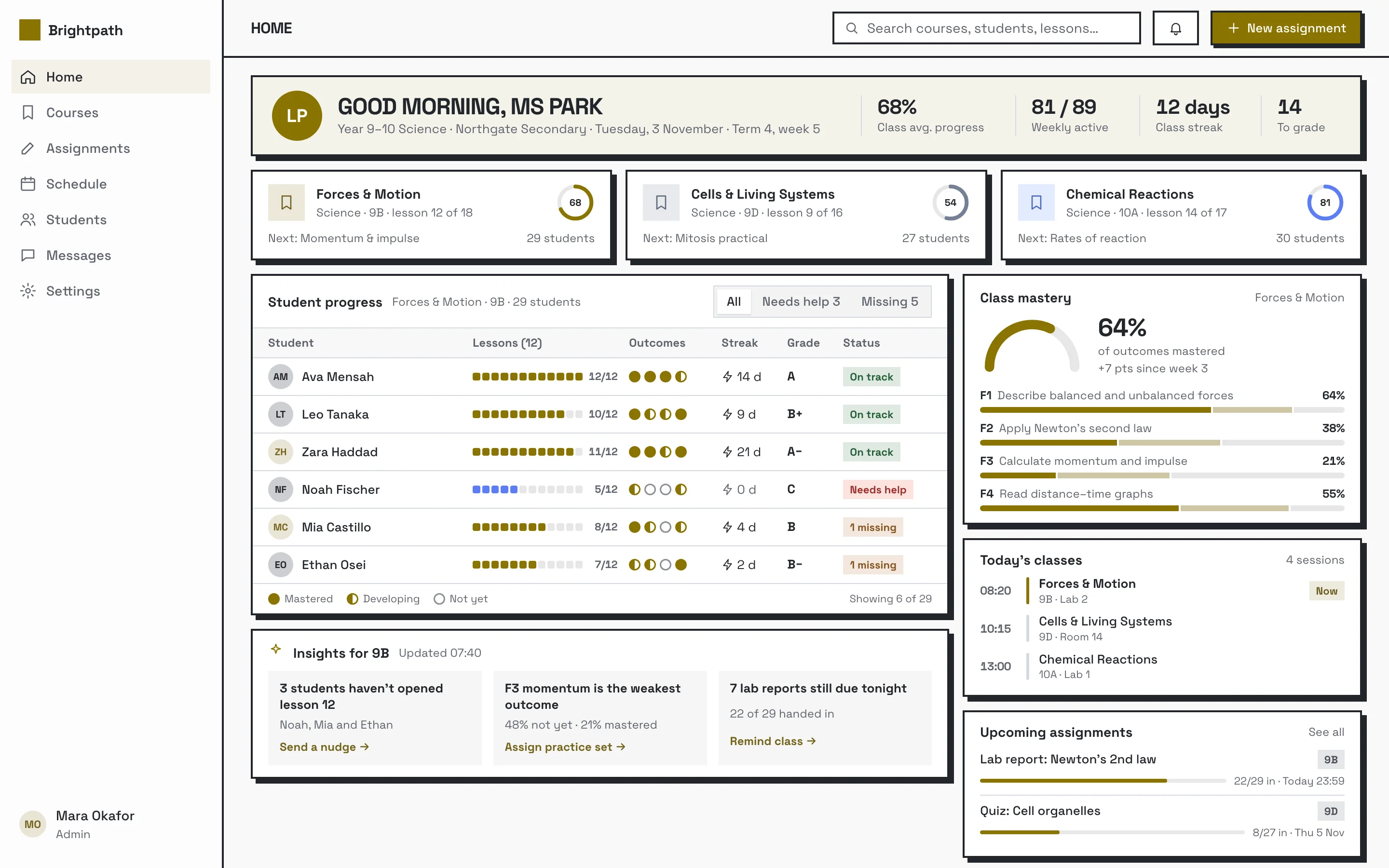
search_ui_screens (e.g. “billing settings, editorial style”), get_ui_flow for a whole journey, and get_ui_screen_code to pull the HTML and DESIGN.md straight into your project.