Live: try it with the mouse and the keyboard (Tab, arrows, Escape).
Screenshot
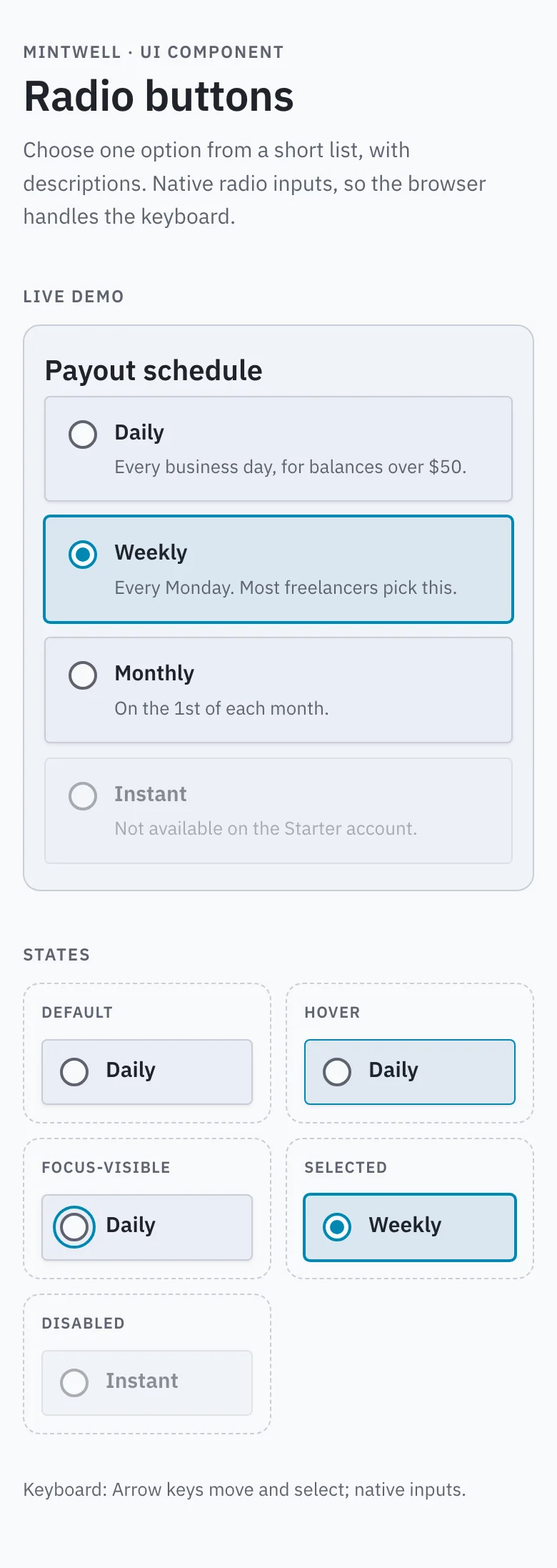
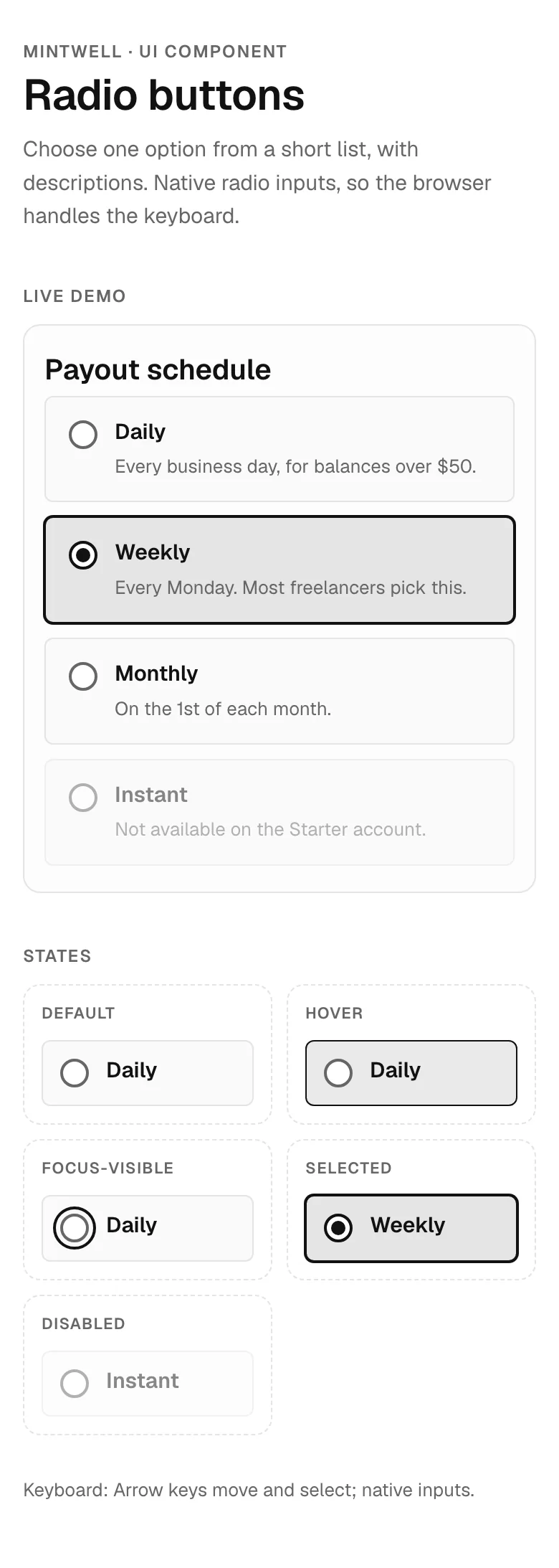
Radio buttons component — mobile, corporate style
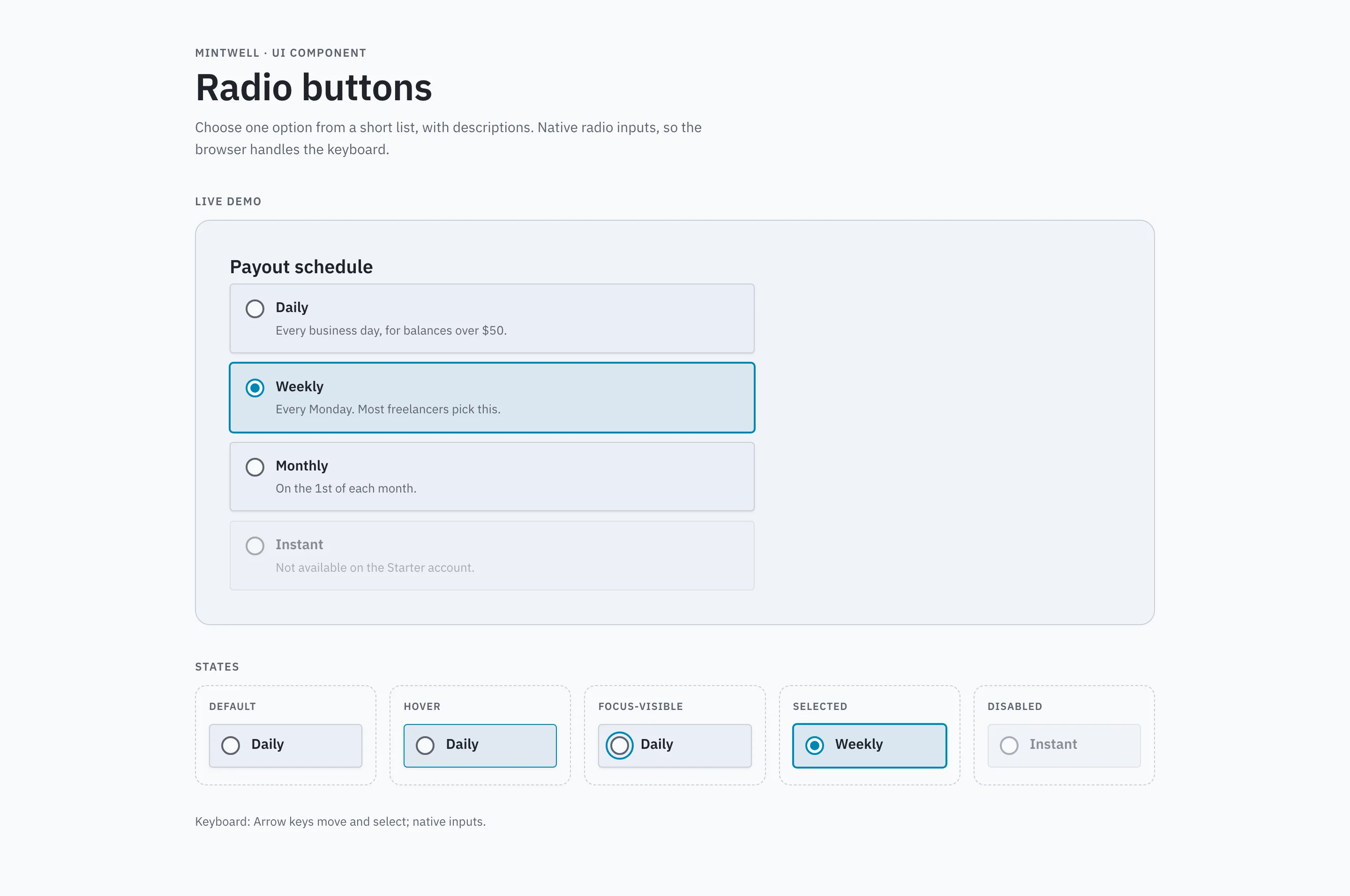
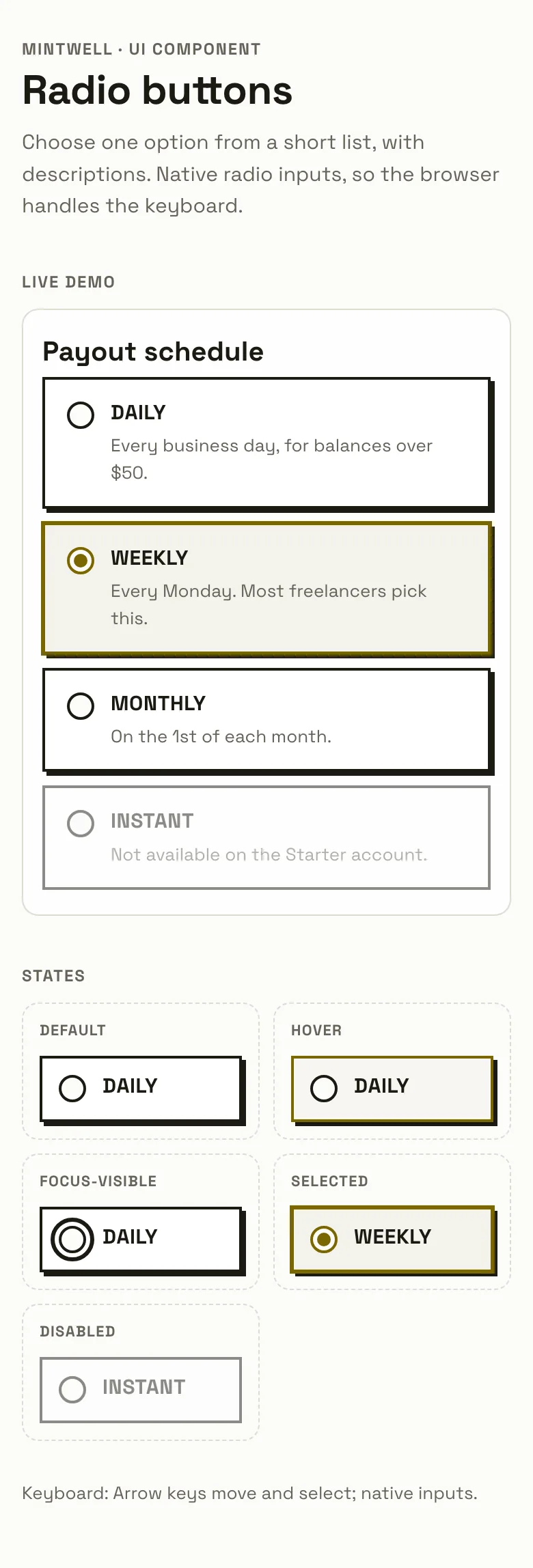
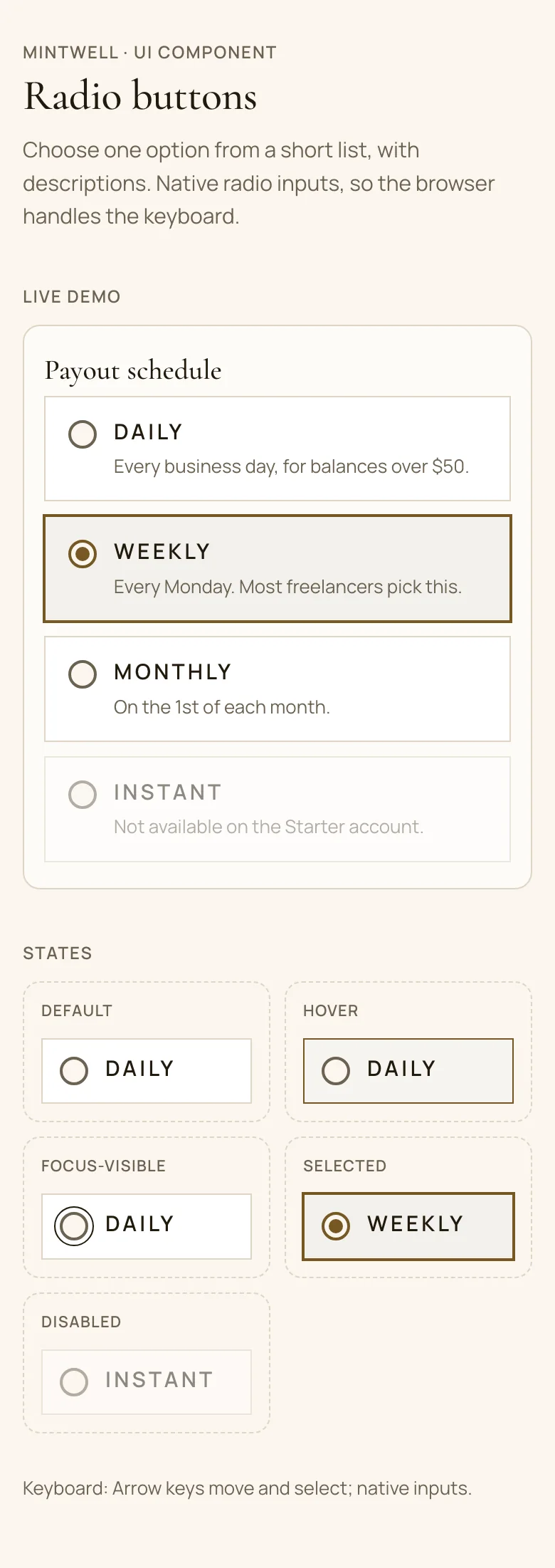
Radio buttons UI component for websites and web apps, shown in Mintwell, a fictional finance product. Shows a radio group of option cards with descriptions, a checked option and a disabled option, plus every state (default, hover, focus-visible, selected, disabled). Corporate style: IBM Plex Sans, a dark brand-coloured sidebar, 4px corners and subtle shadows. Comes with copyable HTML, CSS and a few lines of plain JavaScript (keyboard support and ARIA per the WAI-ARIA Authoring Practices), a live demo, and a DESIGN.md with light and dark colour tokens.
- Pattern
- Radio buttons
- Device
- Mobile
- Style
- Corporate
- Product (fictional)
- Mintwell
- Category
- Finance
Spec
- Colours (light)
- background
#f8f9fc· surface#eaeef5· text#1f232b· muted#5e636f· primary#0087b2· accent#6681c7 - Colours (dark)
- background
#0e1015· surface#1a1d24· text#f2f3f5· muted#adb1bb· primary#47c9ff· accent#93b0fa - Fonts
- IBM Plex Sans (headings and body), JetBrains Mono (code) · Google Fonts, under their own licences
- Light and dark
- Both included; follows the system setting
- ARIA pattern
- Radio group (WAI-ARIA Authoring Practices)
- Keyboard
- Arrow keys move and select; native inputs
- States
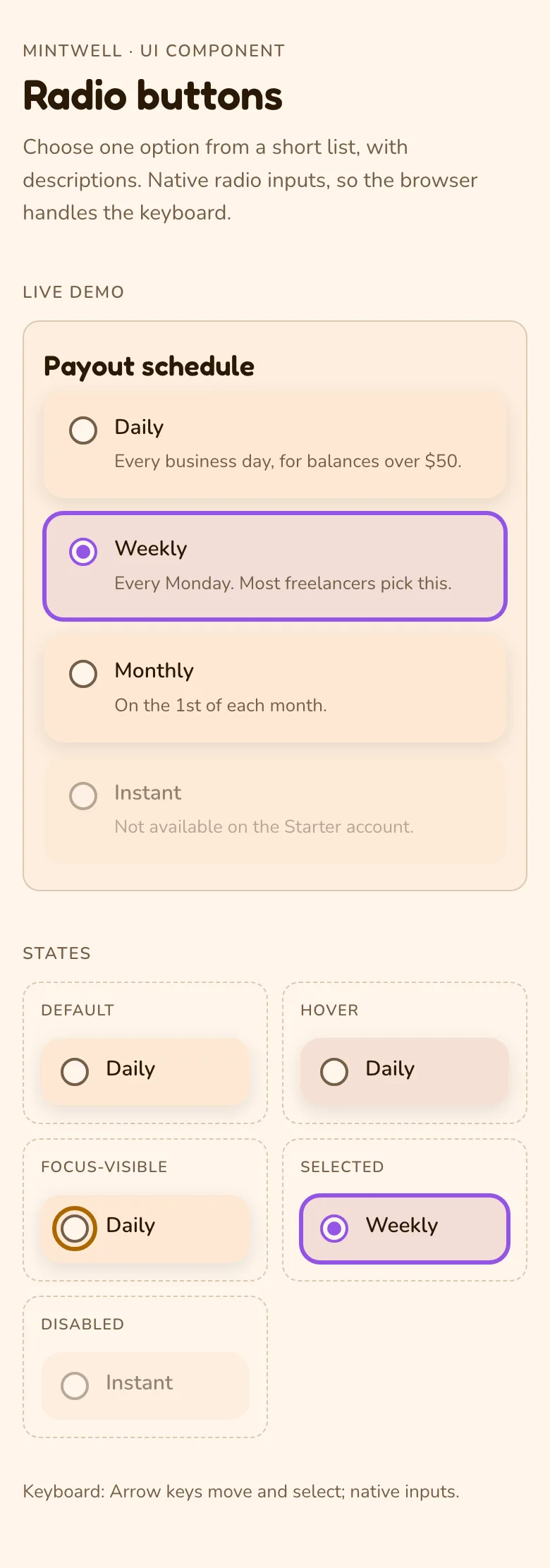
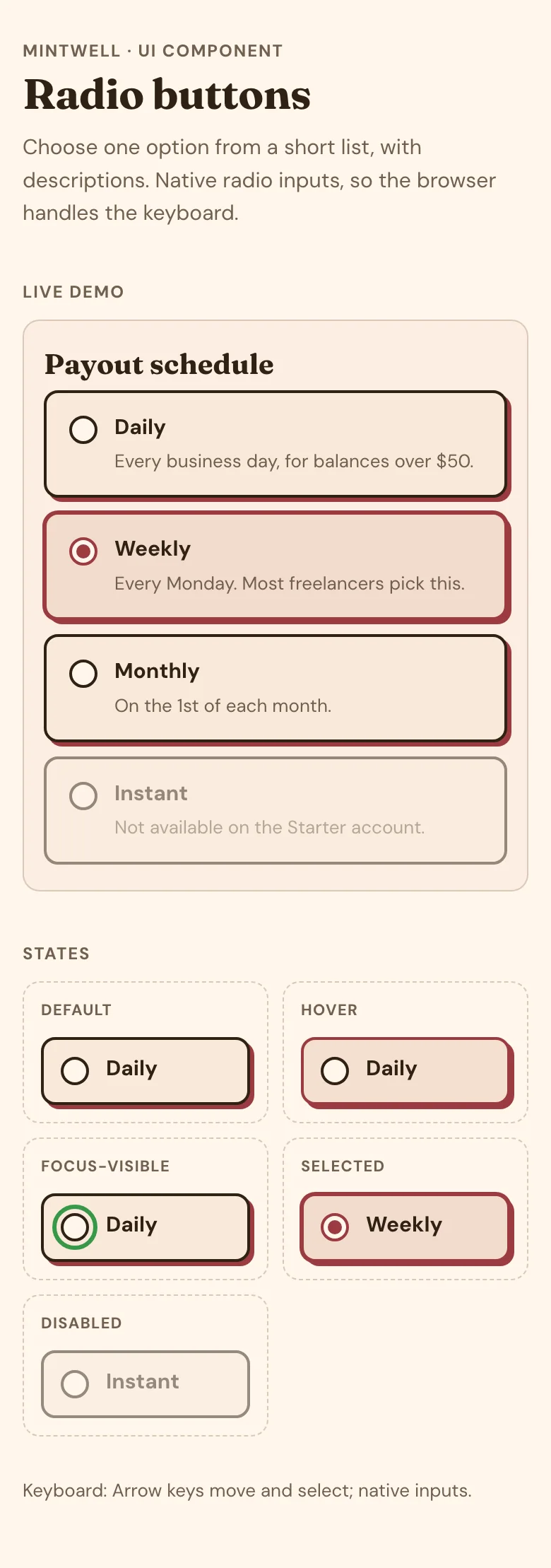
- default, hover, focus-visible, selected, disabled
Code
Paste the HTML where the component goes, the CSS into your stylesheet and the script before </body>. The tokens block holds the light and dark colours; swap in your own.
<fieldset class="mgd-radio">
  <legend class="mgd-radio__legend">Payout schedule</legend>
  <label class="mgd-radio__opt"><input class="mgd-radio__input" type="radio" name="payout" value="daily" aria-describedby="payout-daily-hint"><span class="mgd-radio__label">Daily</span><span class="mgd-radio__hint" id="payout-daily-hint">Every business day, for balances over $50.</span></label>
  <label class="mgd-radio__opt"><input class="mgd-radio__input" type="radio" name="payout" value="weekly" aria-describedby="payout-weekly-hint" checked><span class="mgd-radio__label">Weekly</span><span class="mgd-radio__hint" id="payout-weekly-hint">Every Monday. Most freelancers pick this.</span></label>
  <label class="mgd-radio__opt"><input class="mgd-radio__input" type="radio" name="payout" value="monthly" aria-describedby="payout-monthly-hint"><span class="mgd-radio__label">Monthly</span><span class="mgd-radio__hint" id="payout-monthly-hint">On the 1st of each month.</span></label>
  <label class="mgd-radio__opt"><input class="mgd-radio__input" type="radio" name="payout" value="instant" aria-describedby="payout-instant-hint" disabled><span class="mgd-radio__label">Instant</span><span class="mgd-radio__hint" id="payout-instant-hint">Not available on the Starter account.</span></label>
</fieldset>/* Tokens (light + dark) */
:root{--bg:#f8f9fc;--surface:#eaeef5;--border:#c9cdd7;--text:#1f232b;--muted:#5e636f;--primary:#0087b2;--on-primary:#111111;--accent:#6681c7;--font-h:"IBM Plex Sans",Georgia,serif;--font-b:"IBM Plex Sans",system-ui,sans-serif;--hw:600;
--c-bw:1px;--c-line:var(--border);--c-r:4px;--c-pill:4px;--c-sh:0 1px 2px rgb(0 0 0 / .08);--c-pop:0 8px 24px rgb(0 0 0 / .16);--c-tt:none;--c-ls:0;--c-fw:600;--c-fs:14px;--c-ring:2px solid var(--primary);--c-ind:3px;color-scheme:light}
@media (prefers-color-scheme:dark){:root:not([data-theme="light"]){--bg:#0e1015;--surface:#1a1d24;--border:#30333b;--text:#f2f3f5;--muted:#adb1bb;--primary:#47c9ff;--on-primary:#111111;--accent:#93b0fa;color-scheme:dark}
}
:root[data-theme="dark"]{--bg:#0e1015;--surface:#1a1d24;--border:#30333b;--text:#f2f3f5;--muted:#adb1bb;--primary:#47c9ff;--on-primary:#111111;--accent:#93b0fa;color-scheme:dark}
/* Component */
.mgd-sr{position:absolute!important;width:1px;height:1px;padding:0;margin:-1px;overflow:hidden;clip:rect(0 0 0 0);white-space:nowrap;border:0}
.mgd-radio{margin:0;padding:0;border:0;max-width:560px;display:grid;gap:10px}
.mgd-radio__legend{padding:0;margin:0 0 6px;font:var(--hw) 20px/1.25 var(--font-h)}
.mgd-radio__opt{position:relative;display:grid;grid-template-columns:auto 1fr;gap:4px 12px;align-items:start;padding:14px 16px;background:var(--surface);border:var(--c-bw) solid var(--c-line);border-radius:var(--c-r);box-shadow:var(--c-sh);cursor:pointer;transition:border-color .12s,background-color .12s}
.mgd-radio__opt:hover,.mgd-radio__opt.is-hover{border-color:var(--primary);background:color-mix(in oklab,var(--primary) 6%,var(--surface))}
.mgd-radio__opt:has(:checked),.mgd-radio__opt.is-on{border-color:var(--primary);box-shadow:0 0 0 1px var(--primary);background:color-mix(in oklab,var(--primary) 8%,var(--surface))}
.mgd-radio__opt:has(:disabled),.mgd-radio__opt.is-off{opacity:.5;cursor:not-allowed;background:var(--surface);border-color:var(--c-line);box-shadow:none}
.mgd-radio__input{appearance:none;-webkit-appearance:none;grid-row:span 2;width:20px;height:20px;margin:2px 0 0;border:2px solid var(--muted);border-radius:50%;background:var(--bg);display:grid;place-items:center;cursor:inherit}
.mgd-radio__input::before{content:"";width:10px;height:10px;border-radius:50%;transform:scale(0);background:var(--primary);transition:transform .12s}
.mgd-radio__input:checked,.mgd-radio__input.is-on{border-color:var(--primary)}
.mgd-radio__input:checked::before,.mgd-radio__input.is-on::before{transform:scale(1)}
.mgd-radio__input:focus-visible,.mgd-radio__input.is-focus{outline:var(--c-ring);outline-offset:3px}
.mgd-radio__label{font:600 15px/1.35 var(--font-b);text-transform:var(--c-tt);letter-spacing:var(--c-ls)}
.mgd-radio__hint{grid-column:2;color:var(--muted);font-size:13px}
@media (forced-colors:active){.mgd-radio__input:checked::before{background:CanvasText}}
@media (prefers-reduced-motion:reduce){.mgd-radio,.mgd-radio *{transition:none!important;animation-duration:2.4s!important}}No JavaScript needed.
DESIGN.md
Component section (states, ARIA, keyboard)
## Component: Radio buttons

Choose one option from a short list, with descriptions. Native radio inputs, so the browser handles the keyboard.

- **Pattern:** WAI-ARIA Authoring Practices, Radio group (https://www.w3.org/WAI/ARIA/apg/patterns/radio/)
- **Roles and attributes:** A <fieldset> with a <legend> groups native <input type="radio"> controls that share a name; each has a <label> and an aria-describedby hint; a disabled option uses the disabled attribute.
- **States drawn:** default, hover, focus-visible, selected, disabled
- **Focus:** a visible `:focus-visible` outline (2px solid primary), never removed
- **Style knobs (corporate):** border 1px, corners 4px, shadow `0 1px 2px rgb(0 0 0 / .08)`, labels sentence case
- **Motion:** transitions are short (≤160ms) and switched off under `prefers-reduced-motion: reduce`
- **Code:** HTML + CSS + no JavaScript; colours come only from the tokens above, so light and dark both work

### Keyboard
- **Tab:** move into the group (to the checked option)
- **Arrow keys:** move and select the previous / next option
- **Space:** select the focused option

### Licence
Original Made Good Designs code: free to use and adapt in any project, including commercial ones, with no credit needed. Fonts are Google Fonts under their own licences.Build this with your AI
Add the Made Good Designs library to your assistant once. Then ask for UI references, brand palettes, font pairings and design tokens in any chat.
https://madegooddesigns.com/inspiration/mcp?ref=ui-radio-button-uiSettings → Connectors → Add custom connector → paste the URL.
Settings → Apps & Connectors → Advanced → Developer mode → Create → paste the URL.
One click, then confirm in Cursor.
One click, then confirm in VS Code (Copilot agent mode).
claude mcp add --transport http made-good-designs https://madegooddesigns.com/inspiration/mcp?ref=ui-radio-button-ui
gemini mcp add --transport http made-good-designs https://madegooddesigns.com/inspiration/mcp?ref=ui-radio-button-ui
Add this to the app's MCP config (Windsurf: mcp_config.json).
Fonts: IBM Plex Sans (Google Fonts)
Prompt copied: paste it into the chat that just opened.
Writing about this component?
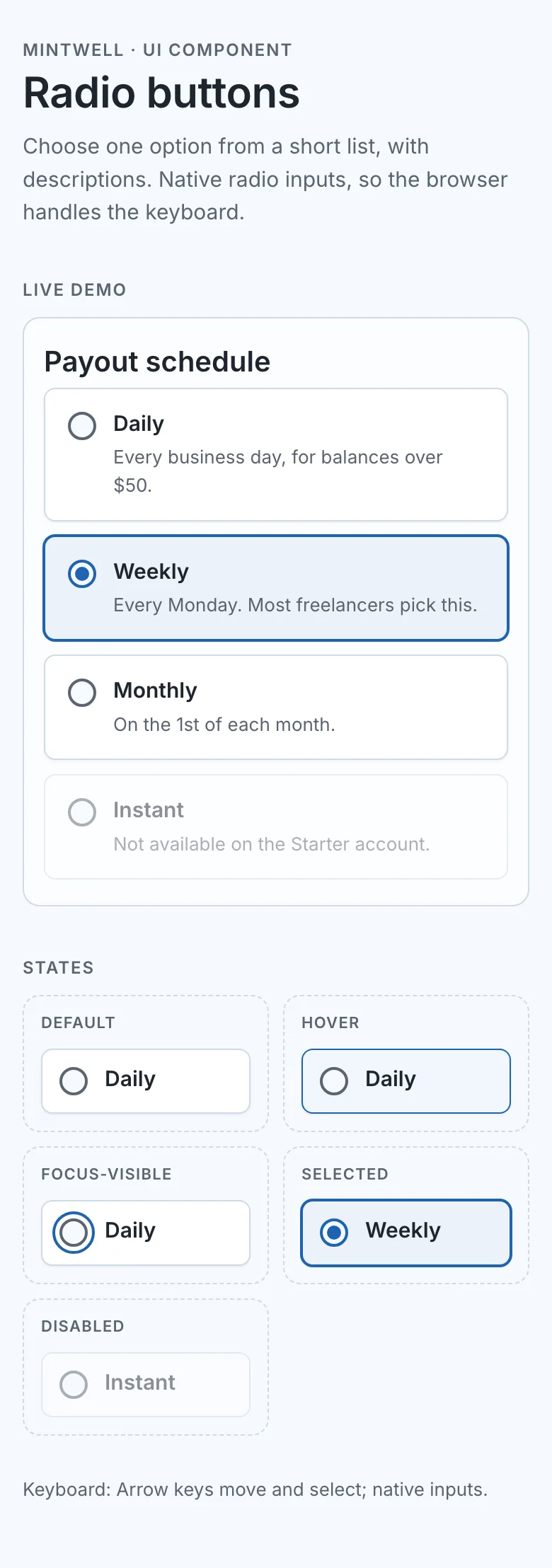
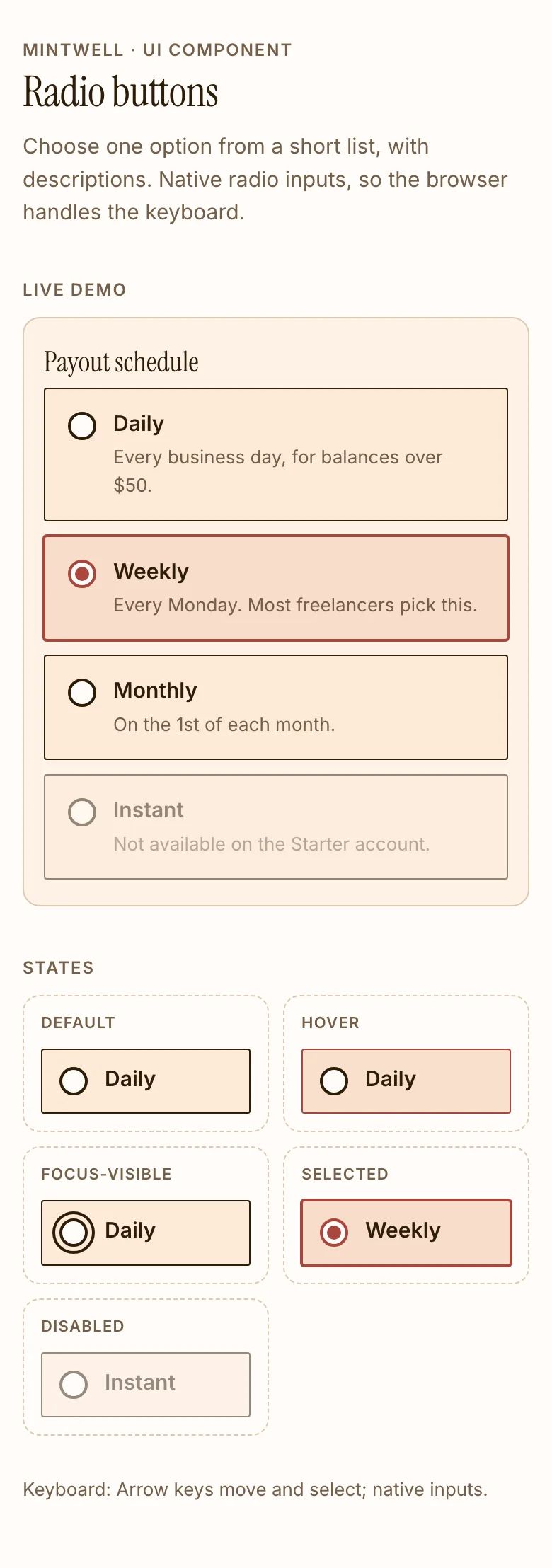
More radio buttons components
search_ui_screens (e.g. “billing settings, editorial style”), get_ui_flow for a whole journey, and get_ui_screen_code to pull the HTML and DESIGN.md straight into your project.