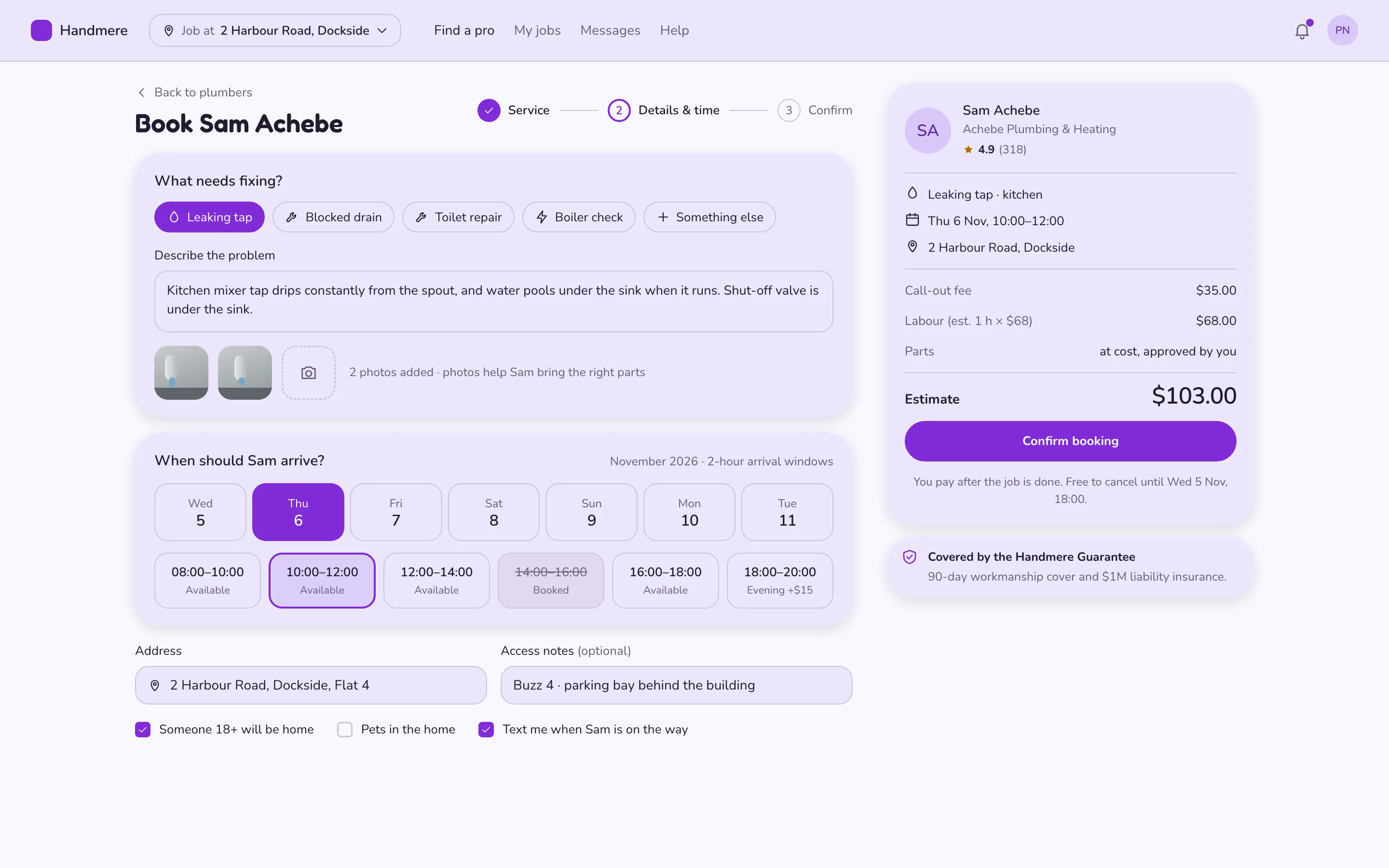
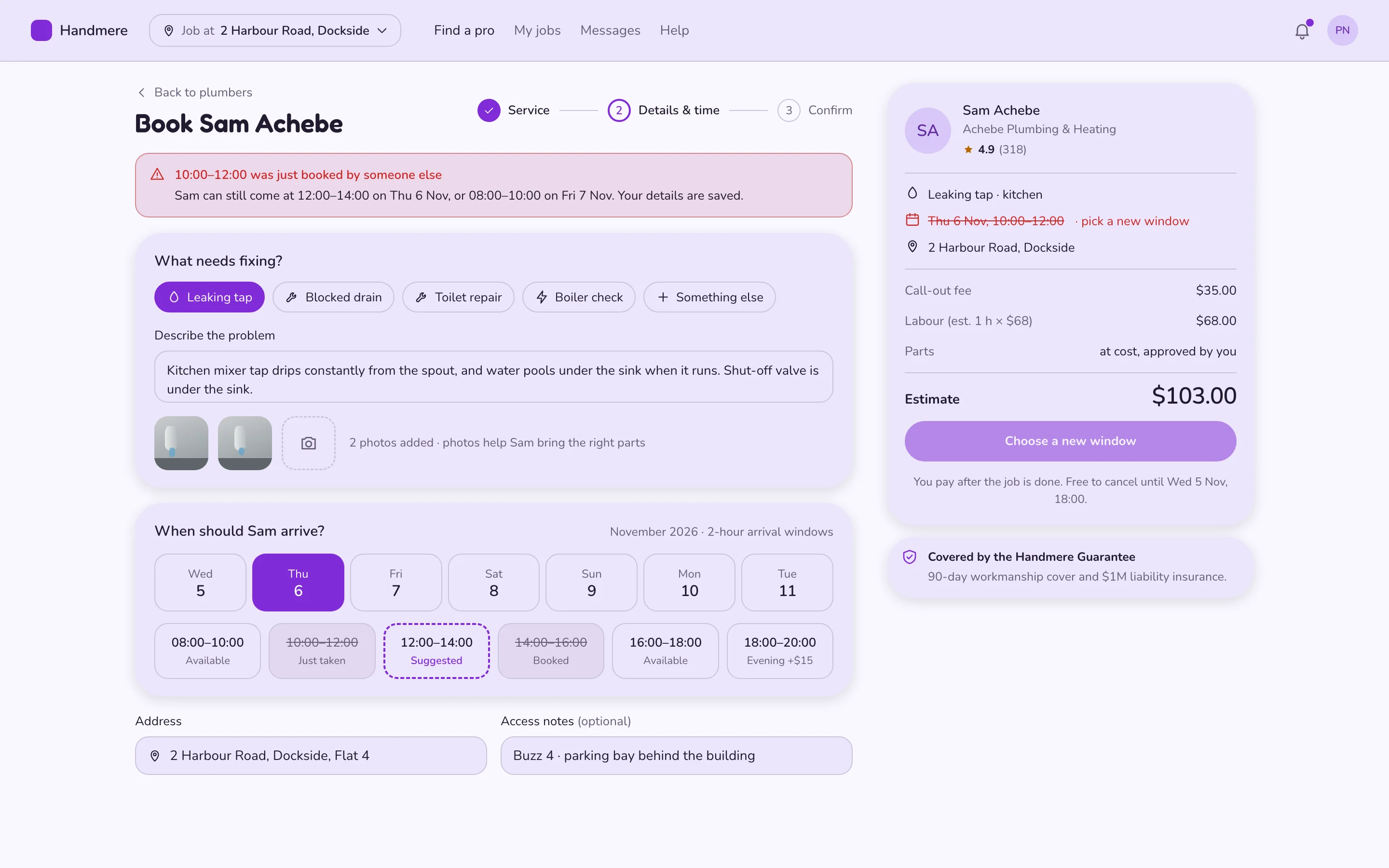
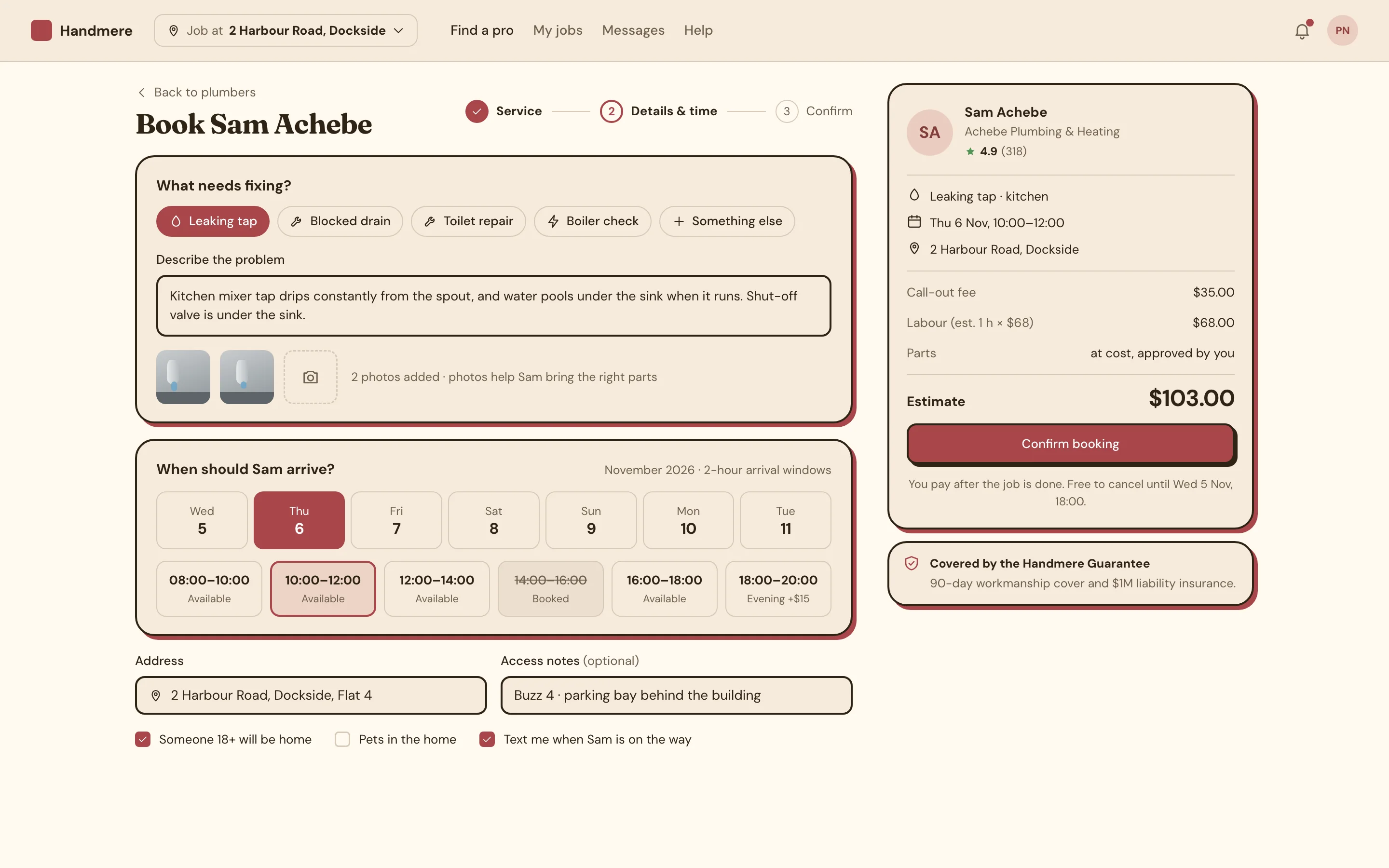
Book a home-service visit (details and arrival window) screen — web, playful style
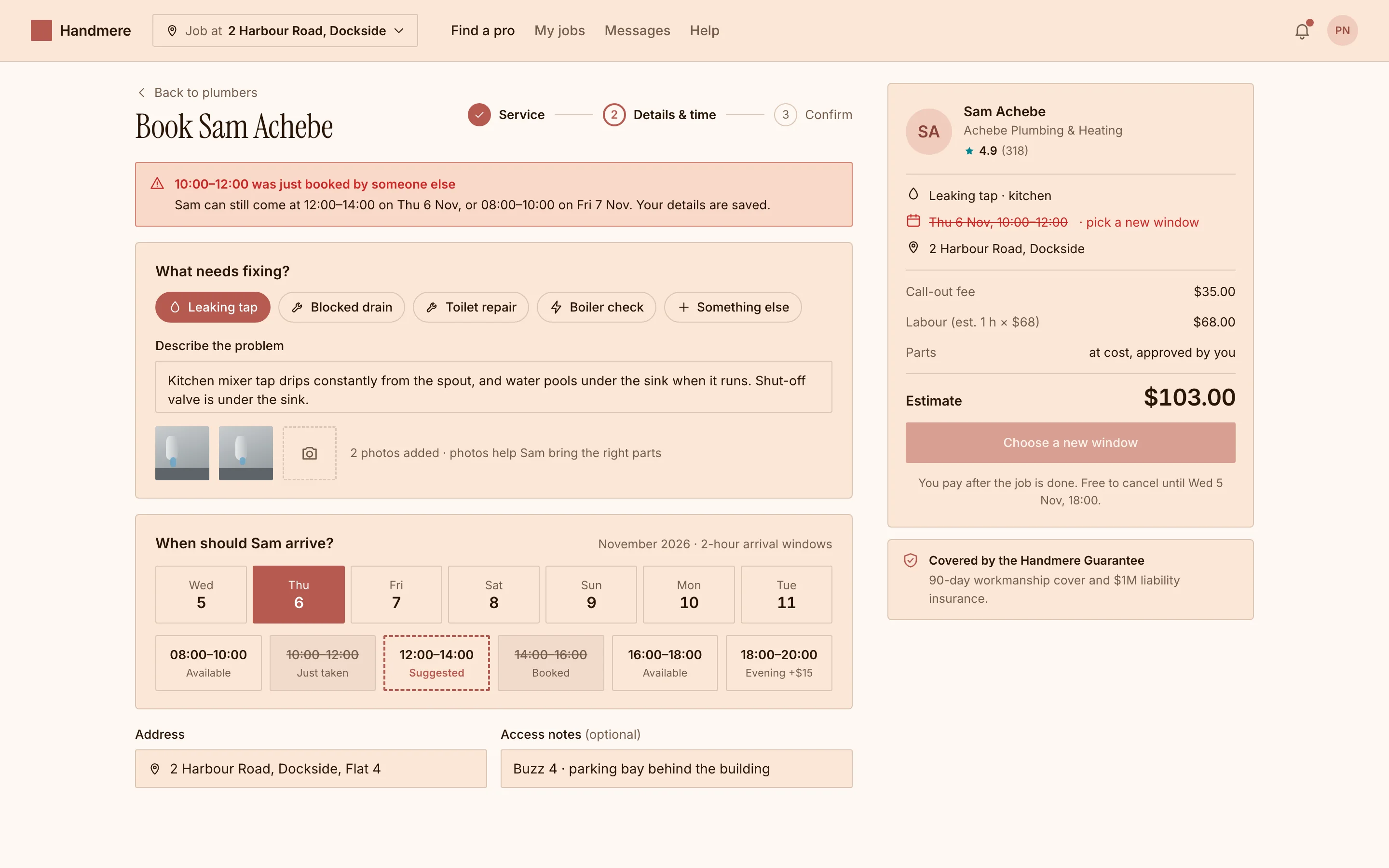
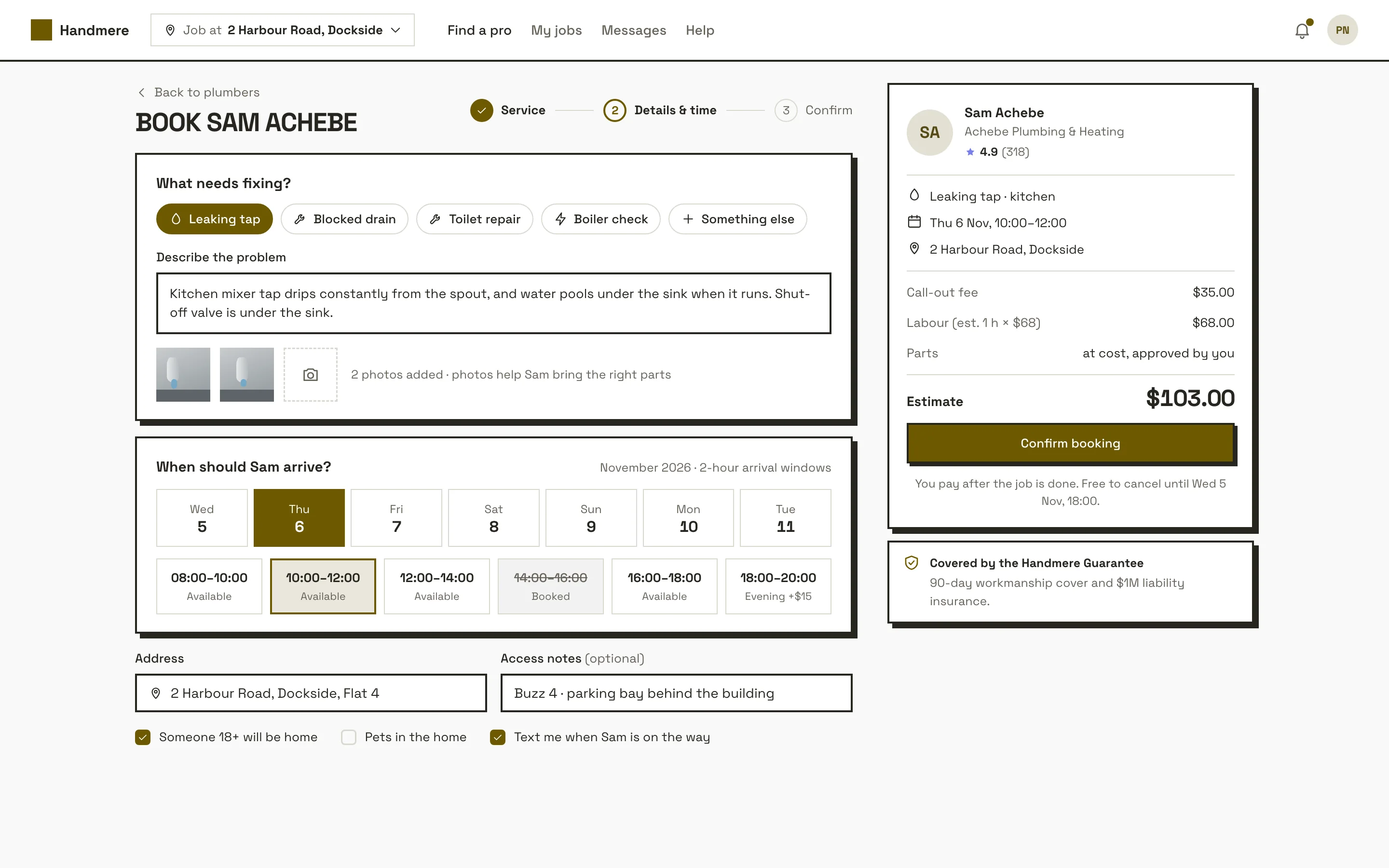
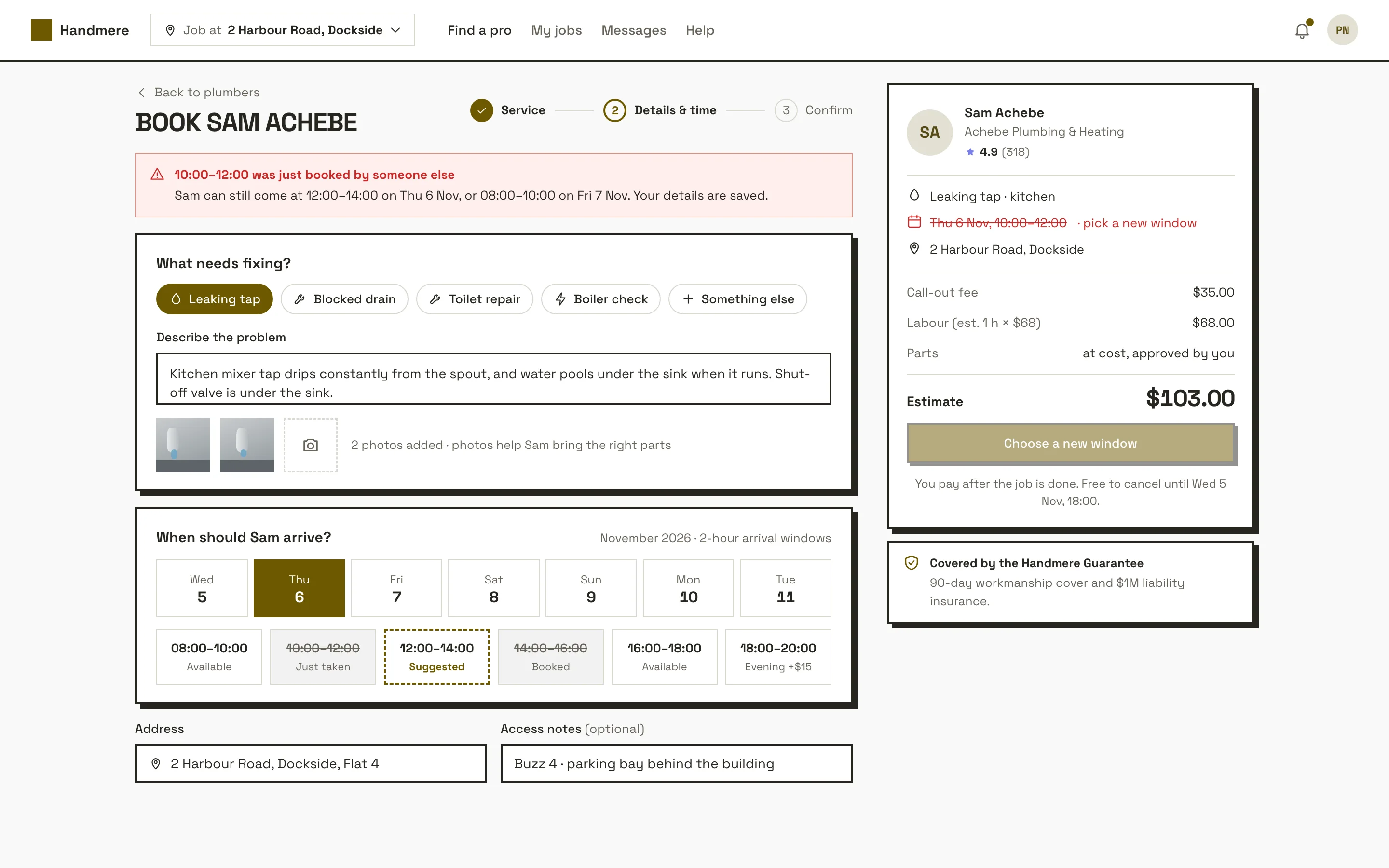
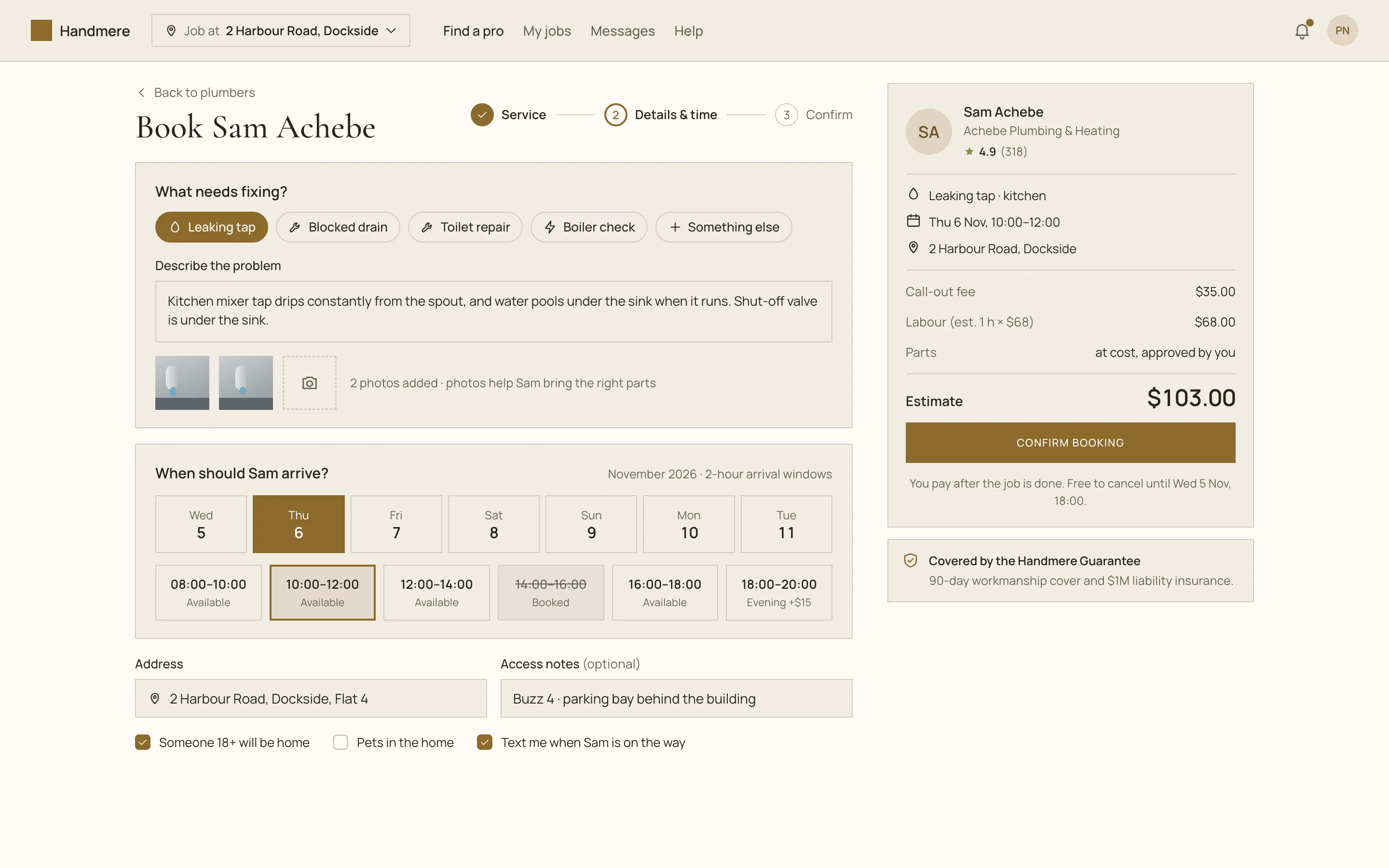
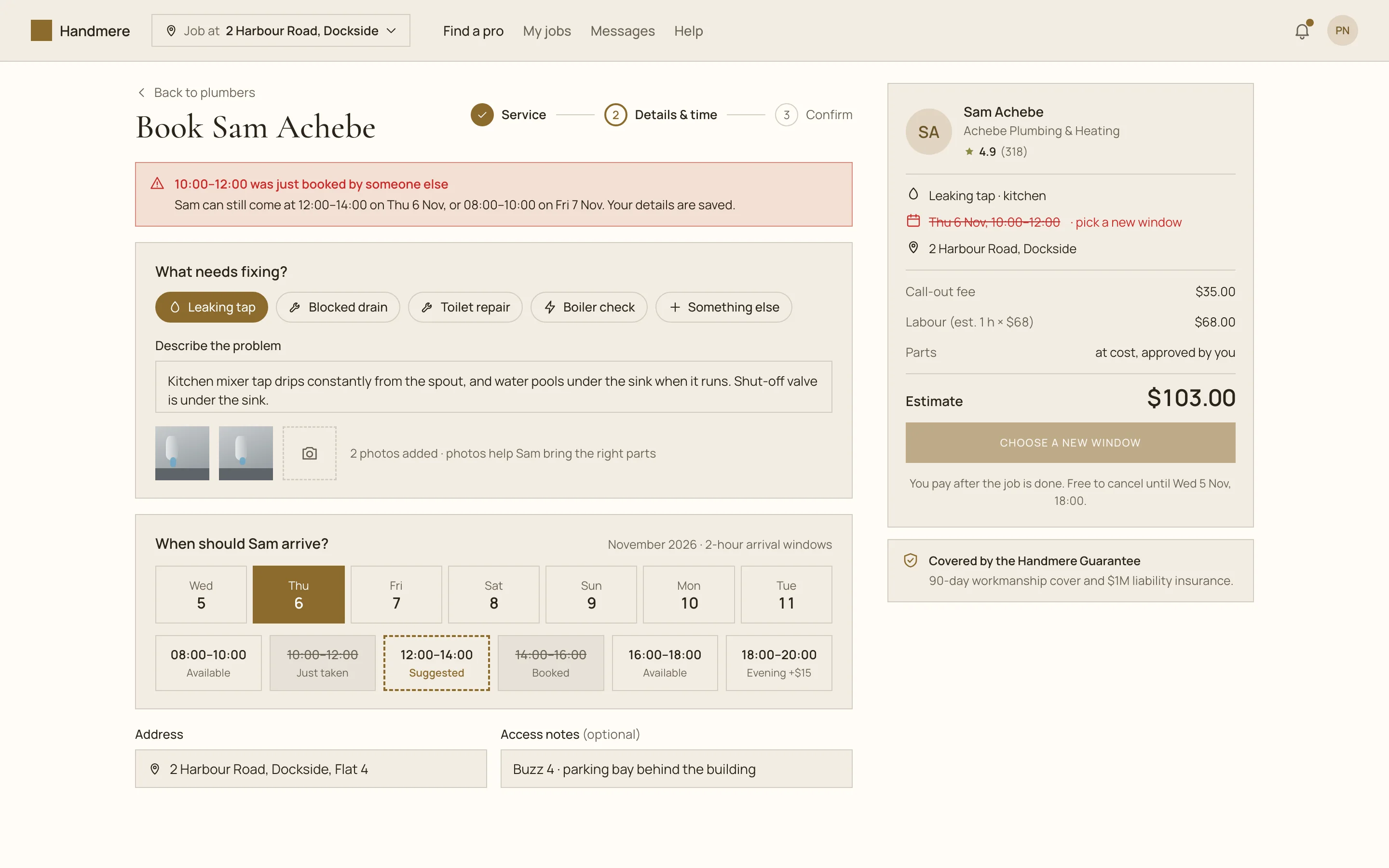
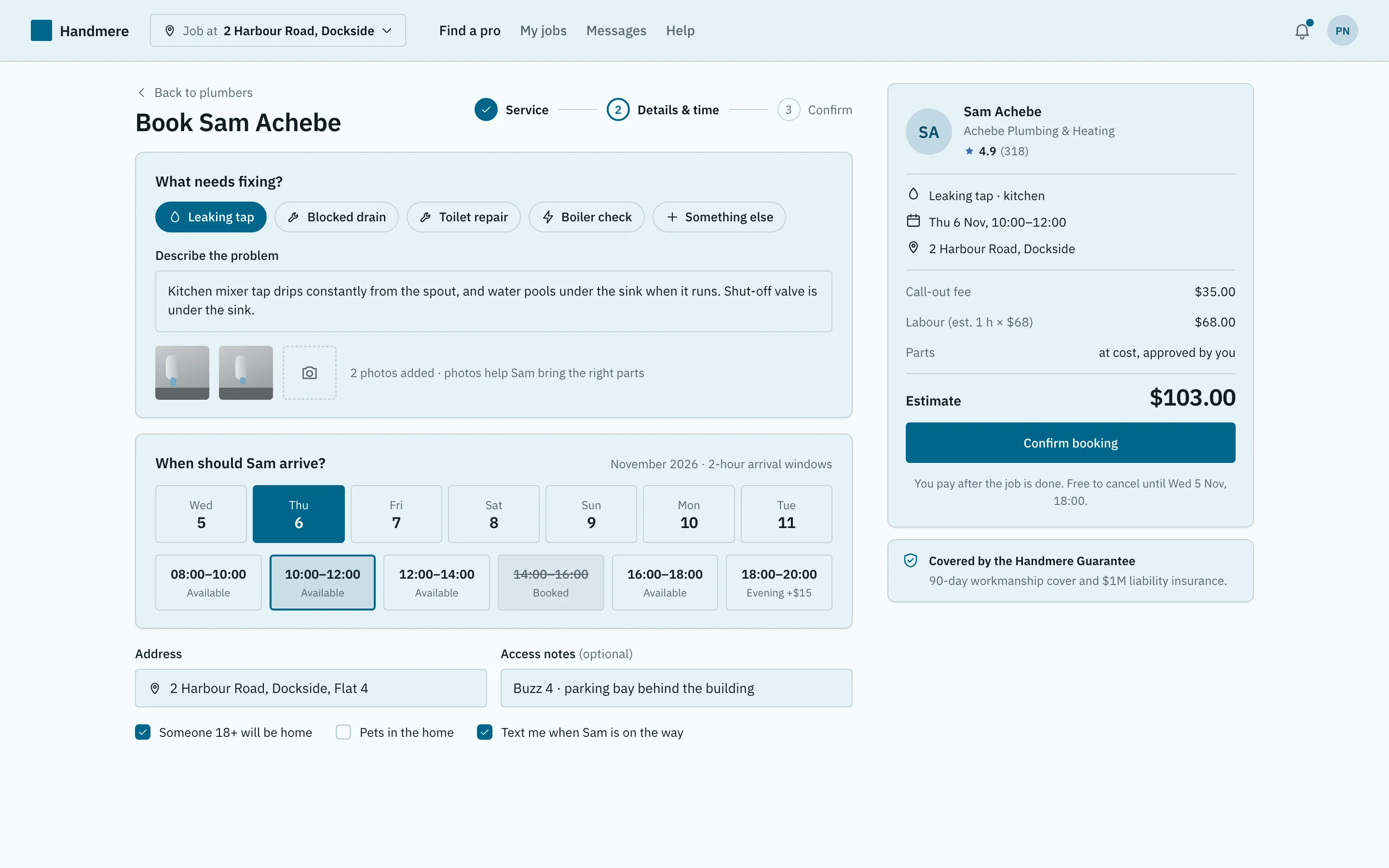
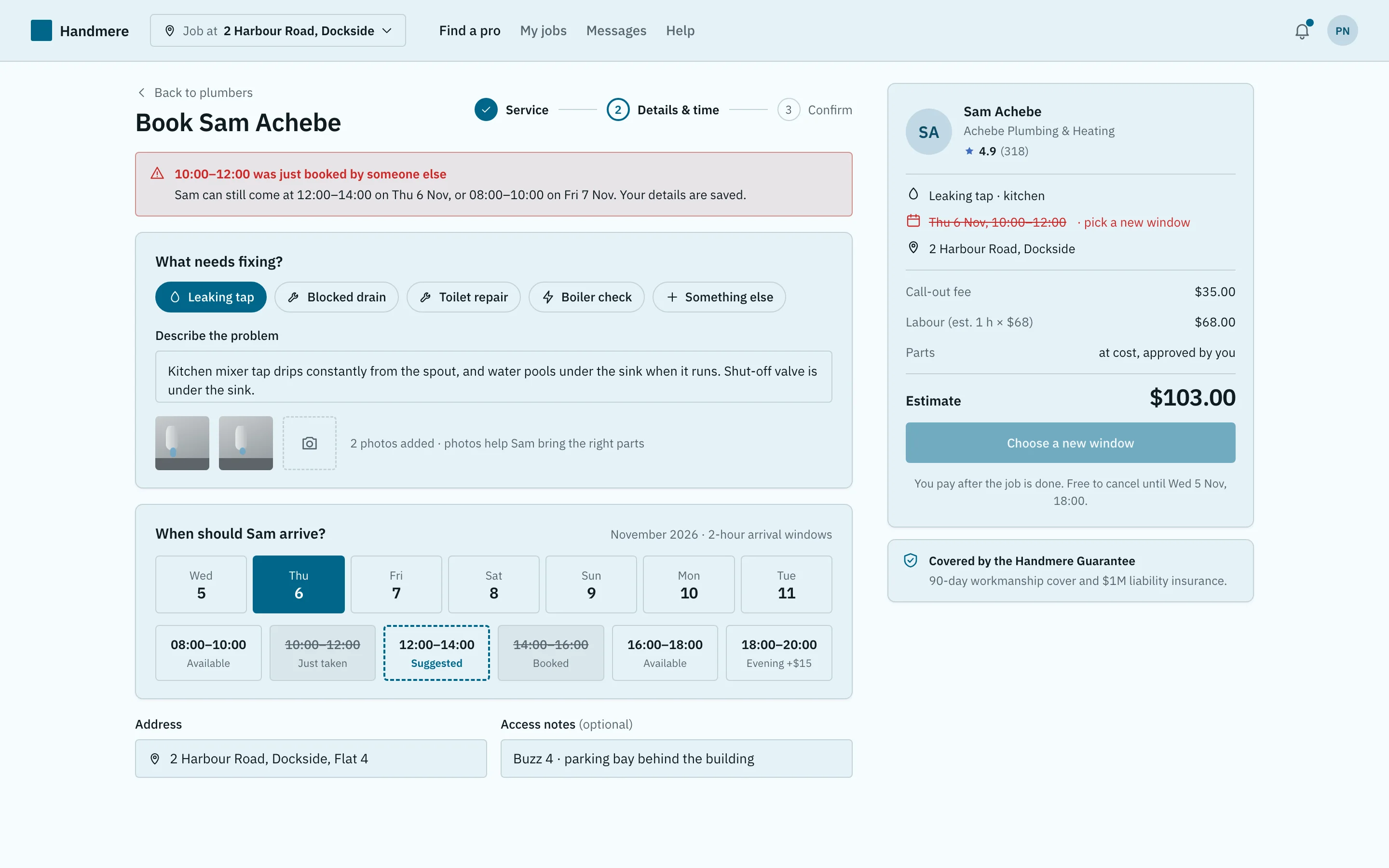
Book a home-service visit (details and arrival window) screen for a web app, designed for Handmere, a fictional services product. Shows the booking form with the leaking-tap service chosen, a description and two photos, Thursday selected in a day strip, the 10:00–12:00 arrival window selected (one window already booked), and a summary with a $103 estimate and a confirm button. Playful style: vivid purple, Fredoka headings with Nunito, pill buttons, rounded cards and soft shadows. Comes with the full HTML and a DESIGN.md with light and dark colour tokens.
Part of Book a home-services pro (step 2)
- Pattern
- Book a home-service visit
- Device
- Web
- Style
- Playful
- Product (fictional)
- Handmere
- Category
- Services
Spec
- Colours (light)
- background
#f9f7ff· surface#ece5fc· text#221b2f· muted#675e77· primary#802bd7· accent#b56800 - Colours (dark)
- background
#100a1a· surface#211b2d· text#f3effc· muted#b4acc5· primary#ba90ff· accent#ffb36c - Fonts
- Fredoka (headings), Nunito (body), JetBrains Mono (code) · Google Fonts, under their own licences
- Light and dark
- Both included; follows the system setting
Build this with your AI
Add the Made Good Designs library to your assistant once. Then ask for UI references, brand palettes, font pairings and design tokens in any chat.
https://madegooddesigns.com/inspiration/mcp?ref=ui-service-bookingSettings → Connectors → Add custom connector → paste the URL.
Settings → Apps & Connectors → Advanced → Developer mode → Create → paste the URL.
One click, then confirm in Cursor.
One click, then confirm in VS Code (Copilot agent mode).
claude mcp add --transport http made-good-designs https://madegooddesigns.com/inspiration/mcp?ref=ui-service-booking
gemini mcp add --transport http made-good-designs https://madegooddesigns.com/inspiration/mcp?ref=ui-service-booking
Add this to the app's MCP config (Windsurf: mcp_config.json).
Fonts: Fredoka + Nunito (Google Fonts)
Prompt copied: paste it into the chat that just opened.
Writing about this screen?
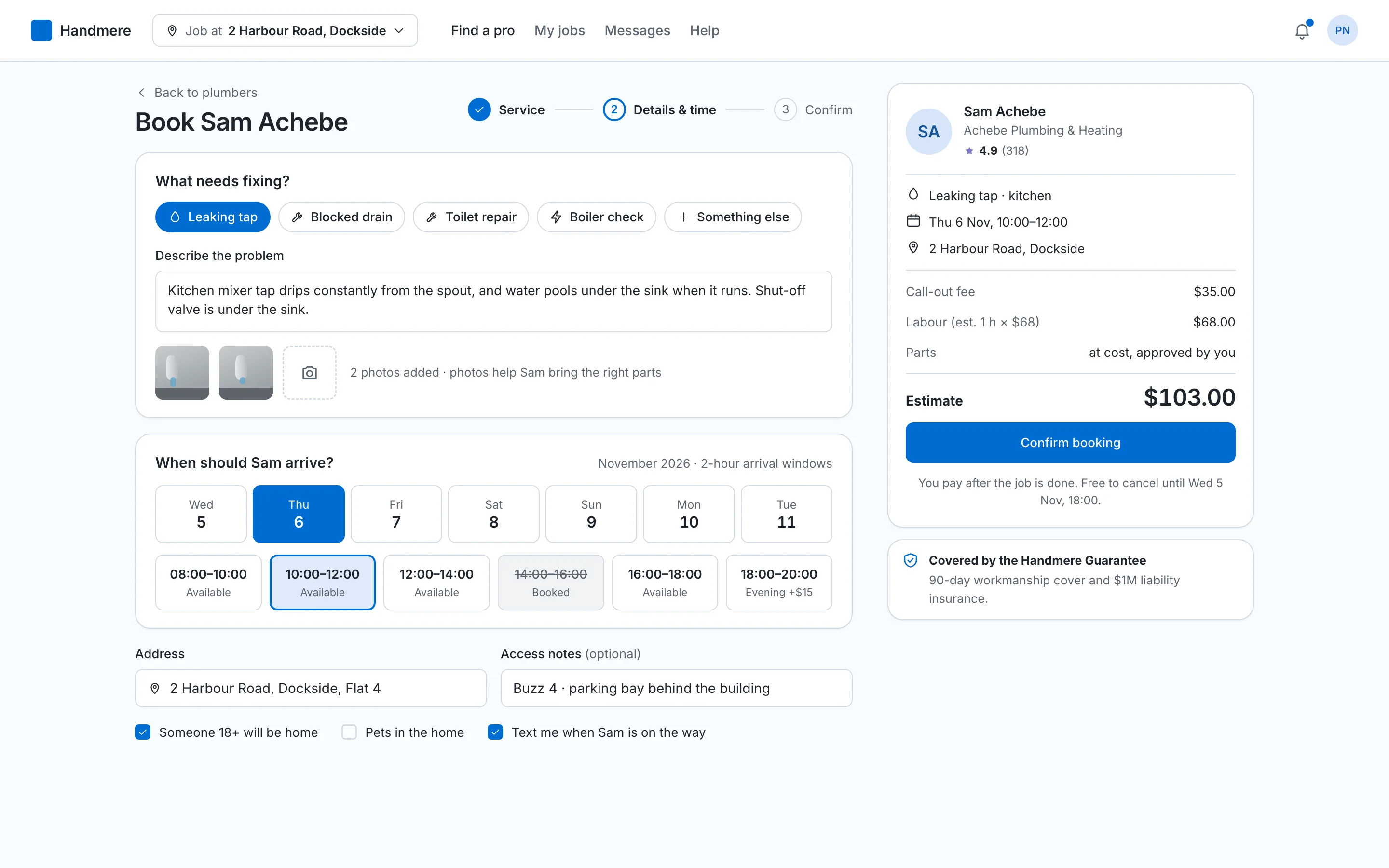
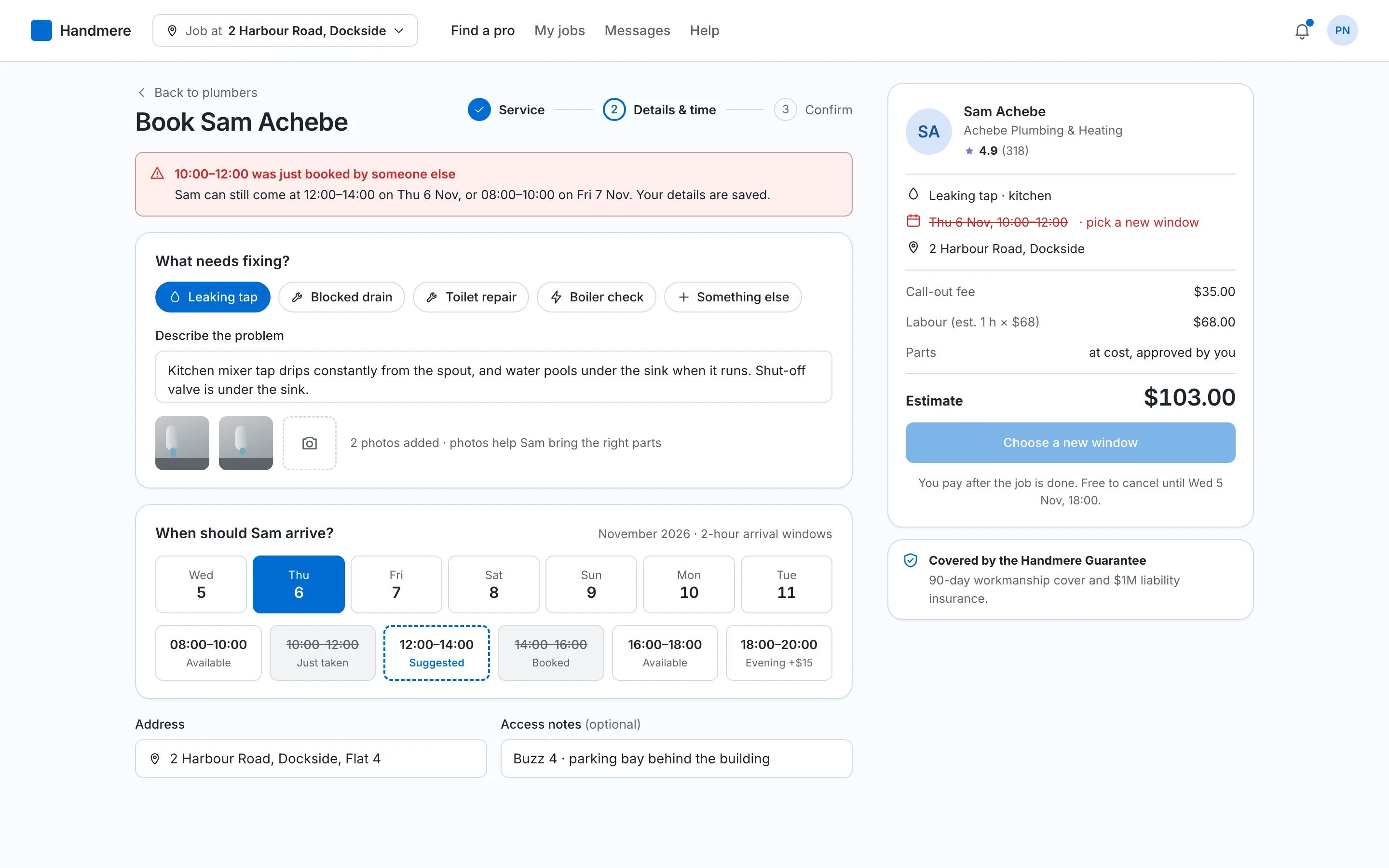
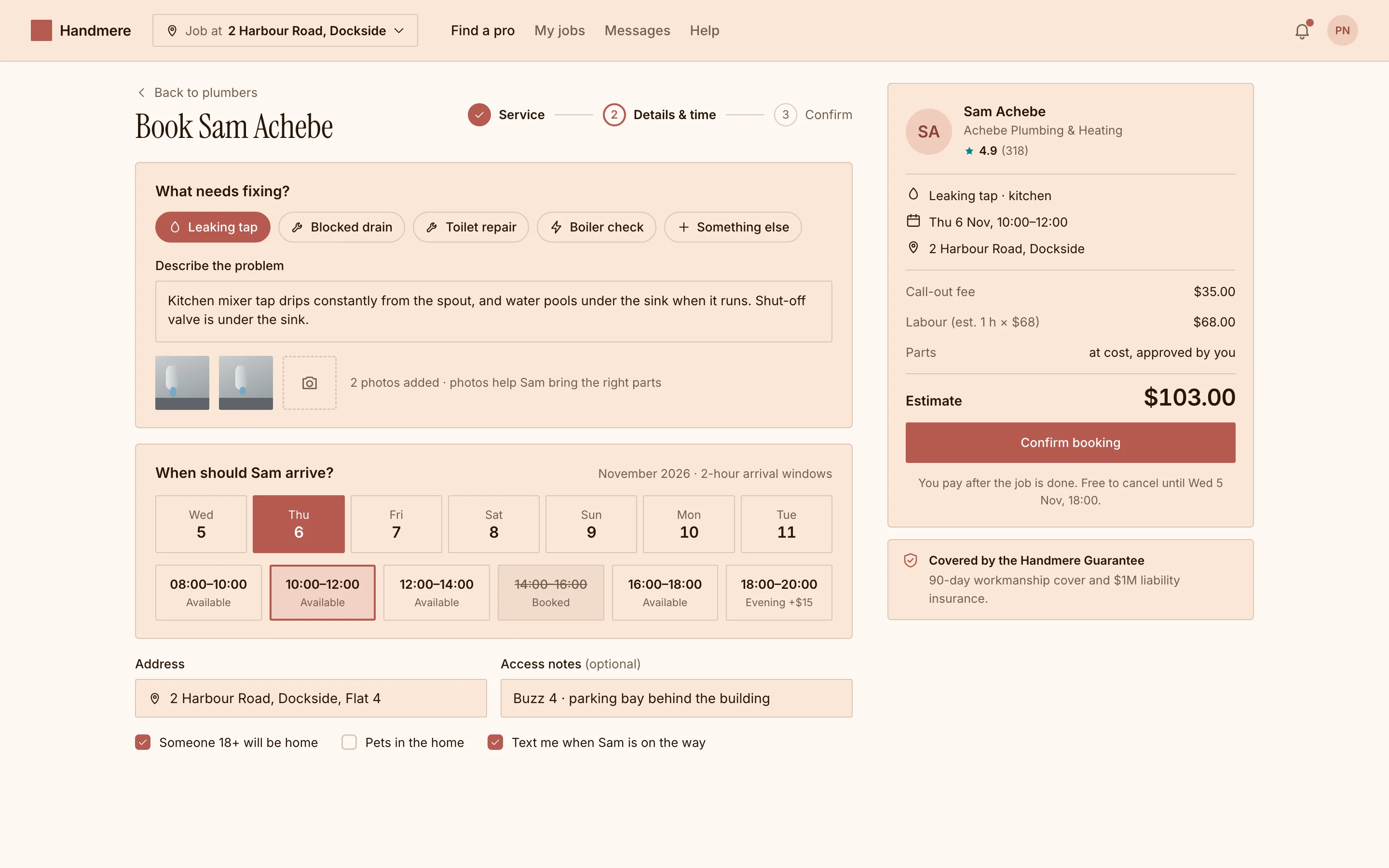
More book a home-service visit screens
search_ui_screens (e.g. “billing settings, editorial style”), get_ui_flow for a whole journey, and get_ui_screen_code to pull the HTML and DESIGN.md straight into your project.