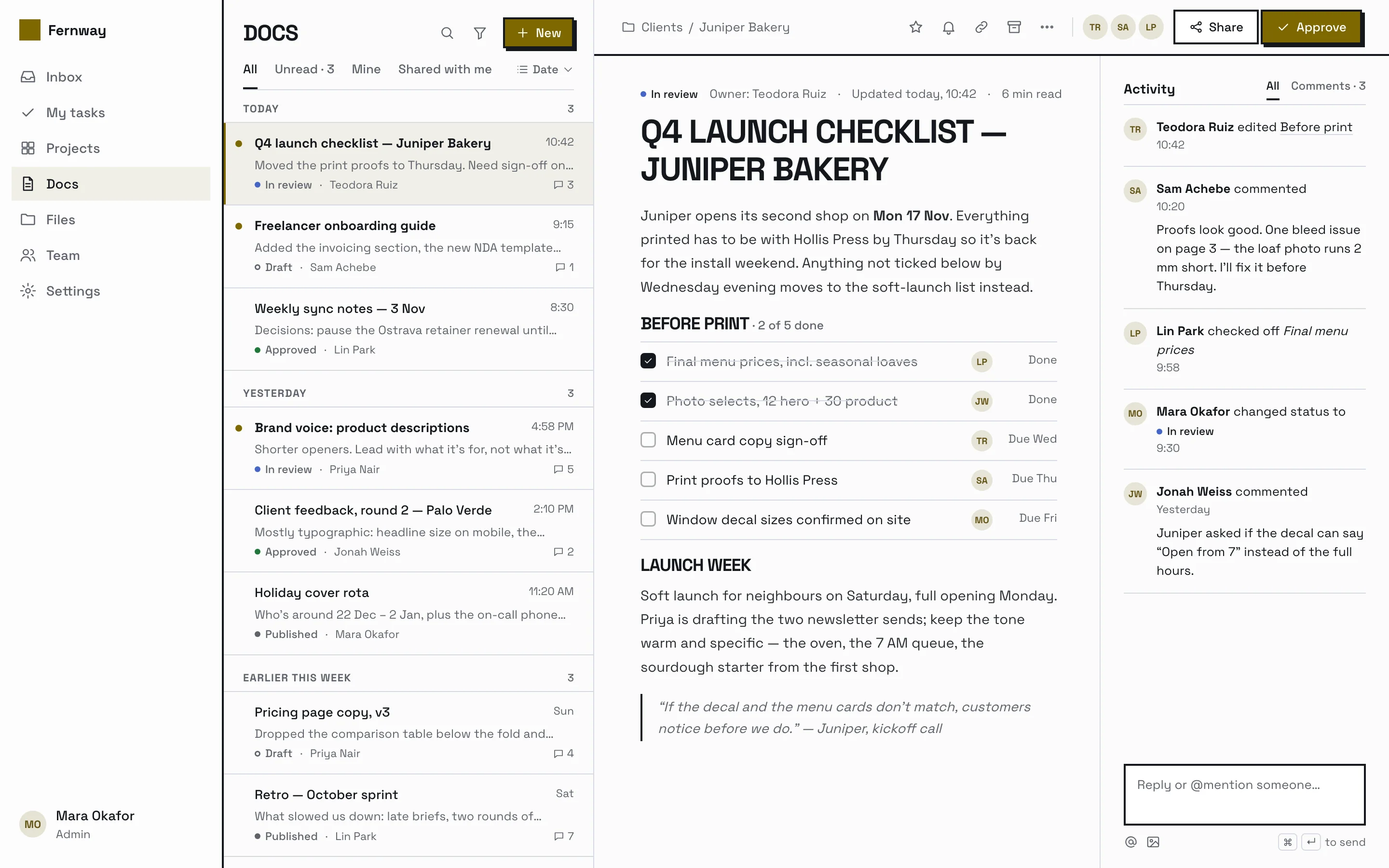
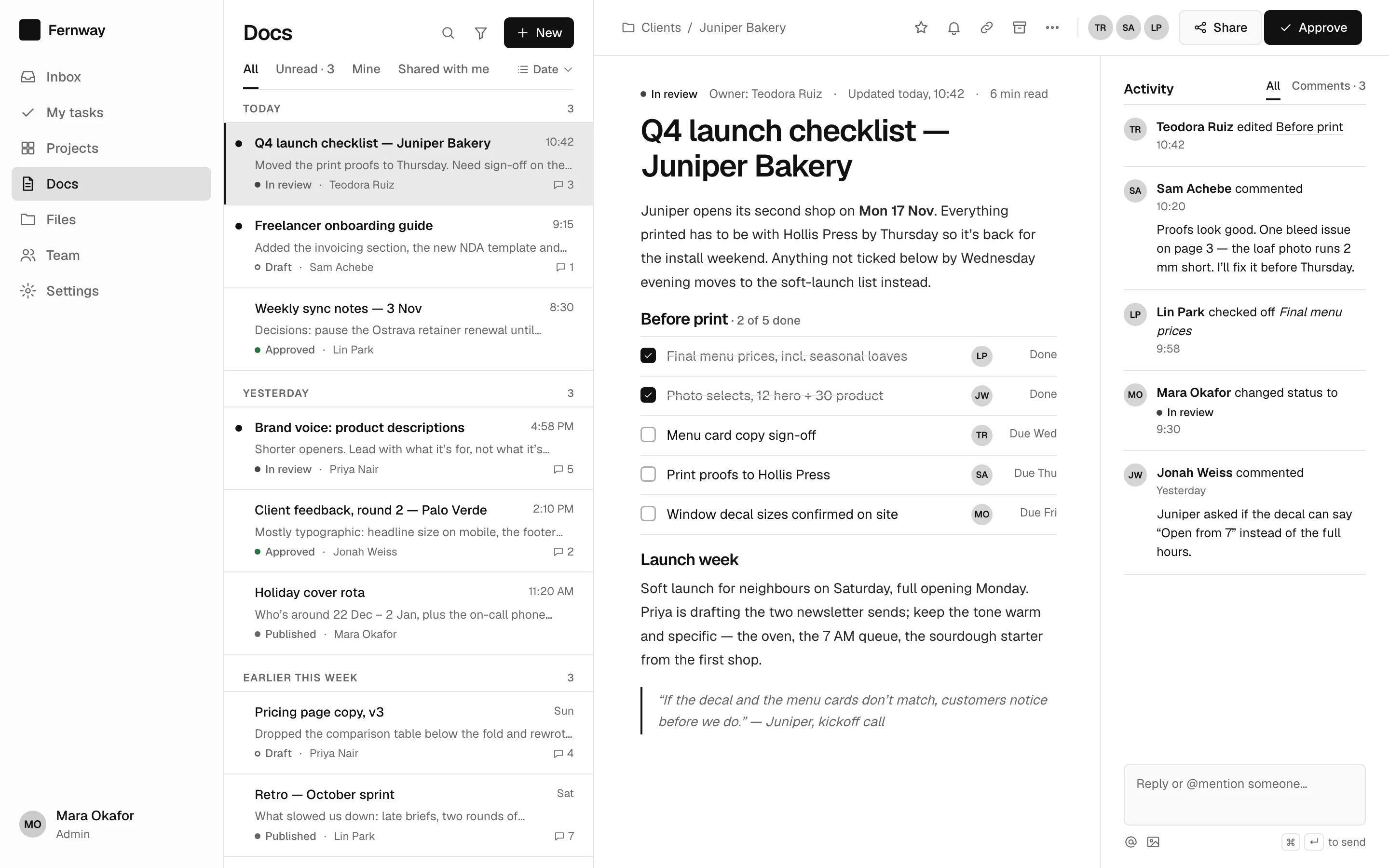
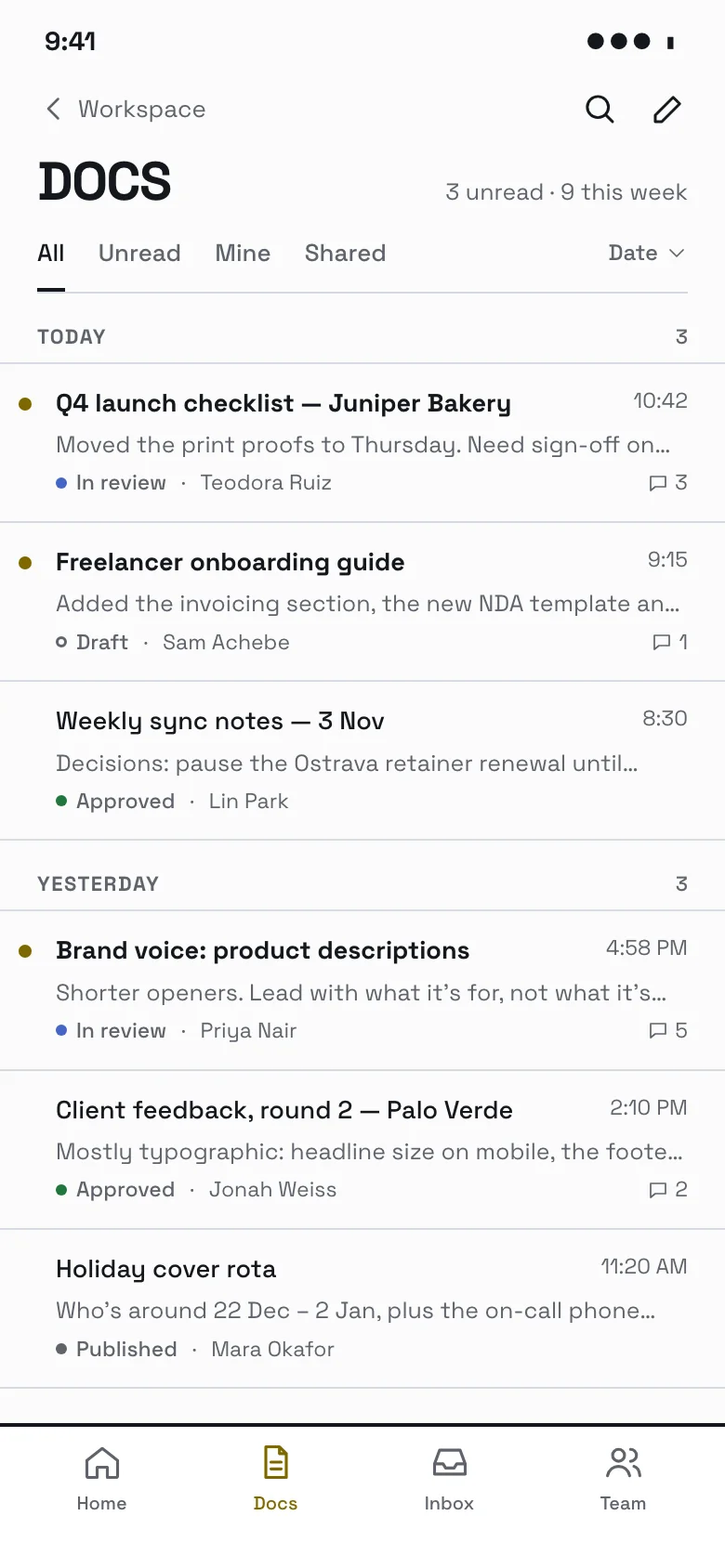
Split view (master-detail) screen — web, brutalist style
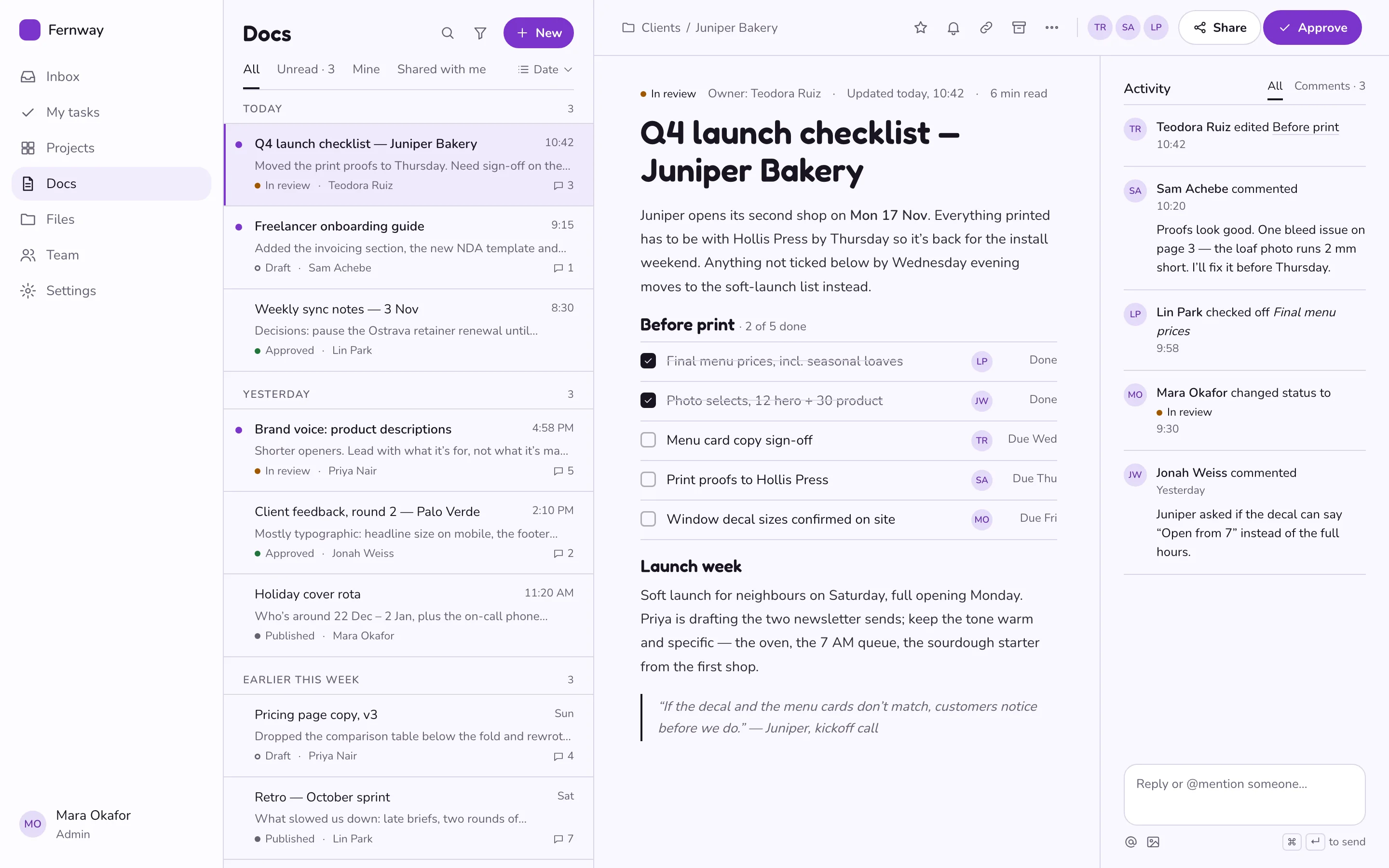
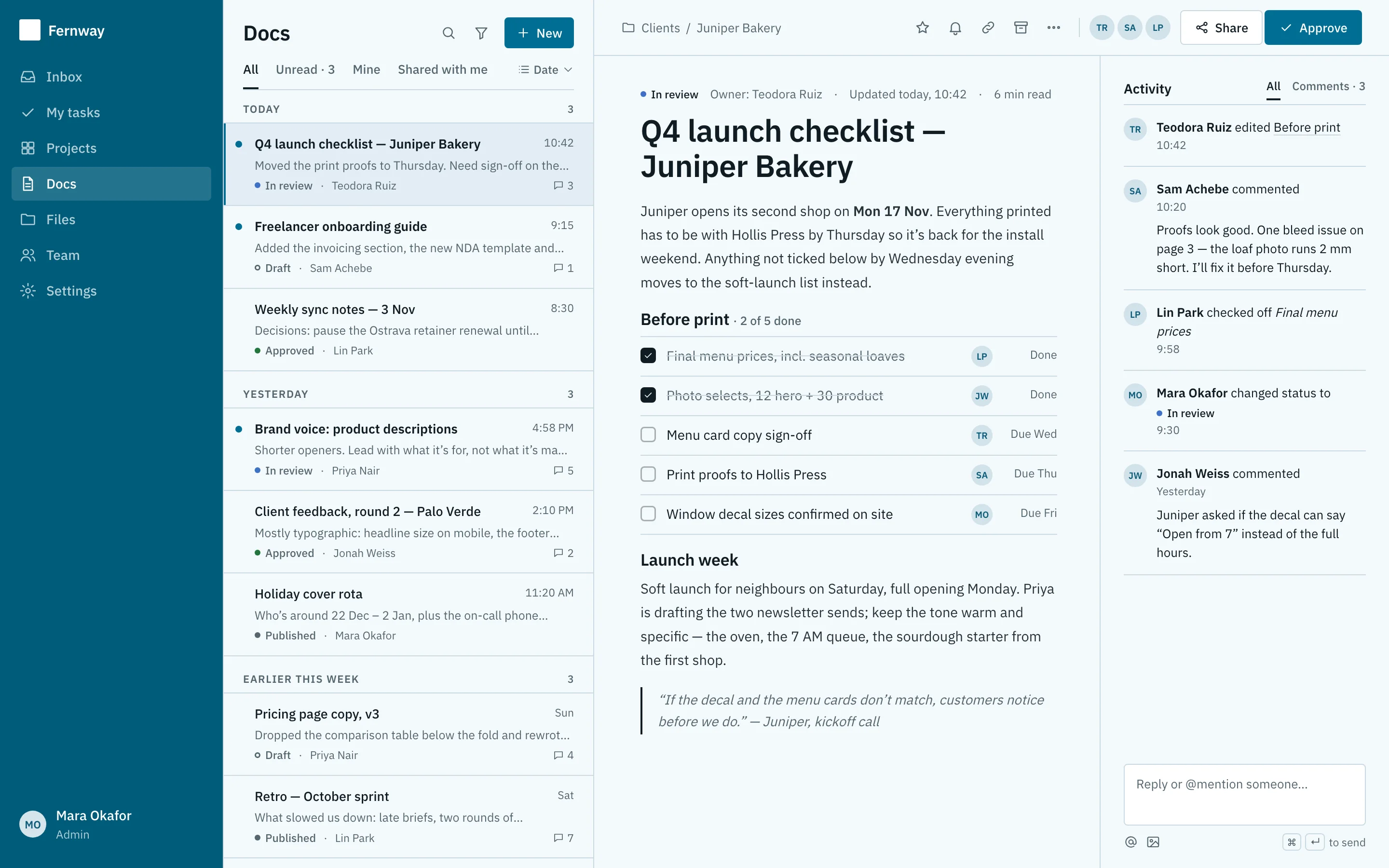
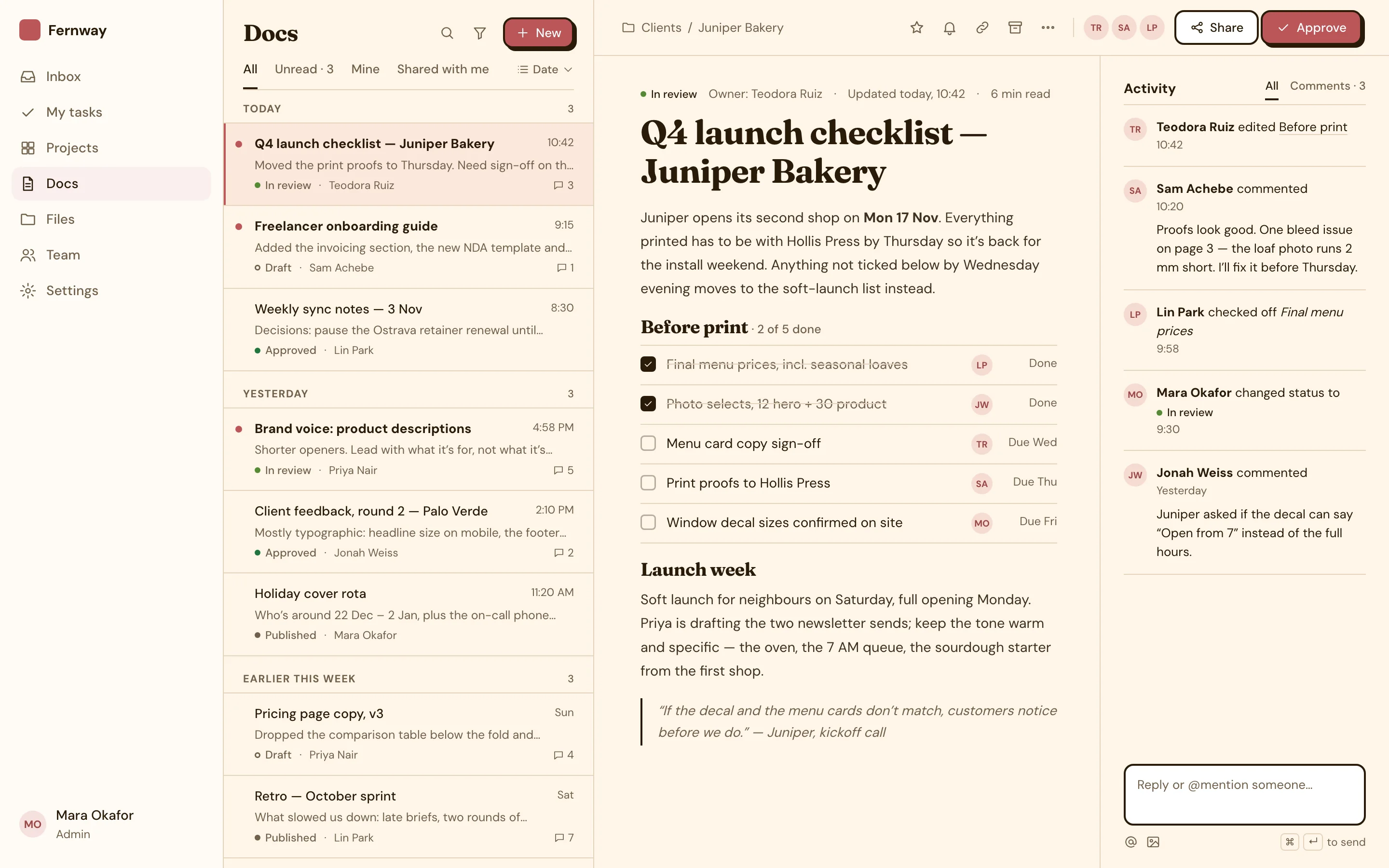
Master–detail split view (docs list and detail pane) screen for a web app, designed for Fernway, a fictional productivity product. Shows a calm, card-free master–detail layout: documents grouped by date in compact hairline rows with title, snippet, status, author, time, comment count and unread dots, a selected row, and a detail pane with breadcrumbs, header actions, an editorial document with a checklist and an activity rail with comments; on mobile, the grouped list screen. Brutalist style: high contrast, Space Grotesk, uppercase headings, thick black borders and hard offset shadows. Comes with the full HTML and a DESIGN.md with light and dark colour tokens.
- Pattern
- Split view (master-detail)
- Device
- Web
- Style
- Brutalist
- Product (fictional)
- Fernway
- Category
- Productivity
Spec
- Colours (light)
- background
#fbfbfb· surface#ffffff· text#15181e· muted#5f636c· primary#7d6800· accent#4565c7 - Colours (dark)
- background
#111316· surface#22252a· text#ececec· muted#aeb1b8· primary#c9aa24· accent#afc6ff - Fonts
- Space Grotesk (headings and body), JetBrains Mono (code) · Google Fonts, under their own licences
- Light and dark
- Both included; follows the system setting
Build this with your AI
Add the Made Good Designs library to your assistant once. Then ask for UI references, brand palettes, font pairings and design tokens in any chat.
https://madegooddesigns.com/inspiration/mcp?ref=ui-split-viewSettings → Connectors → Add custom connector → paste the URL.
Settings → Apps & Connectors → Advanced → Developer mode → Create → paste the URL.
One click, then confirm in Cursor.
One click, then confirm in VS Code (Copilot agent mode).
claude mcp add --transport http made-good-designs https://madegooddesigns.com/inspiration/mcp?ref=ui-split-view
gemini mcp add --transport http made-good-designs https://madegooddesigns.com/inspiration/mcp?ref=ui-split-view
Add this to the app's MCP config (Windsurf: mcp_config.json).
Fonts: Space Grotesk (Google Fonts)
Prompt copied: paste it into the chat that just opened.
Writing about this screen?
More split view (master-detail) screens
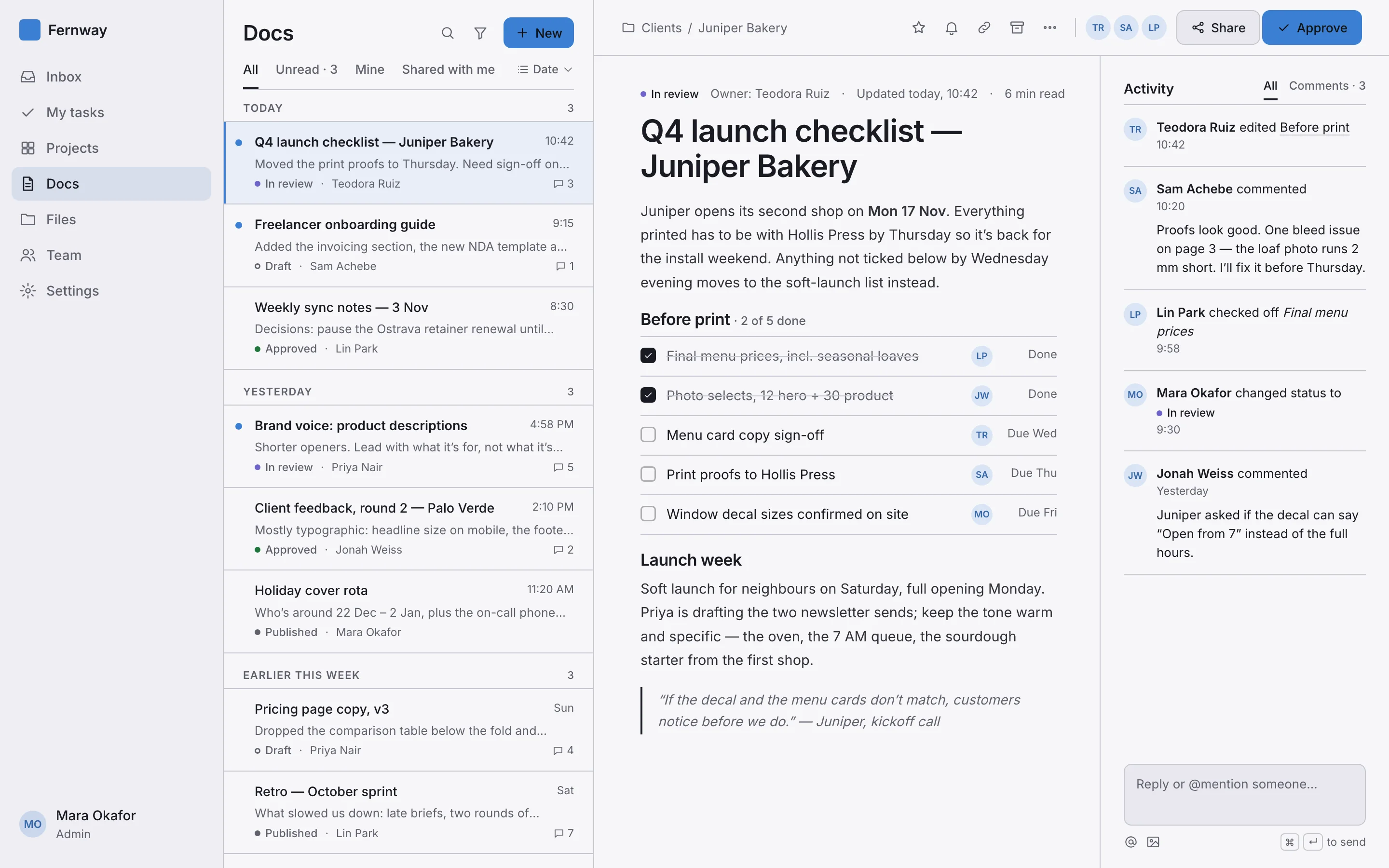
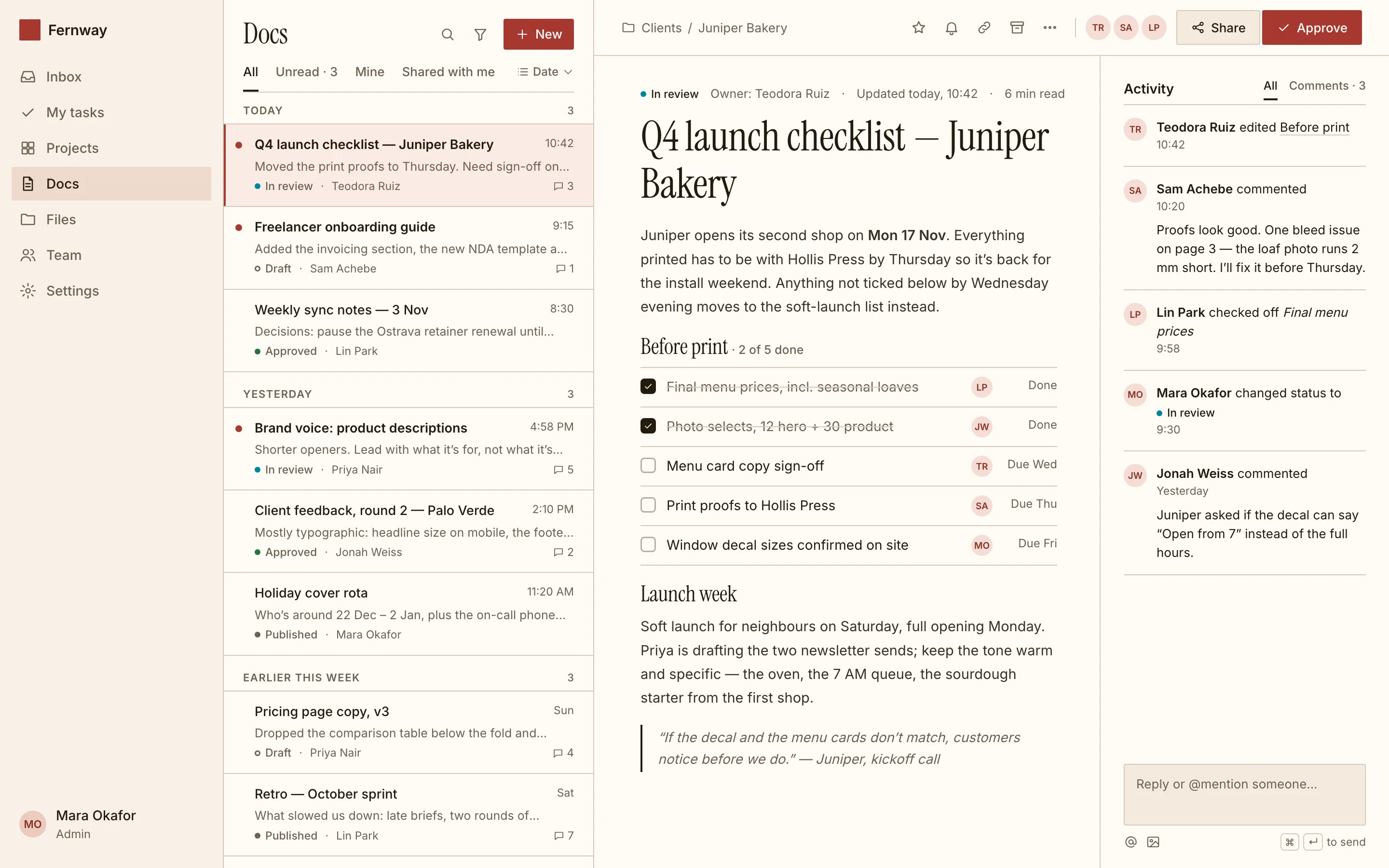
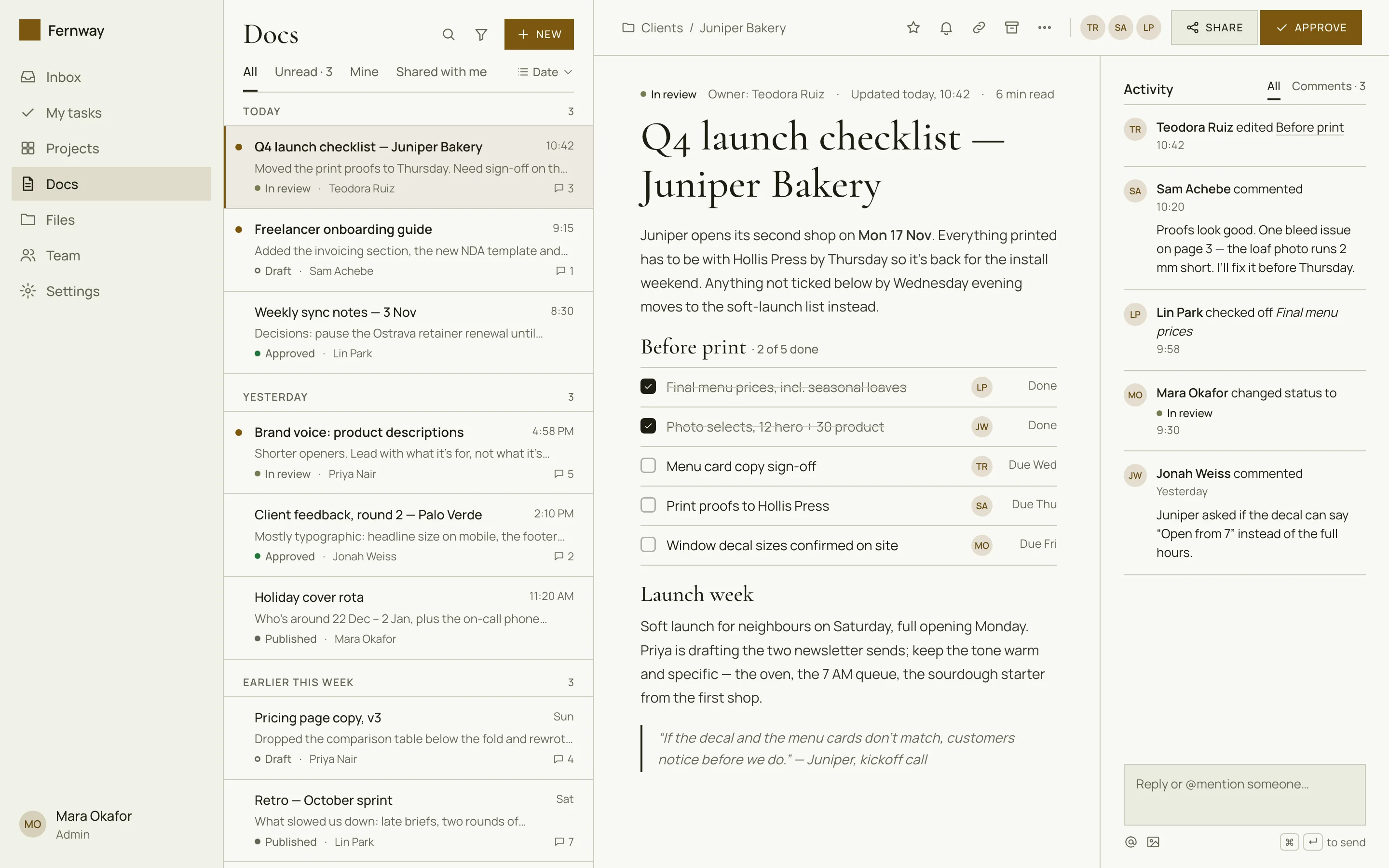
search_ui_screens (e.g. “billing settings, editorial style”), get_ui_flow for a whole journey, and get_ui_screen_code to pull the HTML and DESIGN.md straight into your project.