MGD Optometry Folio
MGD Optometry Folio is a free optometry WordPress block theme: magazine layout: centred masthead, large type, numbered contents, ruled lists, no cards. 9 block patterns, 8 style variations, 660 KB zip.
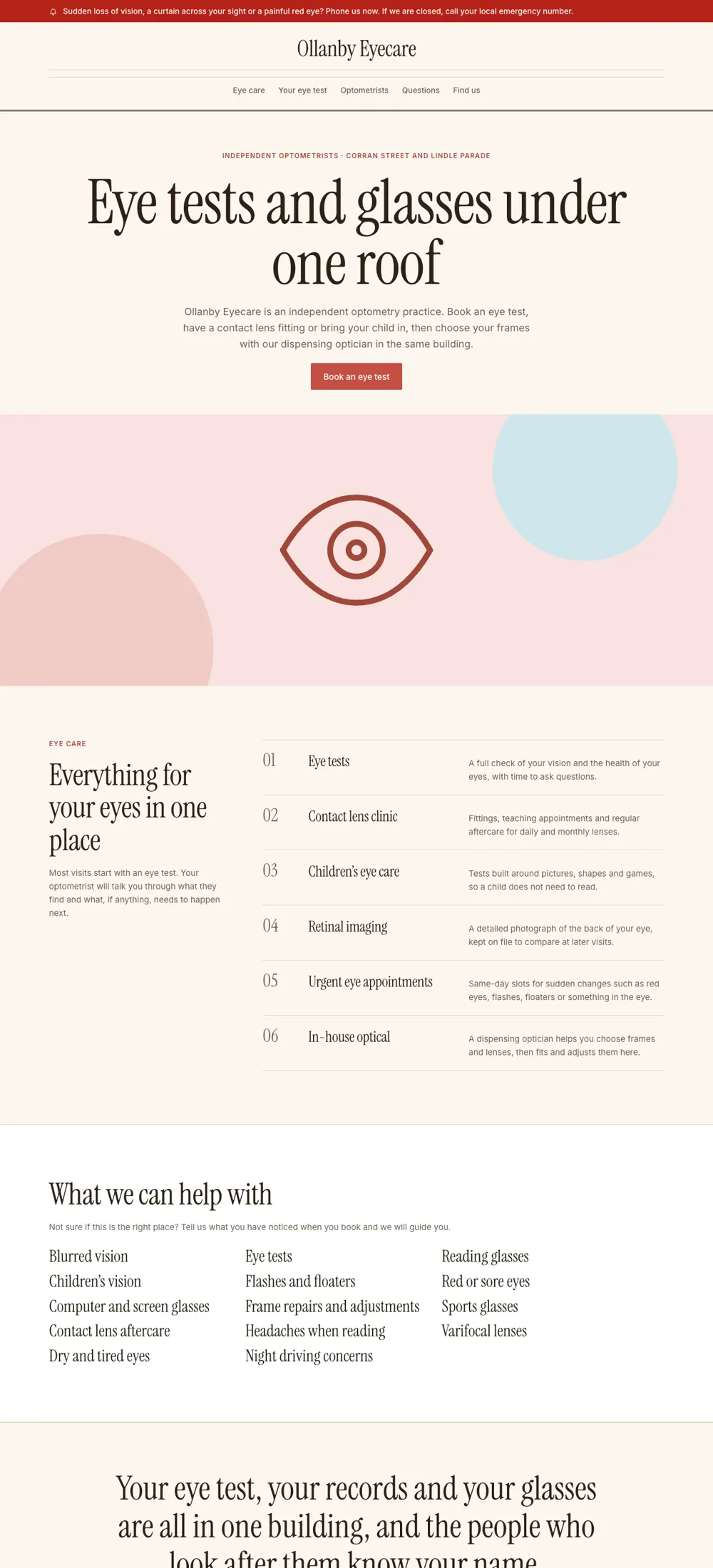
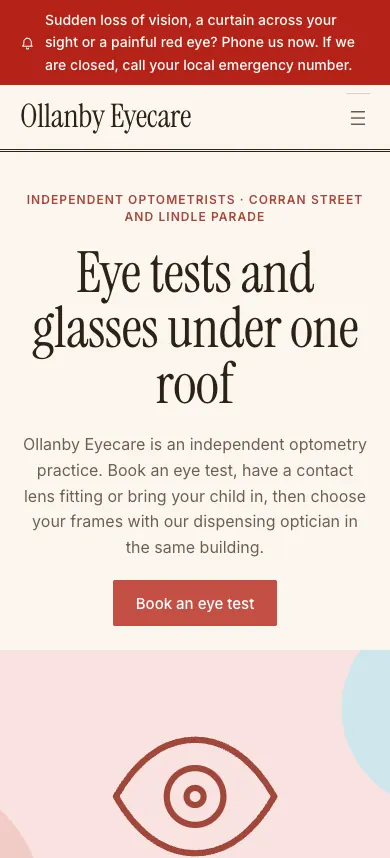
| Sub-niche | Optometry |
|---|---|
| Layout | Folio: magazine layout: centred masthead, large type, numbered contents, ruled lists, no cards |
| Default style | editorial |
| Style variations | 8 |
| Block patterns | 9 |
| Blocks on the front page | 176, of which 0 are Custom HTML (forms and small decoration) |
| Requires | WordPress 6.6 or later, PHP 7.4 or later |
| Tested on | WordPress 7.1.4, PHP 8.3.36, 2026-11-07 |
| Download | 660 KB zip |
| SHA-256 | 582ba9c9a2cb92d04298317b14c3a2b10510245824d08c92e41598b4219a0db4 |
Install
- In WordPress, go to Appearance, Themes, Add New Theme, Upload Theme.
- Upload the zip, click Install Now, then Activate.
- Set your Site Title in Settings, General. The header shows it.
- Edit text, colours and fonts in Appearance, Editor.
Licence
Theme code and patterns: GPL-2.0-or-later. Bundled fonts: SIL Open Font License 1.1. Illustrations: original, included under the same GPL terms.
Before you use it
Names, people, addresses, phone numbers and timings in every template are fictional samples to replace. The templates are designs, not medical advice, and they do not make a site compliant with any health, privacy or advertising rule. Forms are static sample markup. They do not send anything until you connect a form plugin.
Other optometry themes
MGD Optometry Atlas · MGD Optometry Band · MGD Optometry Bento · MGD Optometry Concierge · MGD Optometry Ledger
Plain text for assistants: this page as Markdown.
search_ui_screens (e.g. “billing settings, editorial style”), get_ui_flow for a whole journey, and get_ui_screen_code to pull the HTML and DESIGN.md straight into your project.