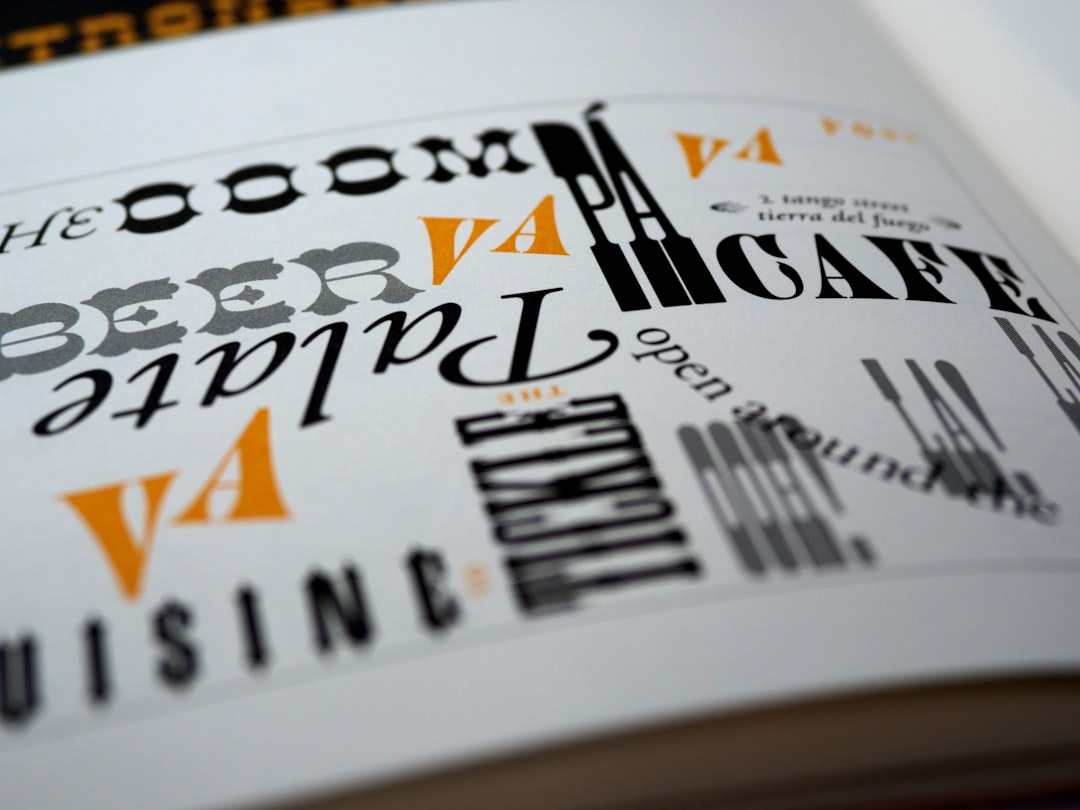
This free type scale calculator builds a balanced, modular font-size system in seconds. Choose a base size and a ratio, and it generates a full scale — from captions to display headings — with px and rem values you can copy straight into your CSS. A consistent scale is the fastest way to make web typography feel intentional instead of arbitrary.
How to use the type scale calculator
Set your base size — the size of your body text, usually 16–18px — then choose a ratio. Smaller ratios (Minor Third, Major Third) give tight, compact scales suited to dense interfaces and data-heavy pages. Larger ratios (Perfect Fifth, Golden Ratio) create dramatic contrast that suits editorial and marketing layouts. The preview updates instantly; when you like it, hit Copy CSS variables and paste the custom properties into your stylesheet.
What is a modular type scale?
A modular (or typographic) scale is a sequence of font sizes derived from a single base size multiplied by a fixed ratio. Instead of picking heading sizes by eye, every step relates to the last by the same proportion — the same idea musical scales use. The payoff is visual rhythm: headings, body text, and captions feel like one coherent system rather than a pile of arbitrary numbers. Pair a clean scale with sensible line height and letter spacing and your layouts read effortlessly.
Common type scale ratios
- Minor Second (1.067) — very subtle; dense dashboards and tables.
- Major Second (1.125) — gentle contrast; content-heavy sites.
- Minor Third (1.200) — a dependable all-rounder for web apps.
- Major Third (1.250) — clear hierarchy without drama.
- Perfect Fourth (1.333) — the popular default; balanced and versatile.
- Augmented Fourth (1.414) — punchy; landing pages.
- Perfect Fifth (1.500) — bold editorial contrast.
- Golden Ratio (1.618) — maximum drama for display layouts.
Frequently asked questions
What base font size should I use?
16px is the browser default and a safe choice for body text; 18px reads comfortably on content-first sites. For guidance on choosing sizes across breakpoints, see our web font size guide.
Should I use px or rem for font sizes?
Use rem for font sizes so text respects the user’s browser settings and stays accessible. This calculator outputs both — copy the rem values into your CSS. The px figures are there for reference and for handing specs to developers.
How many steps does a type scale need?
Most projects need around six to nine: a body size, one or two smaller sizes (small text, captions), and four to six heading levels. This tool generates a caption-to-display range you can trim to fit.
Does the ratio affect spacing too?
It can. Many design systems reuse the same ratio for spacing and line height to keep everything proportional. After setting your type scale, fine-tune the vertical rhythm with our notes on kerning, tracking and leading.