Editorial Design: A Complete Guide for 2026
Editorial design is the craft of shaping long-form content — books, magazines, reports, and zines — into a structure a reader actually wants to move through. It is less about decoration and more about pacing, hierarchy, and a grid that holds everything together page after page. This guide is the canonical map for the whole discipline, and it links out to deep dives on every sub-topic that matters.
If you design things people read cover to cover rather than glance at, you are doing editorial design. The rules differ from poster or UI work: consistency over novelty, rhythm over surprise, and typography that disappears so the words can do their job.
What Editorial Design Actually Is
Editorial design organizes text and image across a sequence of pages. The defining feature is continuity: a reader experiences not one composition but dozens in a row, so your decisions have to survive repetition. A headline treatment that delights once becomes exhausting by the tenth spread.
The core ingredients are the same whether you are laying out a 300-page novel or a 16-page zine:
- The grid — the invisible skeleton that aligns columns, margins, and images.
- The type system — a small, deliberate set of fonts and sizes for body, headings, captions, and notes.
- Hierarchy — the visual ranking that tells the eye where to start and what matters most.
- Pacing — the rhythm of dense and open spreads that keeps a long read from feeling flat.
- The cover — the single page that has to earn the reader’s attention before anything else.
The rest of this guide walks through each, and points you to focused articles when you want to go deeper.
The Grid: Your Editorial Skeleton
Every coherent publication sits on a grid. A grid divides the page into columns and rows so that text blocks, images, and captions snap to shared alignments. The payoff is consistency without you having to re-decide placement on every page.
The classic editorial grids are:
- Single-column (manuscript) grid — books and essays; one generous text block per page.
- Multi-column grid — magazines and newspapers; two to four columns for flexible flow.
- Modular grid — catalogs and data-heavy layouts; a matrix of cells for mixing text and image at scale.
- Baseline grid — an underlying horizontal rhythm so type lines up across columns and across the gutter.
The modern, systematic approach to grids traces back to Swiss designers, and Josef Müller-Brockmann’s Grid Systems in Graphic Design remains the reference text. For the full breakdown of column math, gutters, and modular construction, read our guide to grid systems in graphic design.
Typography and Body Text
In editorial work, body type is the product. Get it wrong and nothing else matters. The targets practitioners aim for are well established: a body size of roughly 9–11pt in print, a measure of 45–75 characters per line, and leading (line spacing) of about 120–145% of the type size.
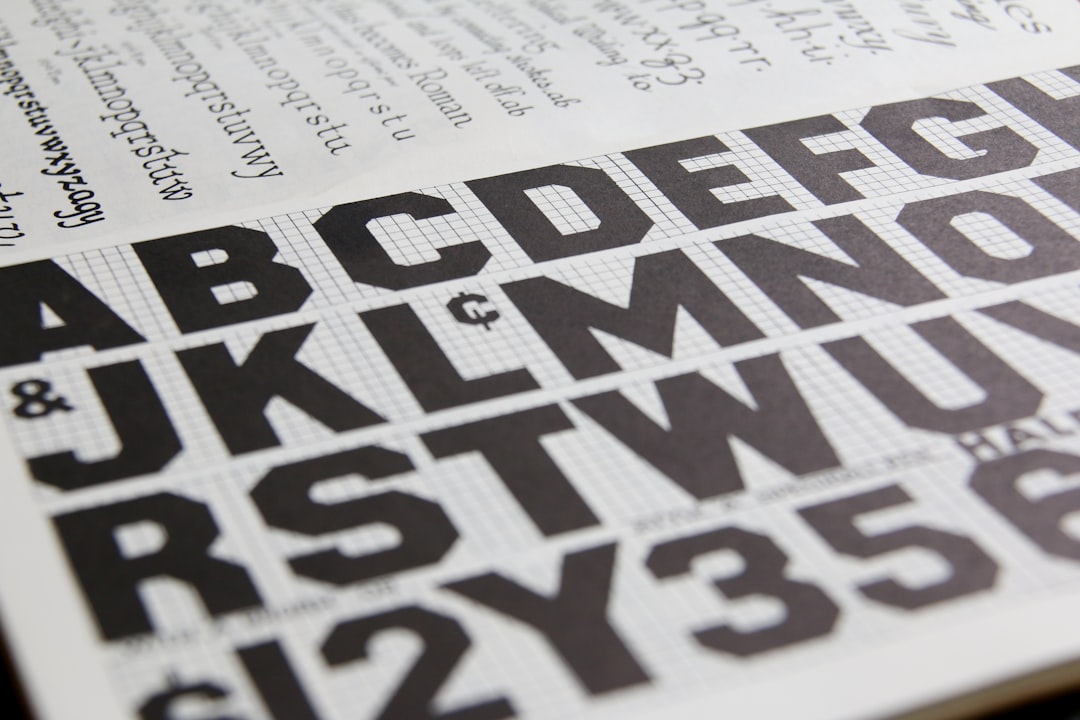
Font choice depends on the medium. For long-form book body text, transitional and old-style serifs read effortlessly at small sizes — Garamond, Caslon, and Adobe’s Minion Pro are workhorses for a reason. For magazines and contemporary editorial, sharper text serifs like Tiempos and Lyon hold up well at body sizes while giving headlines a distinct voice.
The mechanics of setting comfortable body text — kerning, hyphenation, widows and orphans, and optical sizes — are covered in depth in our guide to book typography for readable body text.
Hierarchy and Visual Flow
Hierarchy is how you guide the eye without the reader noticing they are being guided. You build it with contrast in size, weight, color, and space — not with a dozen competing effects.
- Establish one clear entry point per spread — usually the headline or a lead image.
- Differentiate levels distinctly — a heading should be obviously larger or heavier than a subhead, not marginally so.
- Use whitespace as structure — space around an element signals importance more reliably than size alone.
- Keep the body voice neutral so accents (pull quotes, captions, callouts) actually stand out.
A reliable test: squint at the spread. The order in which elements emerge from the blur is the order your reader will see them. If that order is wrong, the hierarchy is wrong.
Pacing Across a Publication
A magazine or book is a sequence, and sequences need rhythm. If every spread is equally dense, the reader fatigues; if every spread is airy, it feels thin. Alternate. A text-heavy feature opener can be followed by a full-bleed image spread, then a tighter two-column run.
Practical pacing devices include:
- Full-bleed openers to mark the start of a new section or feature.
- Pull quotes and drop caps to break long text runs and create visual rests.
- Recurring furniture — running heads, folios, and section markers — so the reader always knows where they are.
- Deliberate whitespace as a palate cleanser between dense passages.
Designing for the Format: Books, Magazines, and Zines
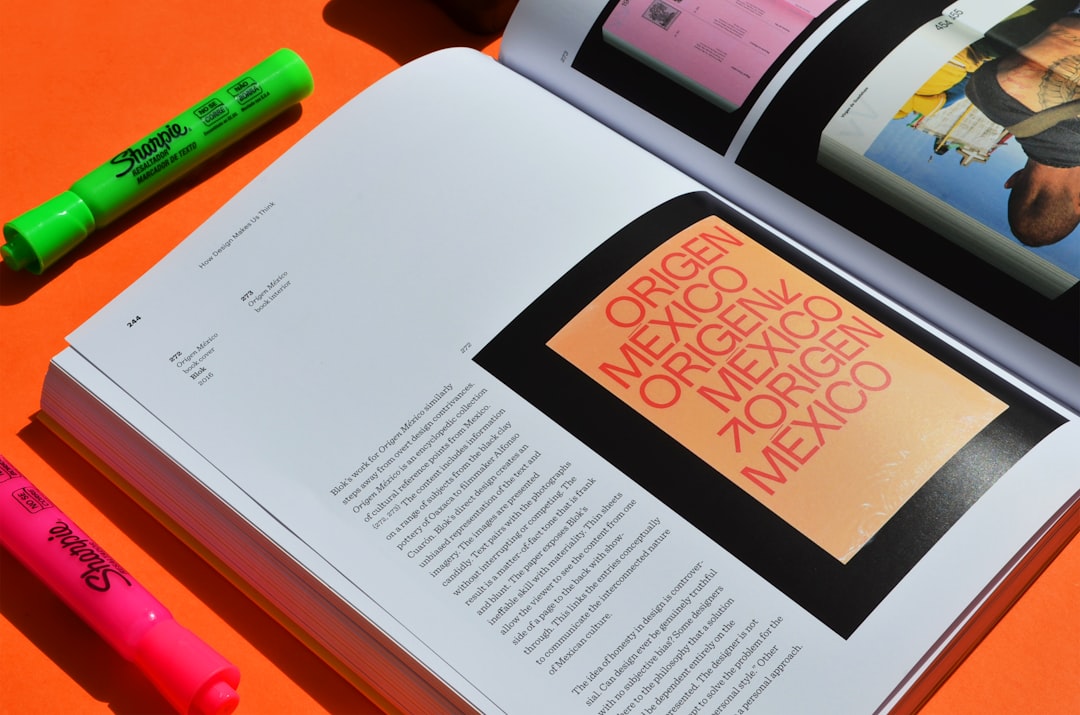
The principles are universal, but the constraints are not. A book prioritizes uninterrupted reading and a durable, dignified cover. A magazine juggles many short pieces, advertising, and a strong section identity. A zine throws out the budget and leans into personality and DIY production.
| Format | Typical grid | Priority | Production |
|---|---|---|---|
| Book | Single-column / manuscript | Sustained readability | Offset / print-on-demand |
| Magazine | Multi-column (2–4) | Variety and section identity | Offset, saddle-stitch or perfect bound |
| Zine | Loose / single or two-column | Voice and immediacy | Photocopy, risograph, home printer |
For format-specific craft, see our dedicated guides to magazine layout design and zine design from scratch. And because the cover does the heaviest lifting on any publication, read our principles-and-examples breakdown of book cover design.
The Editorial Designer’s Toolkit
The dominant tool for professional editorial work is Adobe InDesign, built specifically for multi-page documents with master pages, paragraph and character styles, and reliable PDF/X output for print. Affinity Publisher is the strongest one-time-purchase alternative, with a similar feature set and no subscription. For collaborative or screen-first editorial pieces, teams increasingly prototype layouts in Figma, though it lacks true long-document features like automatic text flow and proper print color management.
- InDesign — industry standard; best for books and magazines headed to print.
- Affinity Publisher — one-time license; excellent value for freelancers and small studios.
- Figma — fast for digital-first layouts and team review, not for press-ready long documents.
Whatever the tool, the discipline is the same: build styles once, define a grid before you place a single word, and let the system carry the consistency.
A Practical Workflow
- Define the format and grid — page size, margins, columns, baseline grid.
- Build the type system — paragraph and character styles for every text role.
- Set master pages — folios, running heads, and shared furniture.
- Flow content and refine hierarchy — place text, then sculpt the headings and accents.
- Pace the sequence — review spreads in order, adjusting density and rhythm.
- Preflight and export — check bleeds, color, and resolution before output.
Frequently Asked Questions
What is editorial design?
Editorial design is the practice of organizing text and images across multi-page publications such as books, magazines, and zines. It focuses on grids, typography, hierarchy, and pacing so a long read stays consistent and comfortable from the first page to the last.
What grid should I use for editorial design?
Use a single-column manuscript grid for books, a two-to-four-column grid for magazines, and a modular grid for catalogs or data-heavy layouts. Add a baseline grid so type aligns across columns. The right grid depends on content density and how varied your spreads need to be.
Which fonts are best for editorial body text?
For books, old-style serifs like Garamond, Caslon, and Minion Pro read effortlessly at 9–11pt. For contemporary magazines, sharper text serifs such as Tiempos and Lyon work well at body sizes while giving headlines a distinct voice. Aim for 45–75 characters per line.
What software do editorial designers use?
Adobe InDesign is the industry standard for multi-page print work. Affinity Publisher is a strong one-time-purchase alternative, and Figma suits digital-first or collaborative layouts. InDesign and Affinity Publisher are the right choices for anything headed to print.
How is editorial design different from graphic design?
Graphic design is the broad field; editorial design is the specialty focused on multi-page publications. The key difference is continuity — editorial designers must make decisions that survive across dozens of consecutive spreads, prioritizing consistency, pacing, and readable body type over single-composition impact.