Motion Graphics: A Beginner’s Guide for 2026
Motion graphics is graphic design that moves, type, shapes, logos, and illustrations animated over time to explain, brand, or entertain. It powers everything from app onboarding screens and YouTube intros to broadcast titles and the animated charts in a corporate explainer. This guide is the canonical starting point: what motion graphics actually is, the principles that separate amateur from professional work, the software worth learning, and a concrete path from your first wiggling rectangle to paid projects.
Unlike character animation, which centers on performance and acting, motion graphics is rooted in design. If you can lay out a poster, you already have half the skill set; the other half is learning how design behaves across time. This pillar links out to focused deep-dives at each step, so use it as your map and follow the threads as you go.
What Motion Graphics Actually Is
Motion graphics is the animation of graphic design elements, as opposed to drawn characters or live-action footage. Think animated logos, kinetic typography, infographic explainers, lower-thirds on a news broadcast, UI transitions in an app, and the title sequence of a film. The unifying thread is that the building blocks are design objects: text, vectors, photos, and shapes, set into motion with timing and easing.
It sits at the intersection of three disciplines. From graphic design it inherits composition, hierarchy, color, and typography. From animation it borrows timing, spacing, and the illusion of weight. From filmmaking it takes pacing, sound, and editing. A motion designer who ignores any one of these produces work that feels off, beautifully designed frames that move robotically, or technically smooth animation that looks visually cheap.
Why it matters commercially: motion holds attention. A static infographic is scanned and forgotten; an animated one walks the viewer through information in a controlled sequence. For brands, a consistent motion language, how a logo resolves, how buttons respond, how transitions feel, is now part of identity, as much as a color palette or typeface.
The Core Building Blocks: Keyframes, Easing, and Timing
All motion graphics, regardless of software, is built on three concepts. Understand these and the specific tool becomes secondary.
A keyframe records the value of a property, position, scale, rotation, opacity, color, at a specific point in time. Set a keyframe with a shape at the left edge at zero seconds, and another with it at the right edge at one second, and the software interpolates every frame in between. Animation is, mechanically, the art of placing keyframes.
Easing is what makes motion feel real. Nothing in the physical world starts or stops instantly, objects accelerate and decelerate. Linear motion (constant speed) reads as mechanical and cheap. Adding ease in and ease out so an element accelerates from rest and slows into its destination is the single biggest upgrade a beginner can make. Most professional motion uses custom easing curves, often steep ones that snap quickly then settle, to give animation a sense of energy and weight.
Timing and spacing govern how long things take and how that time is distributed. The same move at 6 frames feels snappy; at 30 frames it feels languid. Spacing, how far an object travels between frames, communicates speed and mass. These ideas come straight from classical animation, and they apply identically to a bouncing logo. We unpack the full framework in our breakdown of the 12 principles of animation, which is essential reading for anyone serious about motion.
The Software You Need to Learn
The motion graphics world has a clear hierarchy of tools, and you do not need all of them to start.
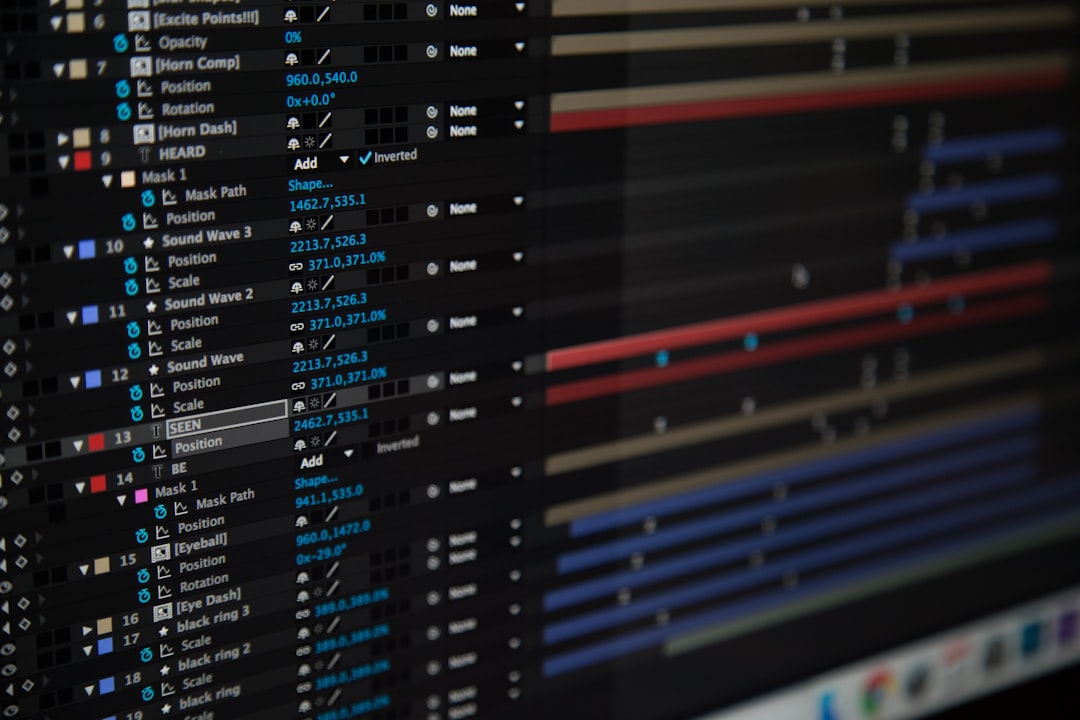
- Adobe After Effects — the industry standard. Layer-based, keyframe-driven compositing for 2D motion graphics, kinetic type, and visual effects. If you learn one tool, learn this. Its expressions engine and vast plugin ecosystem make it the default for studios.
- Cinema 4D / Blender — for 3D motion graphics. Cinema 4D is the studio favorite for its approachability and tight After Effects integration; Blender is the free, increasingly powerful open-source alternative.
- Figma / Rive / Lottie — for UI and web motion. Rive and Lottie produce lightweight, code-friendly animations that ship inside apps and websites rather than rendering to video.
- DaVinci Resolve Fusion — a node-based compositor bundled free with Resolve, a strong option if you want to avoid Adobe’s subscription.
For nearly every beginner, the answer is After Effects. It is where the jobs, the tutorials, and the project files are. Our dedicated After Effects for beginners guide walks through the interface, your first composition, and the panels you will use daily, start there once you have finished this overview.
2D vs 3D Motion Graphics
Most motion graphics is 2D: flat shapes and type moving in a plane, occasionally with faux-depth via scale and parallax. It is faster to produce, renders quickly, and suits explainers, social content, and UI. This is where every beginner should start, the principles transfer everywhere, and you can produce finished work within weeks.
3D motion graphics adds real depth, lighting, materials, and camera moves. Abstract product visualizations, looping sculptural animations, and broadcast packages often live here. It is more technical and computationally heavy, you are dealing with render engines, lighting setups, and longer render times. Treat 3D as a specialization to grow into, not a starting point. Many working motion designers build careers entirely in 2D.
Kinetic Typography: Type That Moves
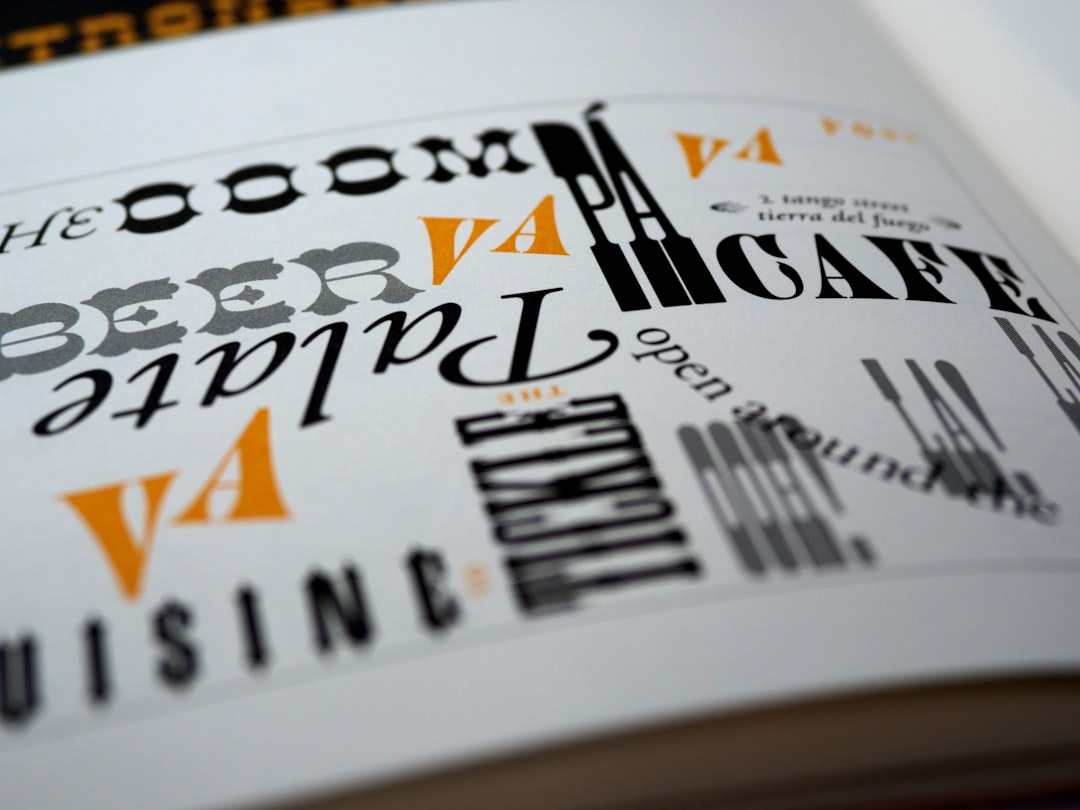
Kinetic typography, animated text, is one of the most in-demand motion graphics skills, used in lyric videos, ad campaigns, social captions, and title sequences. It is also a perfect training ground because it forces you to combine typographic craft (kerning, hierarchy, pairing) with motion craft (timing, easing, rhythm).
Good kinetic type is not just text fading in. It uses motion to reinforce meaning: a word that “drops” lands with weight, an idea that “expands” scales outward, emphasis arrives with a snap. The text must remain readable, which means controlling how much moves at once and giving the eye time to read before the next change. Cutting type on the beat of music or the rhythm of a voiceover is what makes kinetic typography feel professional rather than busy.
Your First Motion Graphics Project, Step by Step
Theory only sticks once you make something. Here is a realistic first project: a simple animated logo reveal. Do this in After Effects.
- Set up the composition. Create a comp at 1920×1080, 30 fps, 5 seconds long. This is your canvas and timeline.
- Import your assets. Bring in a logo as a vector (an SVG or AI file) so it stays crisp at any scale.
- Animate scale and opacity. Set an opacity keyframe at 0% and 100% over the first 20 frames, and a scale keyframe from 80% to 100% over the same range. The logo now fades and grows in.
- Add easing. Select your keyframes and apply Easy Ease (F9), then open the Graph Editor and steepen the curve so the motion snaps in and settles. This step is what makes it look designed.
- Add a secondary move. Animate a tagline sliding up beneath the logo, staggered to start a few frames after the logo settles. Overlapping, staggered timing is what reads as polished.
- Render. Export through Adobe Media Encoder as an H.264 MP4 for sharing, or a transparent format if it needs to sit over other footage.
That sequence, fade, scale, ease, stagger, render, is the skeleton of countless professional animations. Repeat it with different elements and you are practicing the craft.
Common Beginner Mistakes
A few errors mark beginner work instantly, and all are easy to fix:
- Linear motion. No easing. Everything moves at constant speed and feels robotic. Add ease to nearly every keyframe.
- Everything moving at once. Stagger and overlap your timing. Real polish comes from elements arriving in a rhythm, not all together.
- No anticipation or follow-through. Motion that starts and stops dead lacks life. A tiny wind-up before a move and a settle after it add weight, principles drawn straight from classical animation.
- Ignoring sound. Motion graphics live with audio. Cutting to the beat or syncing hits to sound effects transforms how professional a piece feels.
- Weak underlying design. You cannot animate your way out of a bad layout. If the still frame is not well composed, the animation will not save it.
From GIFs to Full Animation: Where to Practice
You do not need to start with a 60-second explainer. Short looping animations are the ideal practice format, low stakes, fast to finish, and easy to share. A looping GIF or short MP4 of a single animated icon teaches timing and easing in minutes. Our walkthrough on how to make a GIF covers the quickest ways to export these loops, whether from After Effects or simpler tools.
Set yourself small daily exercises: animate a loading spinner, a toggle switch, a single word of kinetic type. The community challenge format, animating one piece a day for a month, has launched countless motion careers precisely because volume builds intuition faster than any tutorial.
Motion in Product and Web Design
Not all motion graphics renders to video. A huge and growing slice lives inside apps and websites as functional animation, the subtle feedback when you tap a button, the transition between screens, the way a menu unfolds. These tiny moments, called micro-interactions, are where motion design meets UX, and they are increasingly a core skill for product teams. Our guide to micro-interactions explains how these small details shape how usable and polished a product feels.
If your interest leans toward digital products rather than video, this is a rich and well-paid direction. The same principles, easing, timing, restraint, apply, but the deliverable is code-ready animation (via Lottie, Rive, or CSS) rather than a rendered file.
A Realistic Learning Roadmap
Here is an honest path from zero to employable, assuming consistent practice:
- Weeks 1-2: Learn the After Effects interface and produce simple animations, fades, slides, scales, with proper easing.
- Weeks 3-6: Study the 12 principles of animation and apply them. Animate icons and short kinetic type pieces daily.
- Months 2-3: Build complete short projects, a logo reveal, a 15-second explainer, an animated infographic. Learn to sync to audio.
- Months 4-6: Develop a focus, kinetic typography, UI motion, or explainers, and assemble a reel. Quality over quantity: three strong pieces beat ten mediocre ones.
- Ongoing: Recreate animations you admire to reverse-engineer technique, then push into 3D or expressions if the work calls for it.
The field rewards persistence over talent. Motion is a craft of accumulated reps; the designers whose work looks effortless have simply made hundreds of small animations and learned what reads well and what does not.
Frequently Asked Questions
What is the difference between motion graphics and animation?
Motion graphics animates design elements, type, shapes, logos, and infographics, while animation more broadly includes character performance and storytelling. Motion graphics is design set in motion; character animation is acting through drawing. The two overlap and share core principles like timing and easing.
What software do I need to start motion graphics?
Adobe After Effects is the industry standard and the right first tool for almost everyone, it has the most jobs, tutorials, and resources. Free alternatives include DaVinci Resolve’s Fusion for video and Blender for 3D motion graphics if you want to avoid a subscription.
How long does it take to learn motion graphics?
With consistent daily practice, you can produce competent simple animations within a few weeks and build a portfolio-worthy reel in four to six months. Becoming genuinely skilled is an ongoing craft, but the basics, keyframes, easing, and timing, come quickly once you start making things.
Do I need to know how to draw for motion graphics?
No. Motion graphics relies on graphic design skills, composition, color, typography, far more than drawing. Many successful motion designers cannot draw characters at all. If you can lay out a clean static design, you have the foundation; the rest is learning how design behaves over time.
Is motion graphics a good career in 2026?
Yes. Demand spans video content, advertising, broadcast, and increasingly product and web design through UI motion and micro-interactions. Because the skill set blends design and animation and applies across many industries, motion designers remain consistently sought after, especially those who pair strong design fundamentals with solid technical craft.