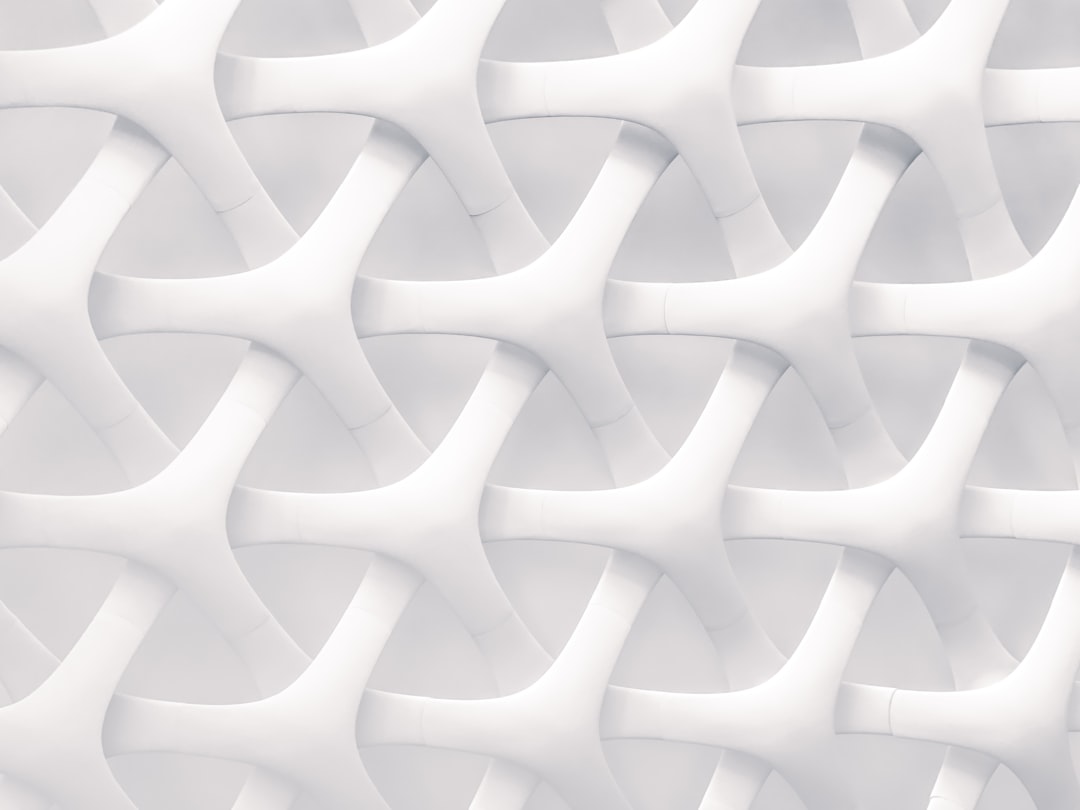
How to Make a Seamless Pattern
A seamless pattern is one whose tile repeats edge to edge with no visible breaks — the right edge flows perfectly into the left, the top into the bottom. Get that right and a single small tile can cover a whole bolt of fabric or an infinite wall. This tutorial shows the two reliable methods professionals use: the offset technique in Photoshop and the Pattern tool in Illustrator.
If you want the wider context first — repeat systems, motifs, and how patterns are sold — start with our complete guide to pattern design, then come back here to build your first tile.
The One Rule Behind Every Seamless Tile
Everything in seamless work follows a single principle: anything that crosses an edge of the tile must continue exactly on the opposite edge. A leaf that exits the right side at a certain height has to re-enter the left side at that same height. When this holds on all four edges, the tile is truly seamless. The two methods below are just different ways of enforcing this rule.
Method 1: The Offset Method in Photoshop
The offset method is the classic raster approach and works beautifully for painterly, textured, or photographic patterns. The trick is to push the seams into the middle of the canvas where you can see and heal them.
- Create a square canvas at your target tile size — for example 2000 by 2000 px, or 6 in by 6 in at 150 DPI for fabric.
- Place your motifs in the center first, keeping the busiest elements away from the edges. Flatten or merge them to one layer.
- Apply the Offset filter: go to Filter > Other > Offset. Set the horizontal value to half the width and the vertical value to half the height (1000 px each on a 2000 px canvas). Choose Wrap Around.
- Heal the seams. The former edges now run as a cross through the middle. Use the Clone Stamp, Healing Brush, or paint new motifs over those lines so nothing looks cut. Do not touch the outer edges.
- Re-offset to check. Apply Offset again with the same values to confirm there are no remaining seams or clumps. Repeat the heal-and-check loop until it is clean.
- Define and test. Edit > Define Pattern, then fill a large canvas with it to view the repeat at scale.
The Offset filter does not change your art — it only shifts which part sits at the edges. That is why the outer boundary stays seamless while you fix the middle.
Method 2: The Pattern Tool in Illustrator
For crisp vector work — geometrics, line art, and motifs you may want to rescale — Illustrator’s Pattern tool is faster and non-destructive.
- Draw your motifs as vector objects on the artboard.
- Select them and choose Object > Pattern > Make. Illustrator opens Pattern Editing mode and shows a live, tiled preview.
- Set the tile type in the Pattern Options panel: Grid (full drop), Brick by Row, Brick by Column, or Hex. Choose Brick with a 1/2 offset to create a half-drop or half-brick effect.
- Drag motifs across the tile boundary. Because the editor shows neighboring copies, you can place elements so they straddle the edge and complete on the other side automatically.
- Adjust spacing with the H Spacing and V Spacing fields to open up or tighten the field and kill any tracking lines.
- Click Done. Your new pattern is saved as a swatch you can apply to any shape.
Because the art stays vector, you can scale the filled object freely or transform just the pattern (using the scale tool with “Transform Patterns” enabled) without resampling.
Choosing the Right Repeat for a Seamless Look
The repeat structure you pick changes how natural the tile reads. A full-drop (square) repeat is simplest but exposes grid lines easily. A half-drop, where each column shifts down by half the tile height, hides that grid and is the standard for florals. For the full breakdown with visual examples, see our explainer on repeat patterns explained with examples.
| Repeat | Seam risk | Use when |
|---|---|---|
| Full drop / square | Higher (grid shows) | Geometric or evenly spaced motifs |
| Half-drop | Low | Florals and dense scatter prints |
| Brick / half-brick | Low | Horizontal motifs, foulards |
| Mirror | Very low at seams | Damask and symmetrical ornament |
Testing and Exporting Your Tile
Never trust a single tile. Always step back and judge the field:
- Tile it large. Fill a canvas several tiles wide and view at a distance. Seams, holes, and clumps reveal themselves at scale, not at 100% on one tile.
- Hunt for tracking lines. Squint at the field; if diagonal or vertical streaks appear, vary motif placement or switch to a half-drop.
- Check density. Fill gaps with smaller filler motifs so the surface reads evenly.
- Export correctly. For print-on-demand like Spoonflower, upload a single seamless tile at the platform’s recommended DPI (often 150) and let it handle the repeat. Save a layered source plus a flattened PNG or TIFF.
Once your tile is clean, you can apply it across products and surfaces. Our guide to surface pattern design for beginners covers building coordinated collections and colorways from a single hero tile.
Common Seamless Pattern Problems
- A faint cross through the middle after offsetting — you healed unevenly; clone more carefully and re-offset to verify.
- Edges that almost line up — never nudge an object that touches the boundary in only one place; move its mirrored copy too, or the seam breaks.
- Blurry print — the tile was too low-resolution for the print size; rebuild at the manufacturer’s DPI.
- Obvious rows — switch from full drop to half-drop and add filler motifs.
Frequently Asked Questions
What does seamless mean in pattern design?
Seamless means the repeating tile connects perfectly on all four edges, so when copies are placed side by side there are no visible breaks or lines. The right edge continues into the left and the top into the bottom, allowing one small tile to cover an infinitely large surface like fabric or wallpaper.
What is the offset method?
The offset method is a Photoshop technique for making seamless tiles. You apply Filter > Other > Offset at 50% of the canvas width and height with Wrap Around enabled, which moves the tile’s edges into the center. You then paint or clone over those exposed seams, leaving the outer boundary perfectly tileable.
Is Illustrator or Photoshop better for seamless patterns?
Use Illustrator for crisp vector patterns — geometrics, line art, and anything you may rescale — because its Pattern tool previews repeats live and stays non-destructive. Use Photoshop for painterly, textured, or photographic patterns, where the Offset filter lets you heal seams by hand. Many designers combine both tools.
How big should my seamless tile be?
Match it to the end product. A common fabric tile is 6 in or 12 in square at 150 DPI, while a 2000 by 2000 px raster tile is a solid default for digital use. Always check your print-on-demand platform or manufacturer’s exact size and resolution requirements before exporting.
Why can I still see lines in my repeat?
Visible lines are usually tracking lines, caused by motifs aligning too rigidly across tiles, or unhealed seams from the offset step. Fix tracking by switching to a half-drop repeat and varying motif placement; fix seams by re-offsetting and cloning over any remaining cross in the center of the tile.