Sticker Design: Make Stickers People Keep
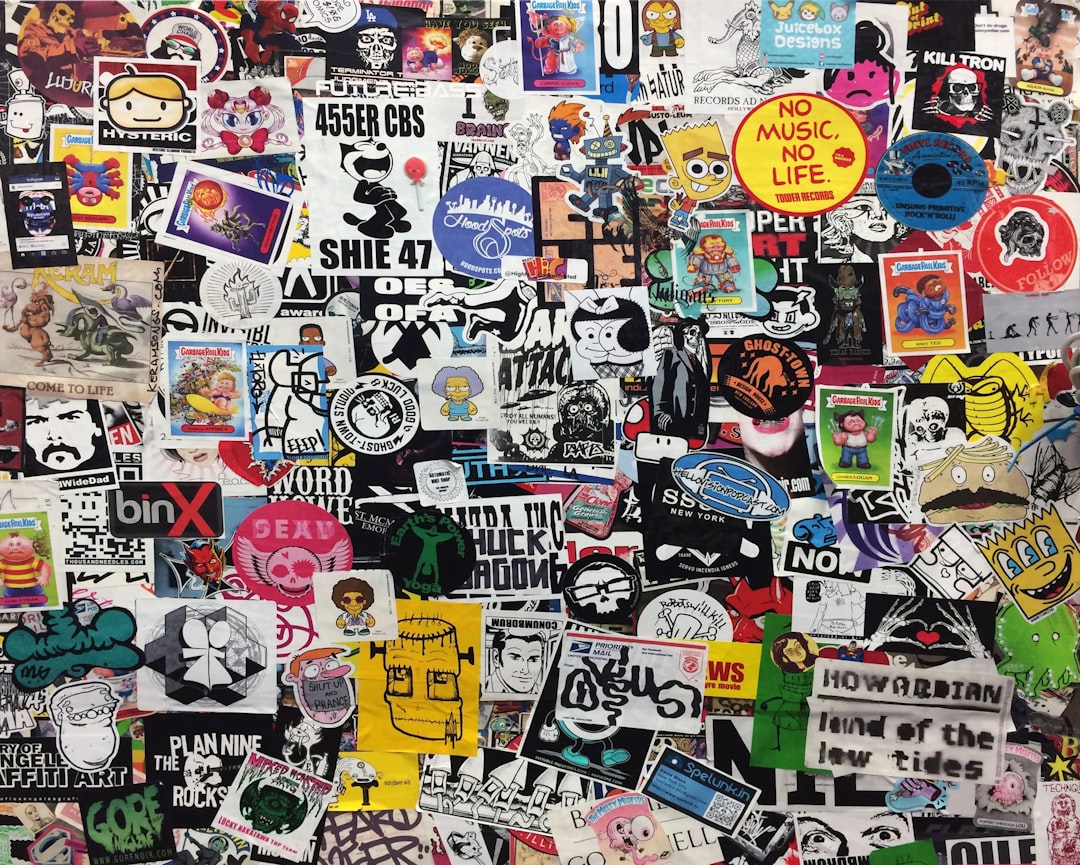
Sticker design is the highest-margin, lowest-risk way to make merch, but a sticker only earns its place if someone actually wants it on their laptop, water bottle, or notebook. The difference between a sticker that gets used and one that gets binned comes down to a strong, bold concept and a correctly set-up cut file. This guide covers both: the design choices that make stickers stick around, and the technical specs that keep your printer happy.
Stickers are the natural entry point in a wider product range. For the full picture of artwork specs and production methods across products, start with our complete merch design guide. If you are also planning paper or apparel runs, the same file fundamentals carry over.
What Makes a Sticker Worth Keeping
People apply stickers to things they care about, so the bar is taste, not just branding. The stickers that survive share a few traits:
- One clear idea — A single bold subject reads from across a room. Busy, detailed designs lose impact at sticker scale.
- A clean silhouette — Die-cut shapes that follow the artwork outline look custom and intentional.
- Bold, confident color — High contrast and saturated fills hold up small; muddy mid-tones disappear.
- A thick contour — A white (or colored) border around the artwork gives the cut a buffer and a finished, “official” look.
If you would not put it on your own laptop, do not expect anyone else to. The harshest test for any sticker concept is simple: would a stranger pay for it with no idea who you are? Designs that pass that test, a sharp joke, a beautiful icon, a relatable phrase, travel far beyond your existing audience and turn buyers into walking distribution. Brand-first stickers that only your superfans would want have a much smaller ceiling.
Die-Cut vs Kiss-Cut
These are the two cut types you will choose between, and they are not interchangeable.
| Cut type | What it is | Best for |
|---|---|---|
| Die-cut | Both the sticker and the backing are cut to the artwork shape | Single hero shapes; a premium, custom look with no excess backing |
| Kiss-cut | Only the vinyl is cut; the backing stays a square/rectangle | Intricate shapes, easy peeling, sheets of multiple stickers |
Use die-cut when the shape itself is the product and you want it to look bespoke. Use kiss-cut for delicate or many-pointed shapes (where a die-cut backing would tear) and for sticker sheets. Kiss-cut is also easier for customers to peel because they can lift from the surrounding backing.
Vinyl and Finish Options
Material decides how long the sticker lasts and how it feels. The common choices:
- Glossy vinyl — Punchy colors, shiny finish; the default for vibrant artwork.
- Matte vinyl — Softer, no glare, more “designer”; mutes color slightly.
- Holographic / glitter / mirror — Specialty films that add shine and a premium feel for a higher cost.
- Clear vinyl — The backing-color shows through; great for designs meant to look applied directly to glass.
For anything that will live outdoors or on a water bottle, specify durable vinyl with a laminate, which adds UV, scratch, and water resistance. Standard paper stickers are fine indoors but fail fast on a travel mug.
File Setup: Bleed, Safe Zone, and the Cut Line
This is where most sticker orders go wrong. Set up three things correctly:
- Bleed — Extend any background or border about 0.125 in (3 mm) past the cut line, so a slight cutting shift never leaves a white sliver at the edge.
- Safe zone — Keep all important elements (text, faces, logos) at least 0.125 in inside the cut line, away from the edge.
- The cut line / dieline — Provide a separate vector path (often on its own named spot-color layer) telling the printer exactly where to cut. Most printers want this as a dedicated path, not guessed from the artwork.
Other specs that matter: build artwork as vector where possible, or 300 DPI if raster, in CMYK, and export to the file type your printer requests (commonly a layered PDF, AI, or high-res PNG with a transparent background). Convert all text to outlines so fonts do not reflow.
Sizing and Where Stickers Live
Sticker size should match its destination. As a guide: 2–3 in suits laptops and phone cases, 3–4 in suits water bottles and notebooks, and 4 in and up suits bumpers, windows, and packaging. Design at the final size, not scaled up afterward, and check that small text is still legible at that real-world dimension.
Where to Print and What It Costs
Plenty of services print custom stickers; Sticker Mule is among the best known, and many local printers and online vendors compete on price and material. As of 2026, costs scale steeply with volume: a small run of die-cut vinyl stickers can be roughly a dollar or two each, while bulk orders of hundreds or thousands often fall to a few cents to under a dollar each. Specialty finishes (holographic, glitter) add a premium. Treat these as estimates and always request a sample before a large run.
Because stickers are cheap to produce and trivial to ship, they make an ideal first product and a natural add-on or freebie alongside larger items like a printed tote bag or an enamel pin in the same range.
Frequently Asked Questions
What is the difference between die-cut and kiss-cut stickers?
A die-cut sticker has both the vinyl and the backing cut to the artwork shape, giving a custom, premium look. A kiss-cut sticker cuts only the vinyl while the backing stays a square or rectangle, which suits intricate shapes, sticker sheets, and easy peeling. Choose die-cut for hero shapes, kiss-cut for delicate or multiple designs.
What file format do I need for sticker design?
Build artwork as vector in Illustrator or Affinity Designer, or at 300 DPI if it is raster, in CMYK color mode. Include a separate vector cut line (dieline), add about 0.125 in of bleed, and convert text to outlines. Most printers accept a layered PDF, AI file, or high-resolution transparent PNG, but check your printer’s specific requirements first.
What vinyl is best for outdoor or water-bottle stickers?
Use durable vinyl with a laminate layer, which adds UV, scratch, and water resistance so the sticker survives sun, washing, and handling. Standard paper stickers fade and peel quickly outdoors or on items that get wet. For laptops, water bottles, and outdoor use, always specify laminated vinyl rather than basic paper stock.
How much do custom stickers cost?
As of 2026, a small run of die-cut vinyl stickers can cost roughly one to two dollars each, while bulk orders of hundreds or thousands often drop to a few cents up to under a dollar per sticker. Specialty finishes like holographic or glitter add a premium. Costs fall sharply with volume, so order in quantity for the best per-unit price.
What size should a sticker be?
Match the size to where it will live: 2 to 3 inches suits laptops and phone cases, 3 to 4 inches suits water bottles and notebooks, and 4 inches and larger suits bumpers, windows, and packaging. Design at the final real-world size and confirm small text stays legible at that dimension.